Stage the listing
Make vacant photos easier for buyers to understand
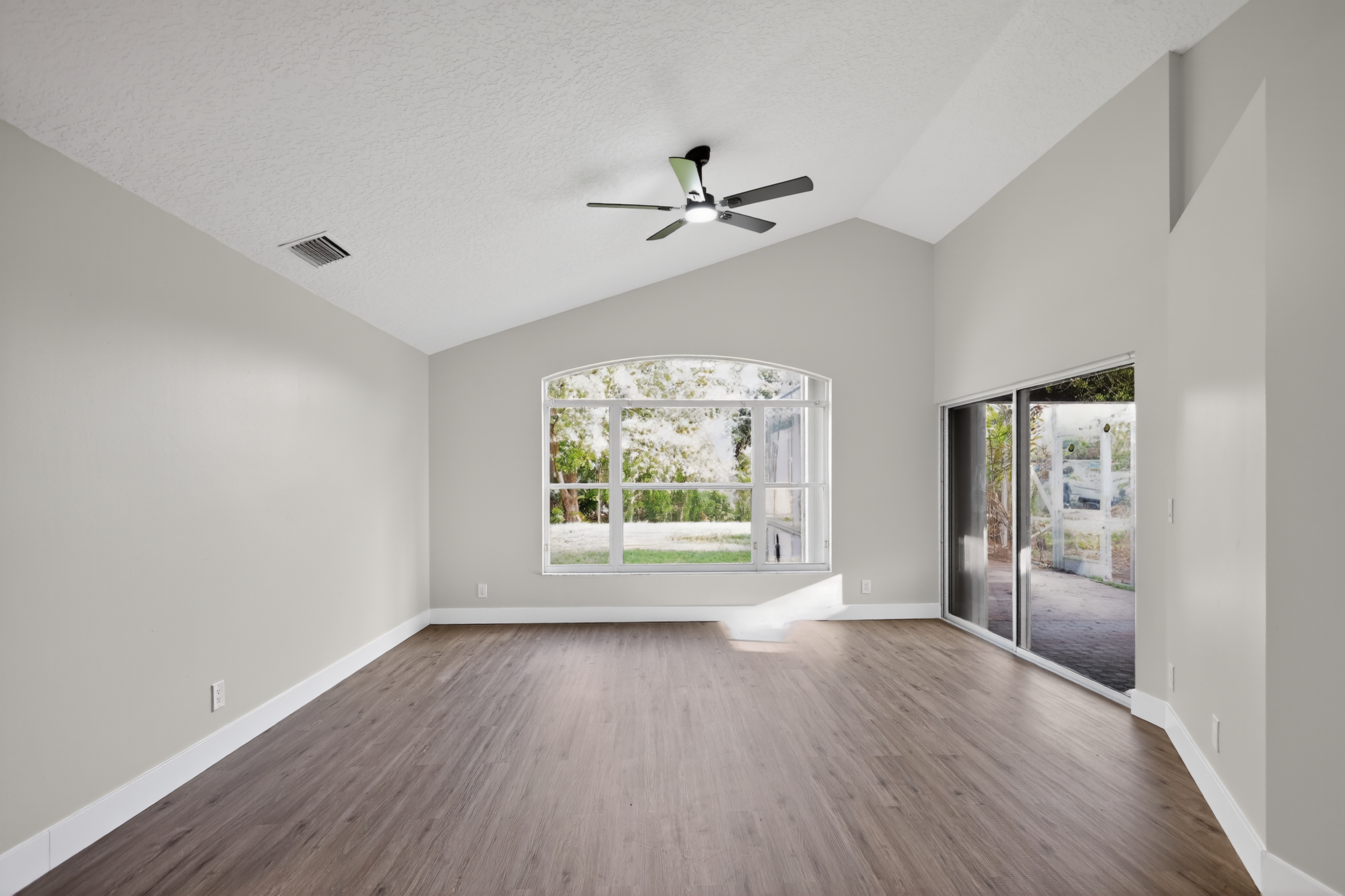
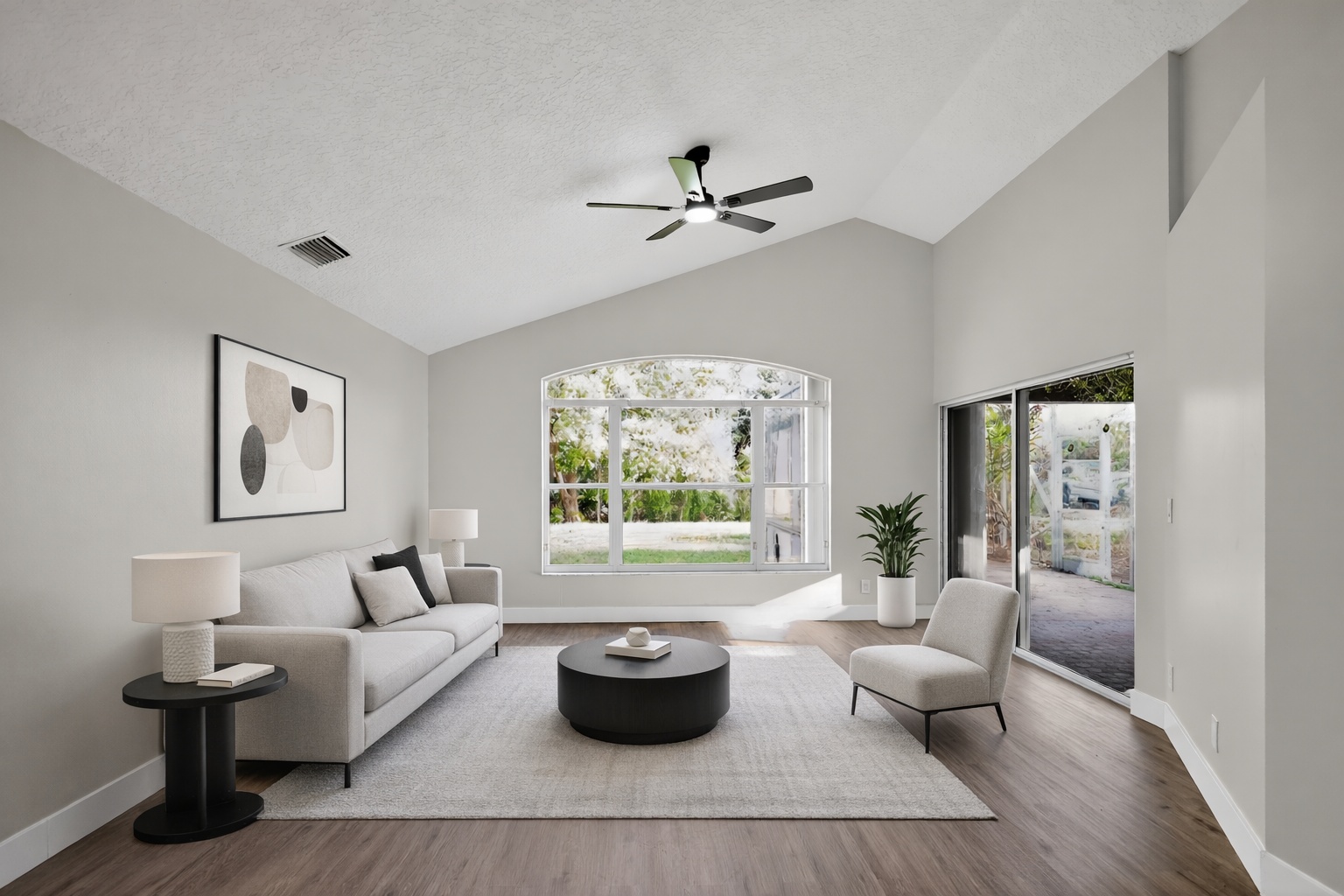
Add tasteful furniture concepts to empty rooms so buyers can read the layout, scale, and lifestyle faster.
ReelStaged Studio for Agents, brokerages, and photographers
Give every listing photo a better shot at earning attention.
AI listing photo editor
A listing photo editor should not be one-size-fits-all. ReelStaged gives agents, brokerages, photographers, and sellers AI modes for the common visuals that make or break a listing: empty rooms, dull photos, cluttered spaces, and flat exteriors.
Stage the listing
Add tasteful furniture concepts to empty rooms so buyers can read the layout, scale, and lifestyle faster.
Enhance the listing
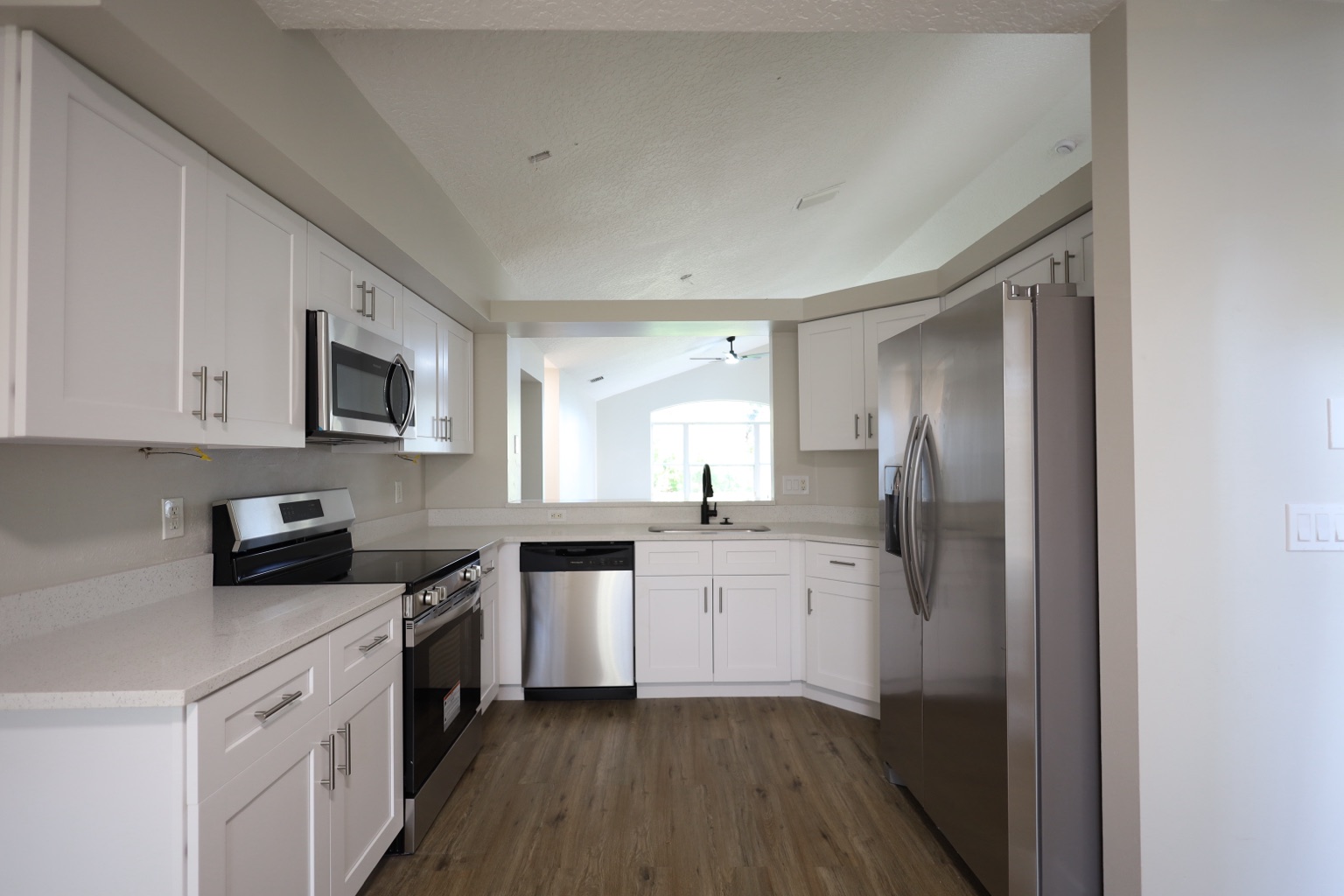
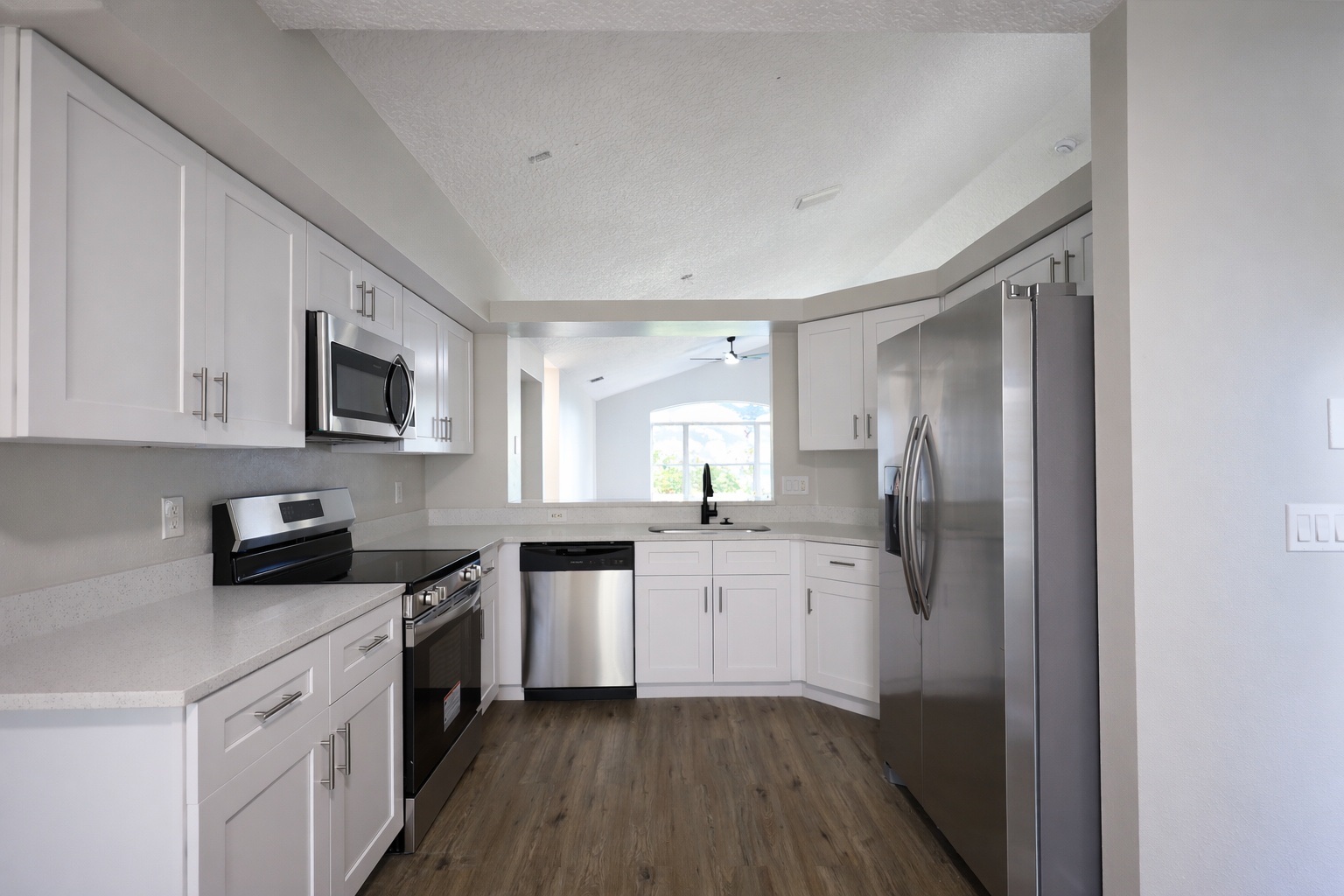
Brighten and polish listing photos so the property feels cleaner, sharper, and more professional online.
Clean up the listing
Reduce distractions in listing photos so buyers focus on the room and features instead of mess or personal items.
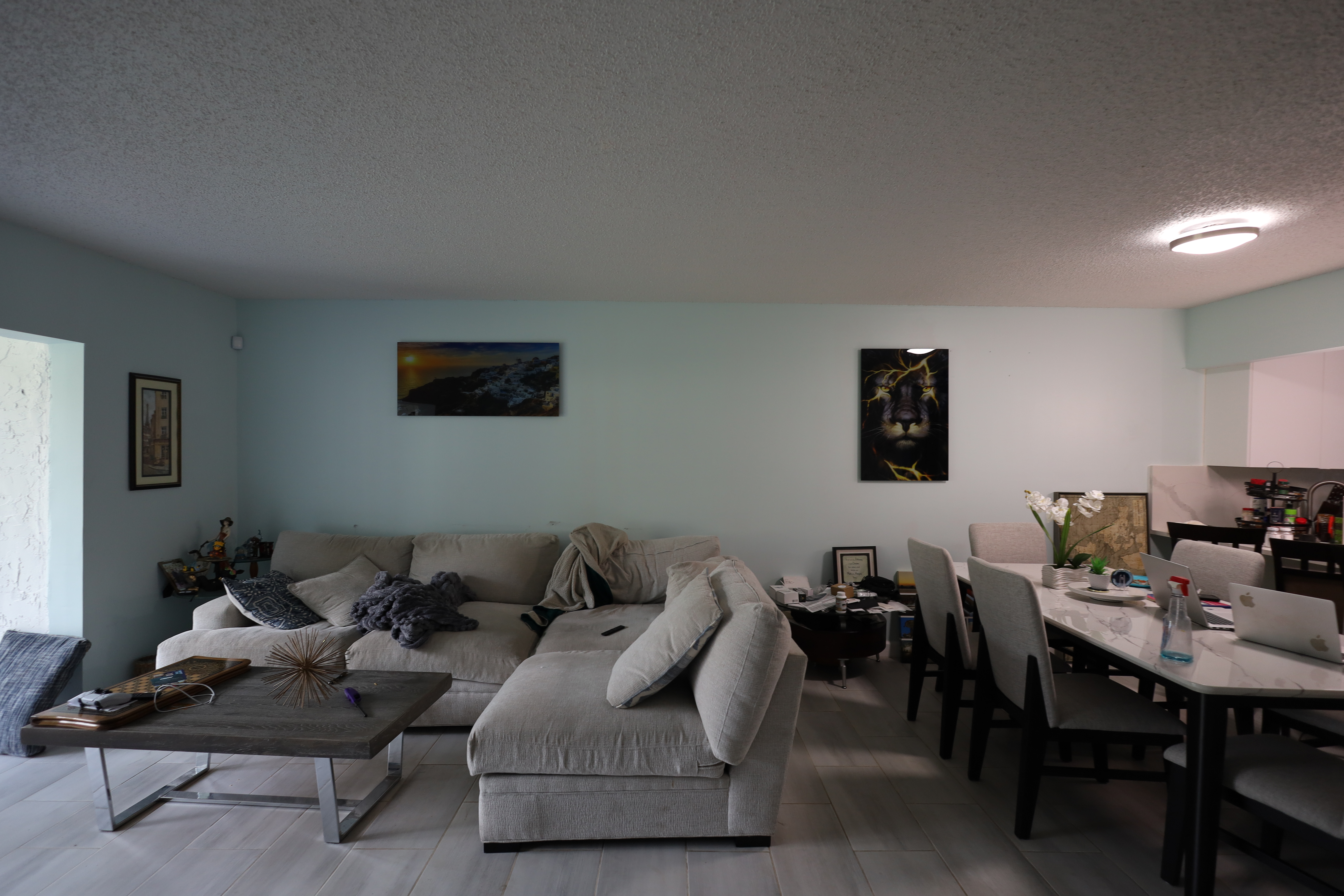
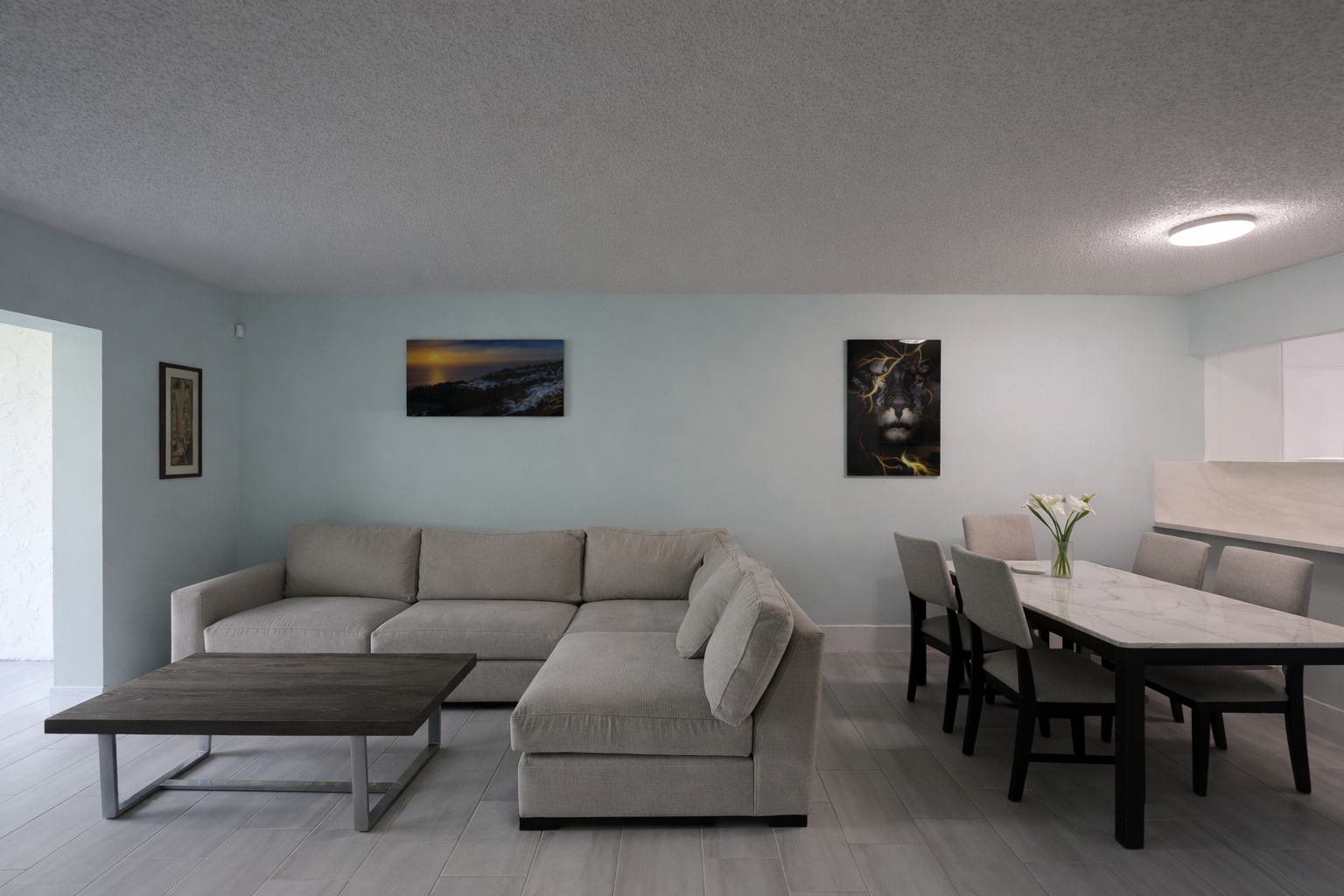
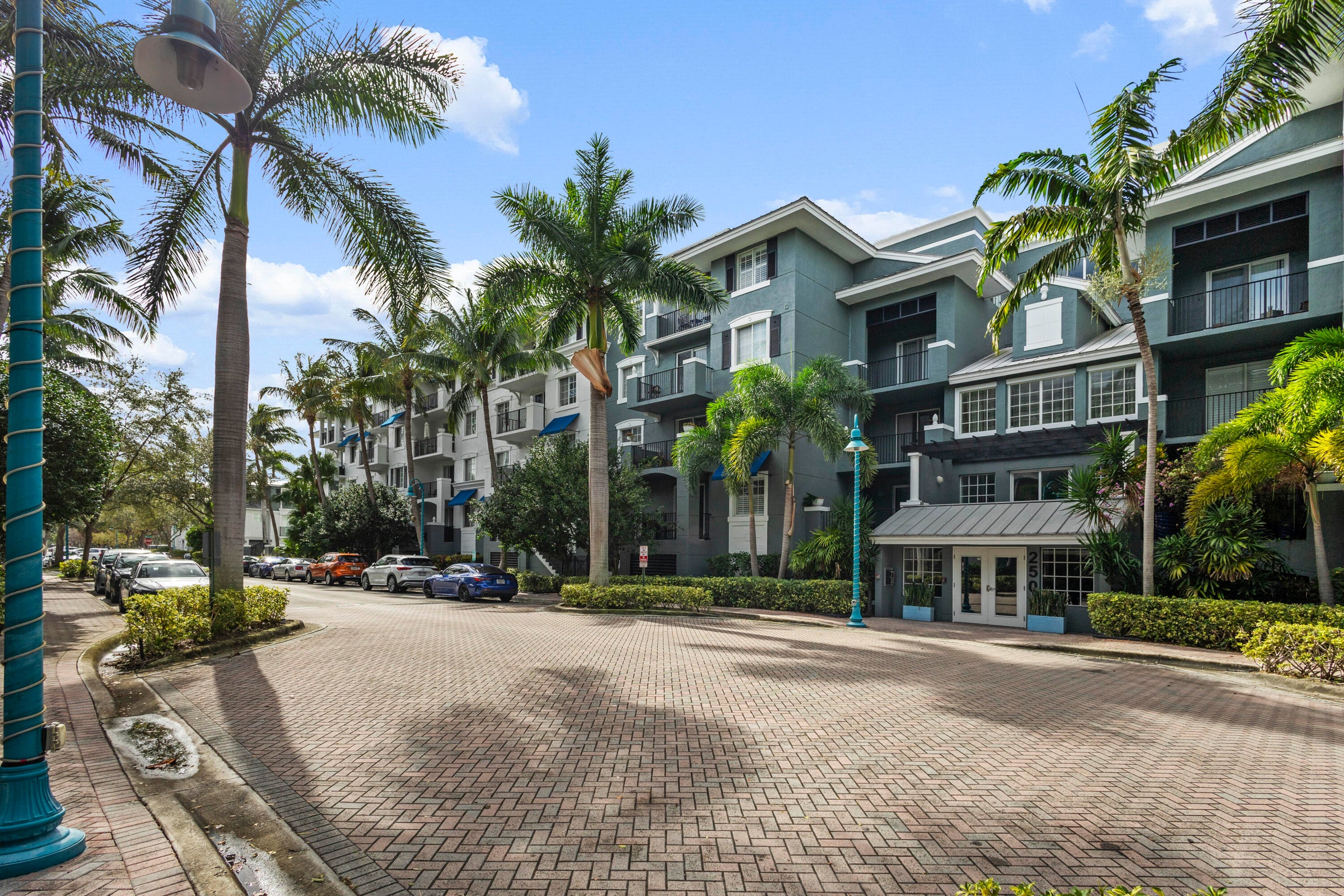
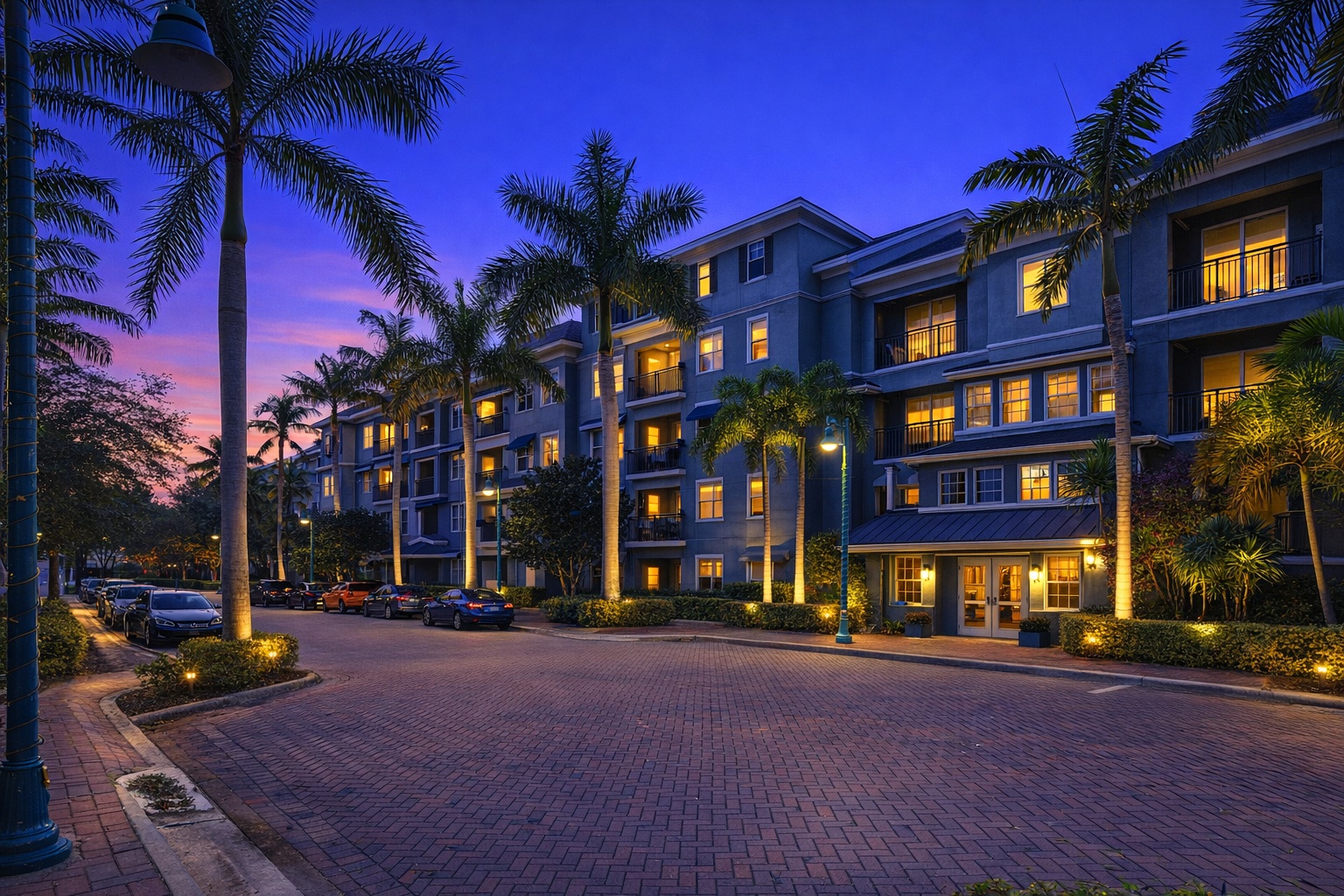
Elevate the listing
Turn ordinary exterior photos into warmer twilight marketing assets for listing portals, social posts, and ads.
Generate listing-ready visuals in under a minute so you can publish and market faster.
Virtual staging, unfurnish, declutter, renovation, twilight, and enhancement in one workflow.
Designed for listing photos, client presentations, before/after communication, and social promotion.
Search coverage
ReelStaged keeps this page focused on practical property marketing intent instead of generic design inspiration.
It is a tool that uses AI to improve property listing photos with edits like virtual staging, enhancement, decluttering, unfurnishing, twilight conversion, and renovation previews.
Agents, brokerages, photographers, sellers, and investors can use it to improve the photos buyers see first on MLS, portals, social media, and marketing materials.
Yes. ReelStaged is designed for pre-launch listing prep so weak photos can be improved before buyers judge the property online.
No. Enhancement is one mode, but ReelStaged also supports staging, decluttering, unfurnishing, twilight, and renovation-style visual previews.
Listing problems it solves
ReelStaged is built around practical listing-photo problems, not generic photo filters. Use AI to make each image clearer, more useful, and more persuasive before buyers judge the property online.
Use AI staging to help buyers understand how a living room, bedroom, office, or apartment can actually be used.
Use enhancement when the listing photo needs brighter presentation, cleaner color, and better online polish.
Use declutter or unfurnish workflows when personal items, messy surfaces, or old furniture weaken the listing.
Use twilight and renovation-style previews to help buyers, sellers, investors, and contractors see stronger potential.
Built for listing workflows
Improve listing visuals before MLS launch, strengthen seller presentations, and create better social content from the same photos.
Give teams a repeatable AI workflow for stronger property visuals without waiting on one-off design help.
Add editing upgrades to a shoot delivery: staging, enhancement, declutter, twilight, and renovation previews.
Make photos more marketable before posting a rental, flip, vacant property, or remodel opportunity.
Simple AI workflow
Upload the room, exterior, vacant space, cluttered photo, or dated area that needs better presentation.
Choose the mode that fits the listing goal: stage, enhance, declutter, unfurnish, twilight, or preview a renovation.
Download the edited image for MLS, listing portals, social ads, seller updates, brochures, or photography delivery.
Keyword lane
ReelStaged has adjacent pages for online editing, broad real estate photo editing, enhancement, virtual staging, and professional listing-photo outcomes. This page stays focused on AI editing for listing photos specifically.
The online-editor page focuses on browser workflow. This page focuses on the AI toolset for improving listing photos specifically.
The professional-photo page targets the finished quality outcome. This page targets people looking for an AI editor to create that outcome.
The real estate photo editing page owns the broader software category. This page keeps the narrower listing-photo AI intent clean.
Make the listing work harder