Virtual Staging
Stage empty rooms for stronger listing appeal
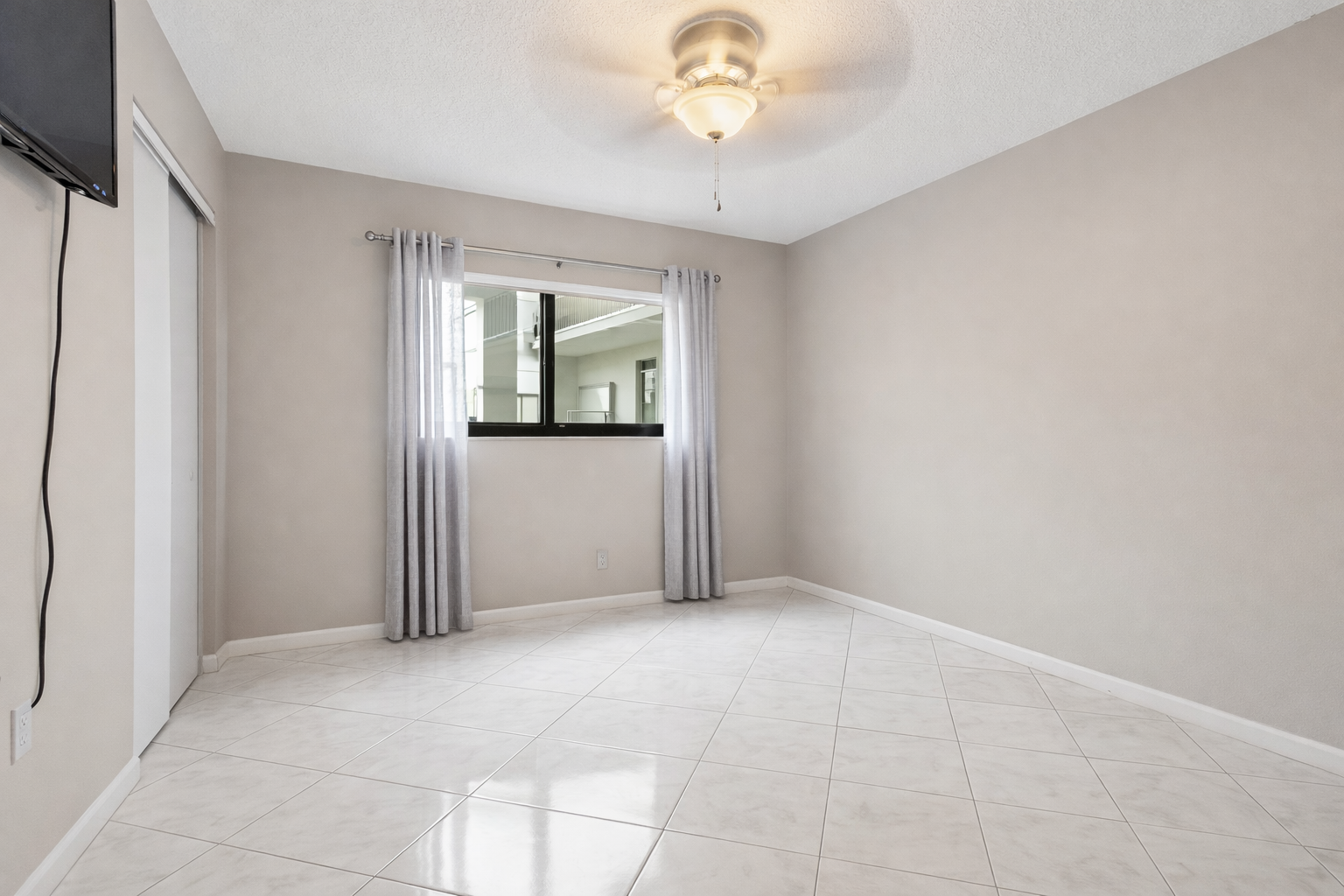
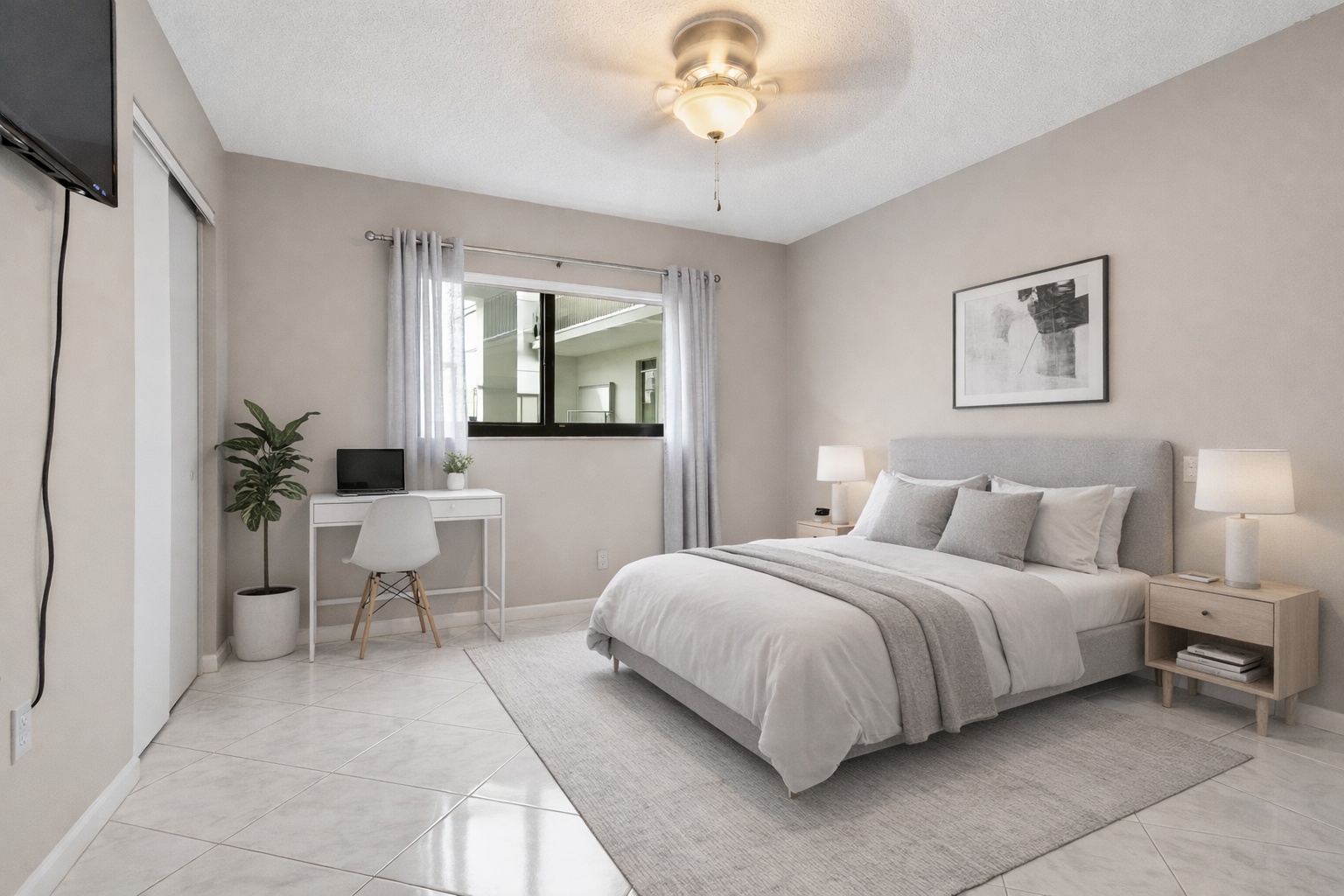
ReelStaged Studio for Agents, photographers, investors, and contractors
Stage, unfurnish, declutter, enhance, renovate, and create twilight listing photos from one browser workflow.
6 AI photo editing modes
ReelStaged Studio combines AI virtual staging, furniture removal, decluttering, contractor renovation previews, twilight edits, and photo enhancement so agents, photographers, investors, contractors, and property teams can improve listing visuals from one workflow.
Virtual Staging
Unfurnish
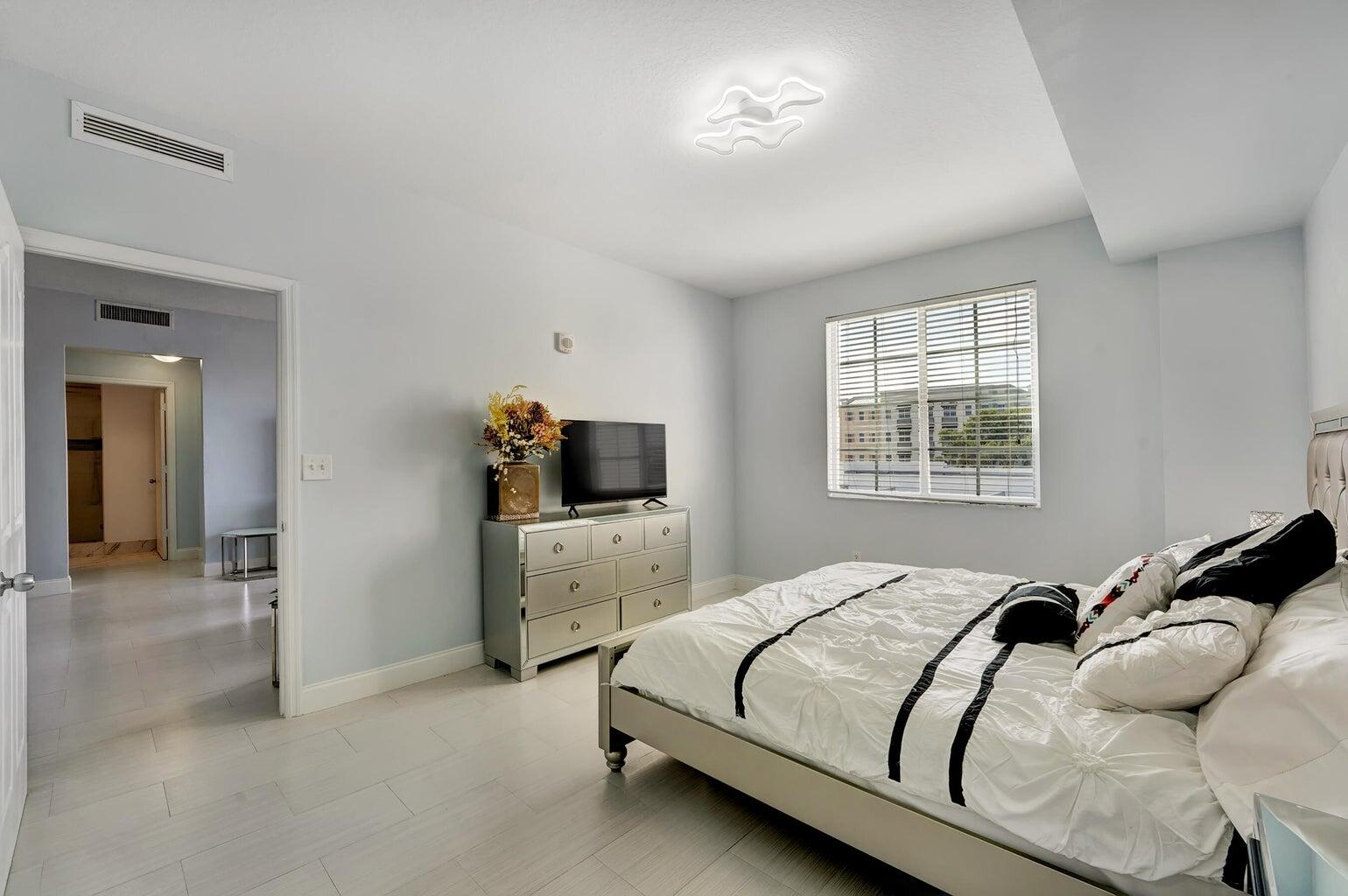
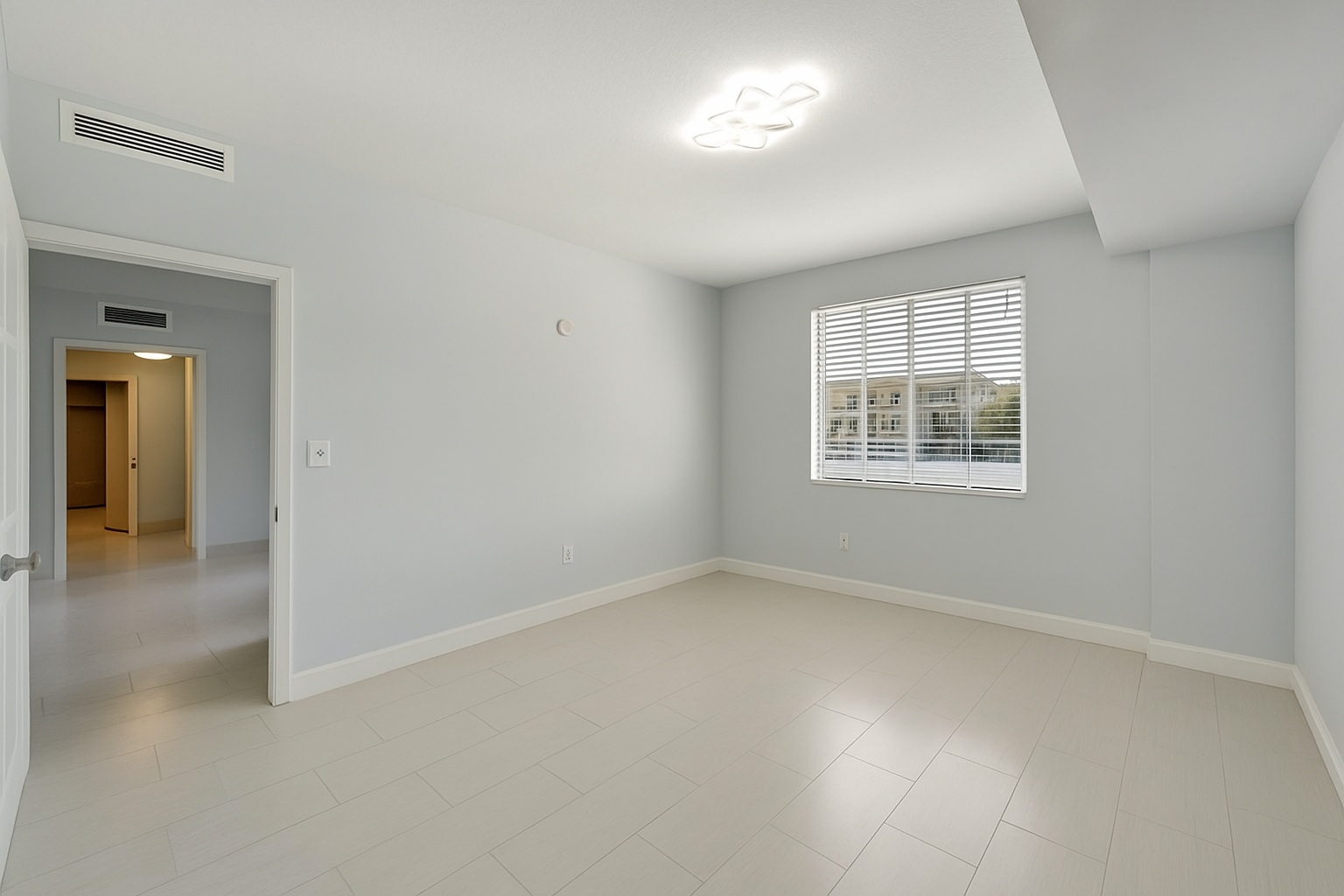
Declutter
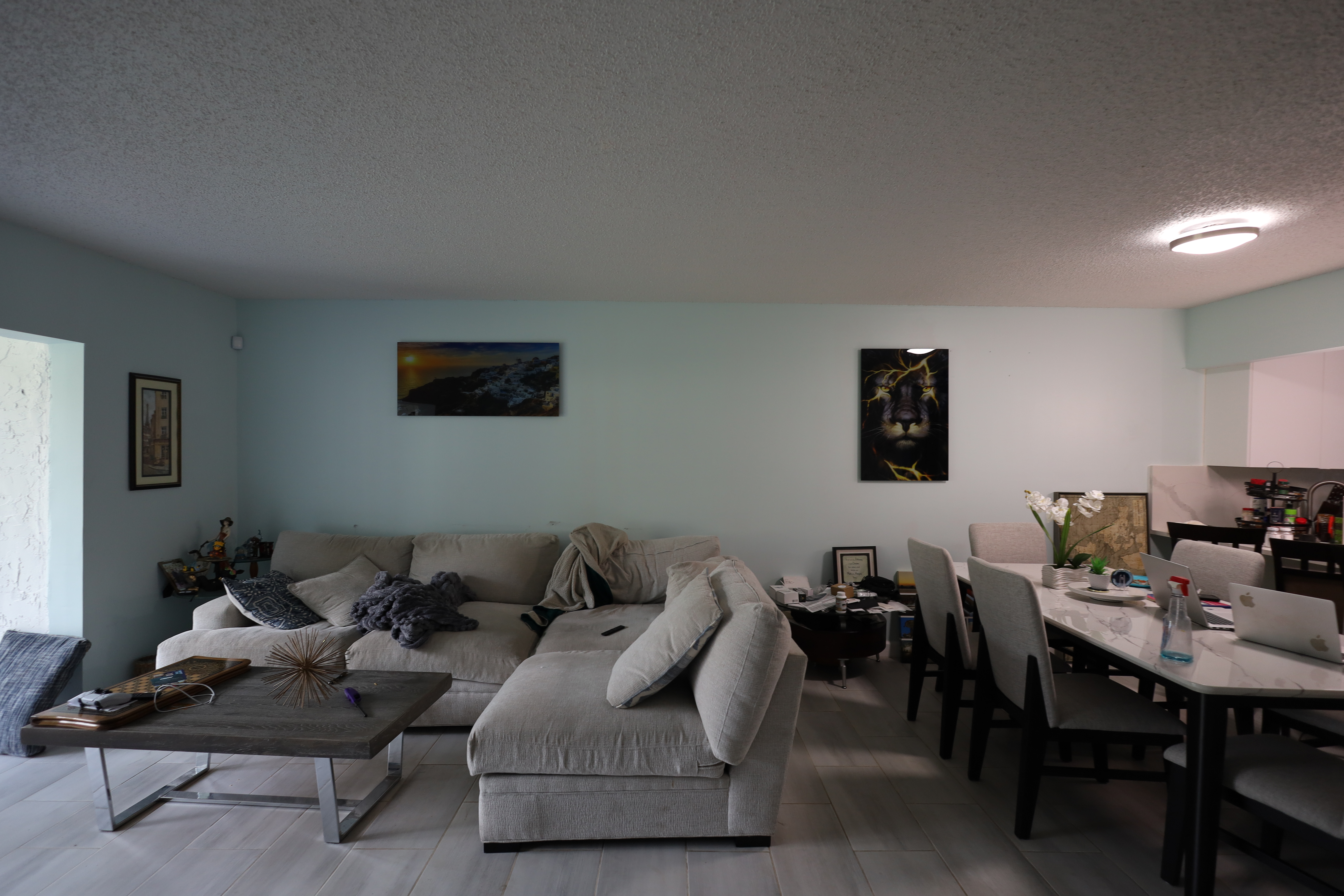
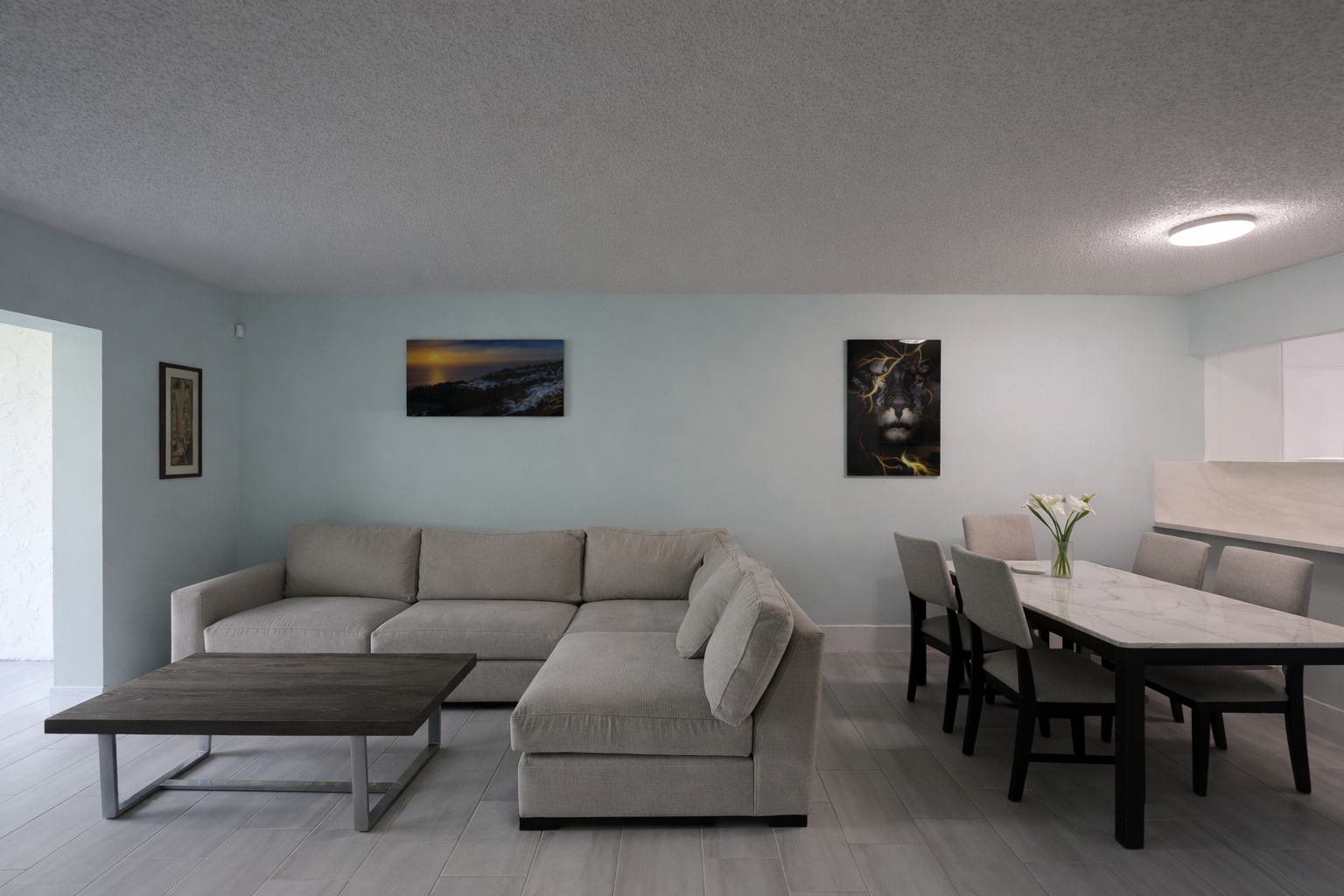
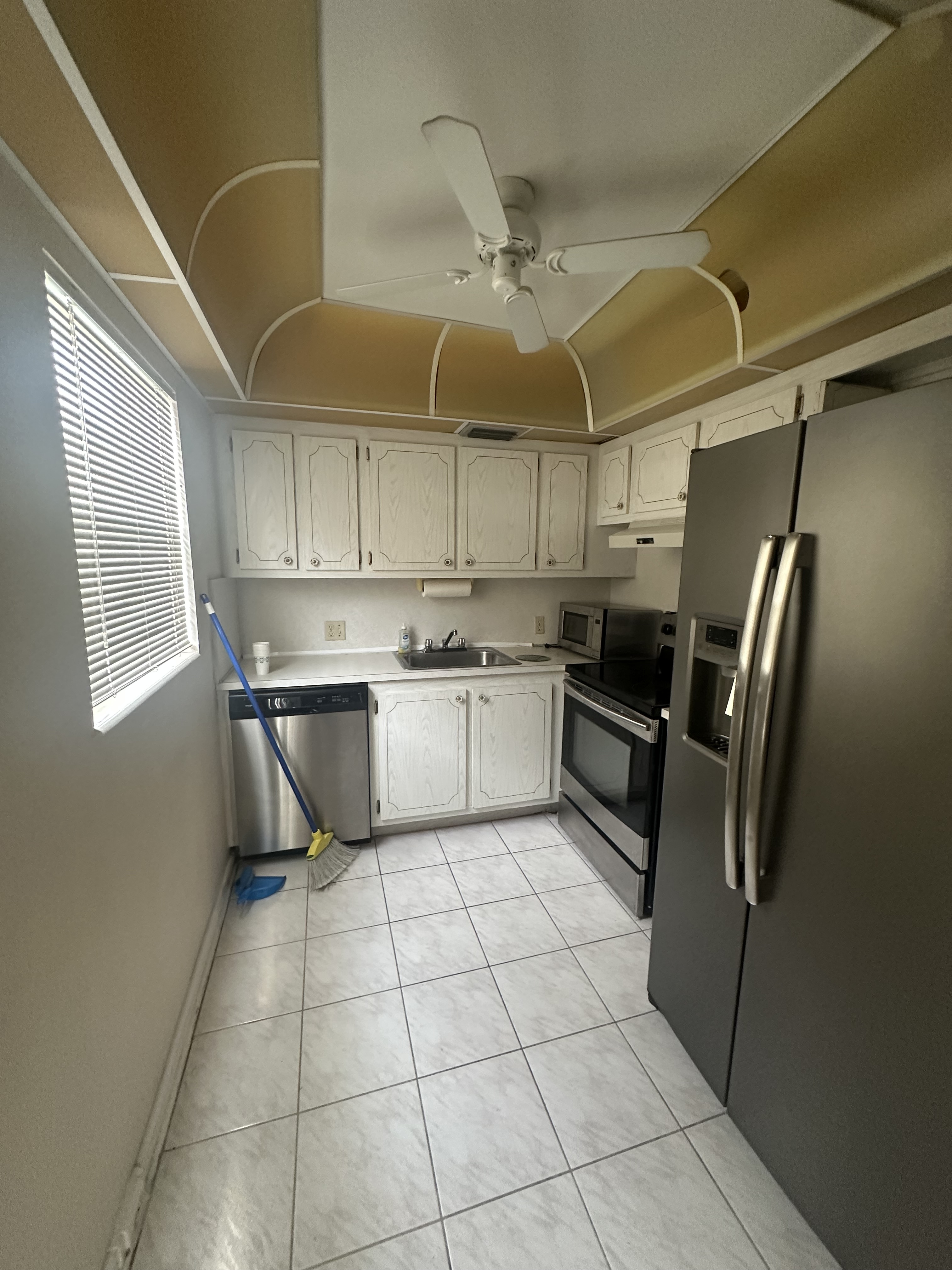
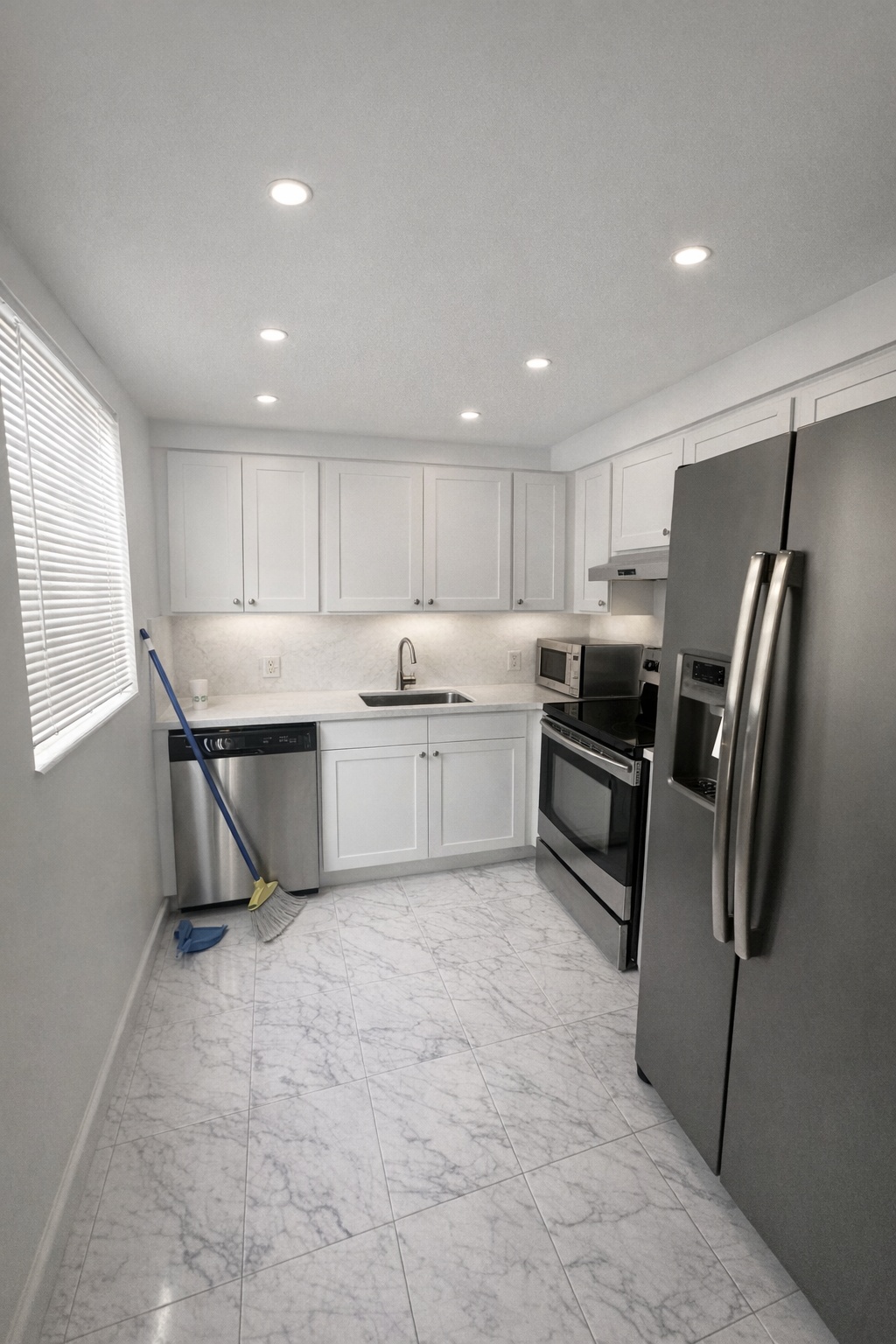
Renovation Preview
Twilight
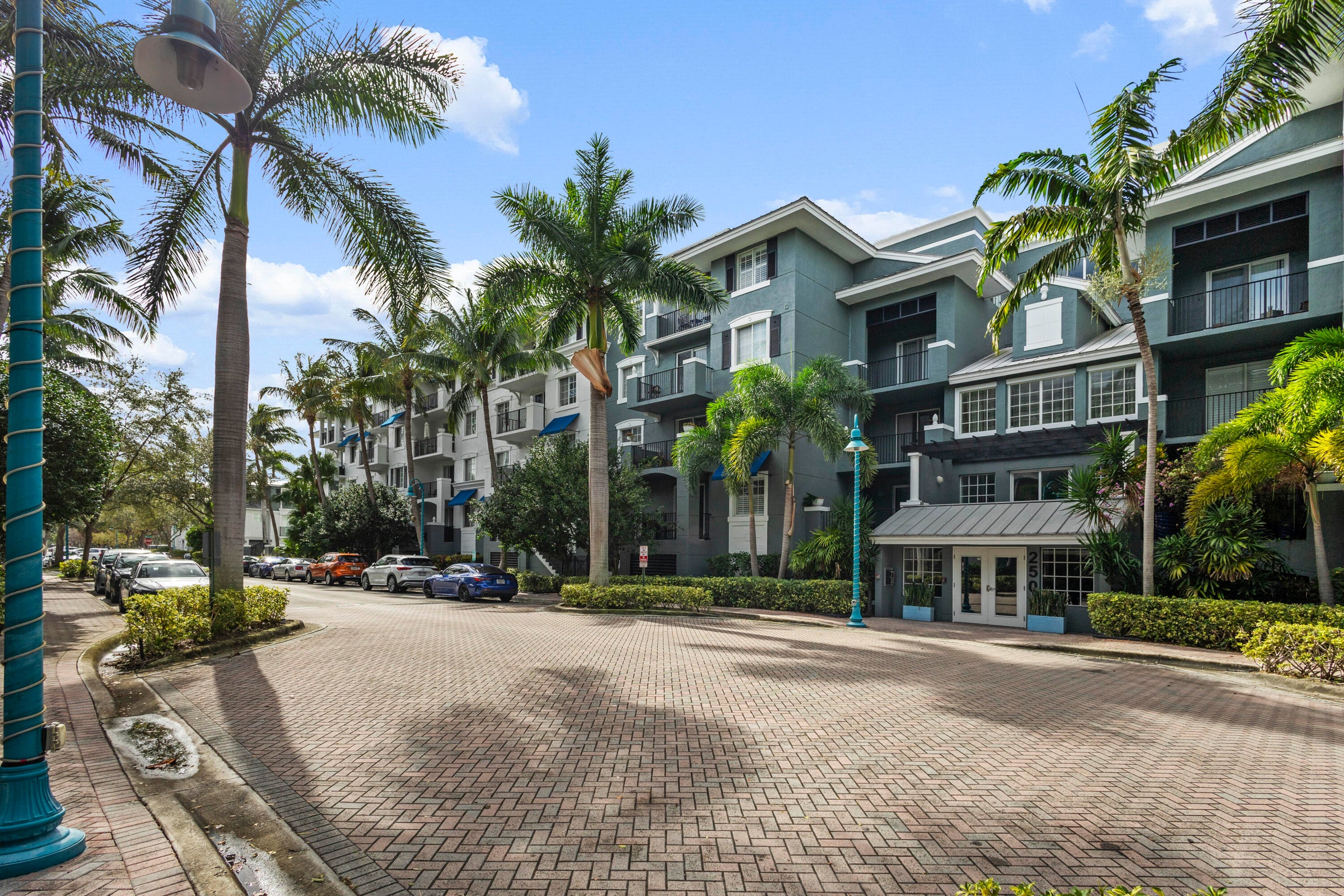
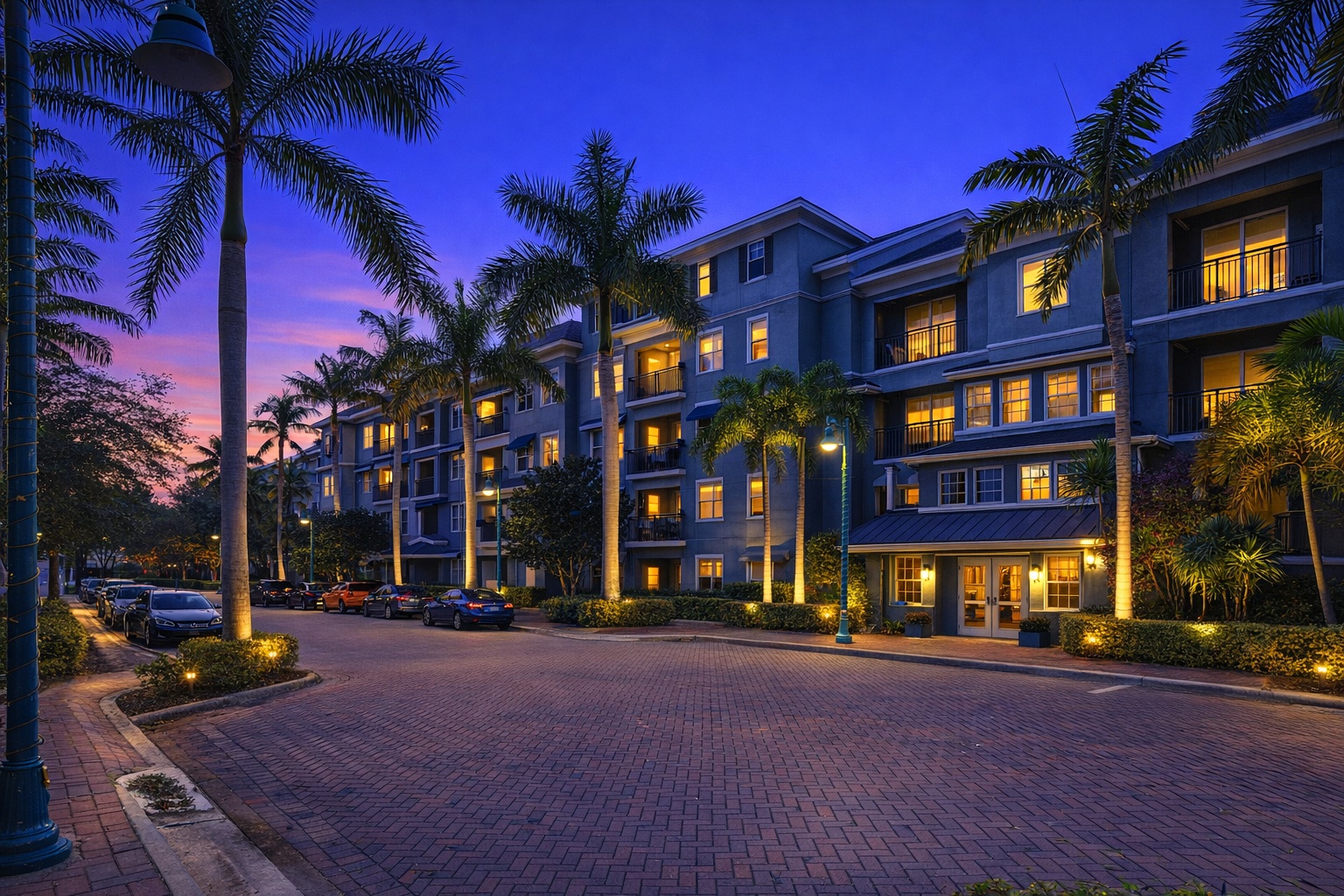
Photo Enhance
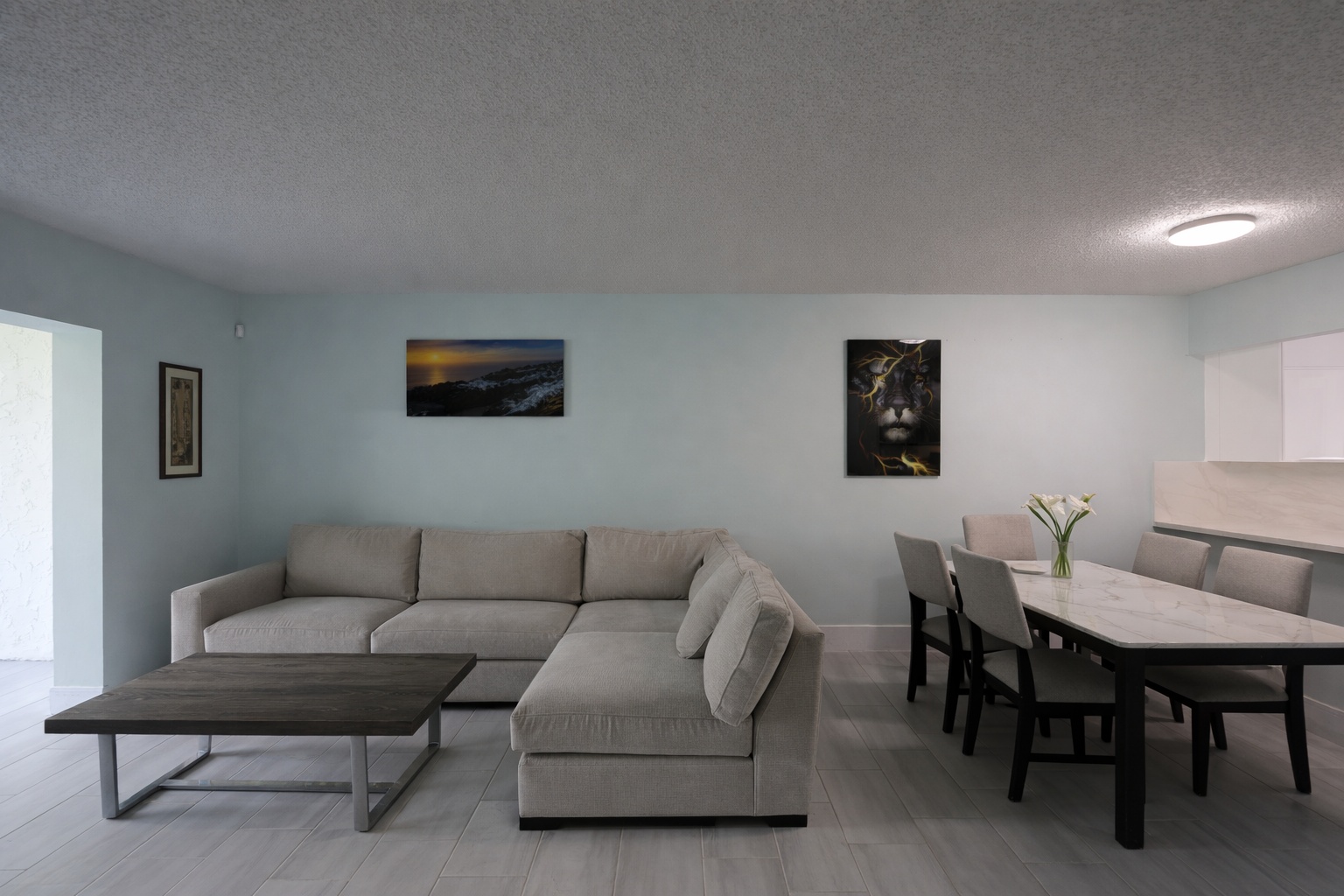
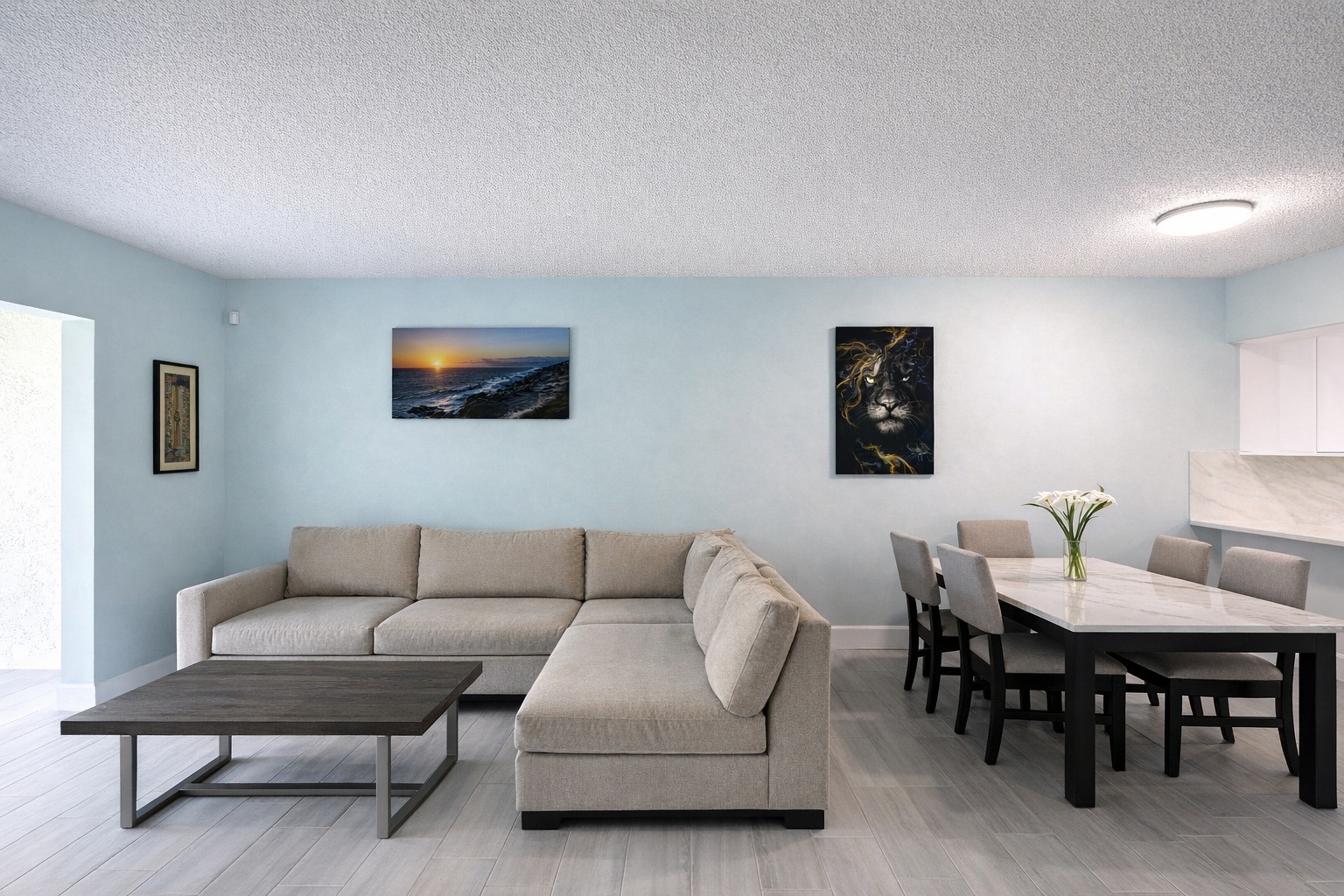
Generate listing-ready visuals in under a minute so you can publish and market faster.
Virtual staging, unfurnish, declutter, renovation, twilight, and enhancement in one workflow.
Designed for listing photos, client presentations, before/after communication, and social promotion.
Search coverage
ReelStaged keeps this page focused on practical property marketing intent instead of generic design inspiration.
Learn how ReelStaged can support this workflow.
Learn how ReelStaged can support this workflow.
Learn how ReelStaged can support this workflow.
Learn how ReelStaged can support this workflow.
Learn how ReelStaged can support this workflow.
Learn how ReelStaged can support this workflow.
Learn how ReelStaged can support this workflow.
Learn how ReelStaged can support this workflow.
Learn how ReelStaged can support this workflow.
Learn how ReelStaged can support this workflow.
Learn how ReelStaged can support this workflow.
Learn how ReelStaged can support this workflow.
Learn how ReelStaged can support this workflow.
Learn how ReelStaged can support this workflow.
You can stage rooms, remove furniture, declutter spaces, generate renovation concepts, convert exteriors to twilight, and auto-enhance photos.
It is optimized for real estate listings, but teams also use it for contractor presentations, remodel previews, social posts, seller conversations, and investor updates.
No. ReelStaged is web-based and designed for quick, non-technical workflows.
Yes. Free plan results include a watermark; paid plans remove it.
Choose the workflow
Some visitors want an AI real estate photo editing app. Others are comparing software, outsourced photo editing services, post-processing, or photographer add-ons. ReelStaged connects each path back to one practical listing-photo workflow.
For searches comparing AI workflows to manual editing and outsourced listing-photo edits.
For agents and photographers who want a browser-based app instead of Photoshop or vendor handoffs.
For comparison shoppers deciding which software fits listing prep, staging, cleanup, and upsells.
For real estate photographers packaging staging, twilight, enhancement, declutter, and unfurnish add-ons.
For teams comparing self-serve AI editing with traditional per-photo editing services.
For post-shoot workflows that need faster listing polish without a full manual edit queue.
Search Console signal
The last 24-hour export showed impressions for real estate photo editing, AI real estate photo editing, photo processing, photo editing software, and picture editing variants. This hub now points each phrase toward a focused supporting page instead of making one page cover every intent alone.
Main hub
Keep this page as the authority page for the broad category, with proof for all six listing-photo modes.
High intent
Send AI-specific searchers to a tighter page that explains the self-serve AI workflow.
Commercial
Route software shoppers toward a page built around tool selection, speed, and repeat workflows.
Comparison
Match comparison intent with software criteria, before/after proof, and reasons to try ReelStaged.
Photographer lane
Cover post-shoot processing language for photographers, media teams, and listing coordinators.
Long tail
Catch the picture/photo wording variant without cannibalizing the main editing hub.
Workflow
Start with photos from a shoot, walkthrough, seller, rental unit, or renovation opportunity.
Stage, unfurnish, declutter, renovate, create twilight, or enhance depending on what the listing needs.
Download and use the result for listing prep, social posts, seller presentations, rental marketing, or contractor proposals.
Who it is for
Real estate photo editing is not just about making a photo brighter. A listing may need furniture added, furniture removed, clutter cleaned up, a dated space reimagined, a daytime exterior turned into twilight, or a simple enhancement pass before it goes live.
ReelStaged gives agents, real estate photographers, investors, contractors, brokerages, and property managers one AI-powered studio for the most common visual upgrades that help a property feel easier to understand, easier to market, and easier to sell in a client conversation.
Pricing and turnaround intent
Searchers comparing real estate photo editors usually want to know what the tool can fix, how fast the workflow is, whether it replaces outsourced editing, and whether the result is appropriate for listing photos. ReelStaged is strongest when speed, control, and repeated edits matter.
The free workflow lets a team test real property photos first. Free results may include a watermark, while paid plans are built for watermark-free production use and repeat listing-photo workflows.
AI editor vs outsourcing
| Workflow | Best for | Tradeoff |
|---|---|---|
| AI real estate photo editing | Fast listing prep, testing multiple edits, self-serve workflows | Needs human review before final marketing use |
| Outsourced editing | Hands-off editing when turnaround time is less urgent | Waiting, per-image costs, revision back-and-forth |
| Manual editing software | Advanced editors who need full pixel-level control | Learning curve, time, and inconsistent repeat workflows |
Start with one listing photo