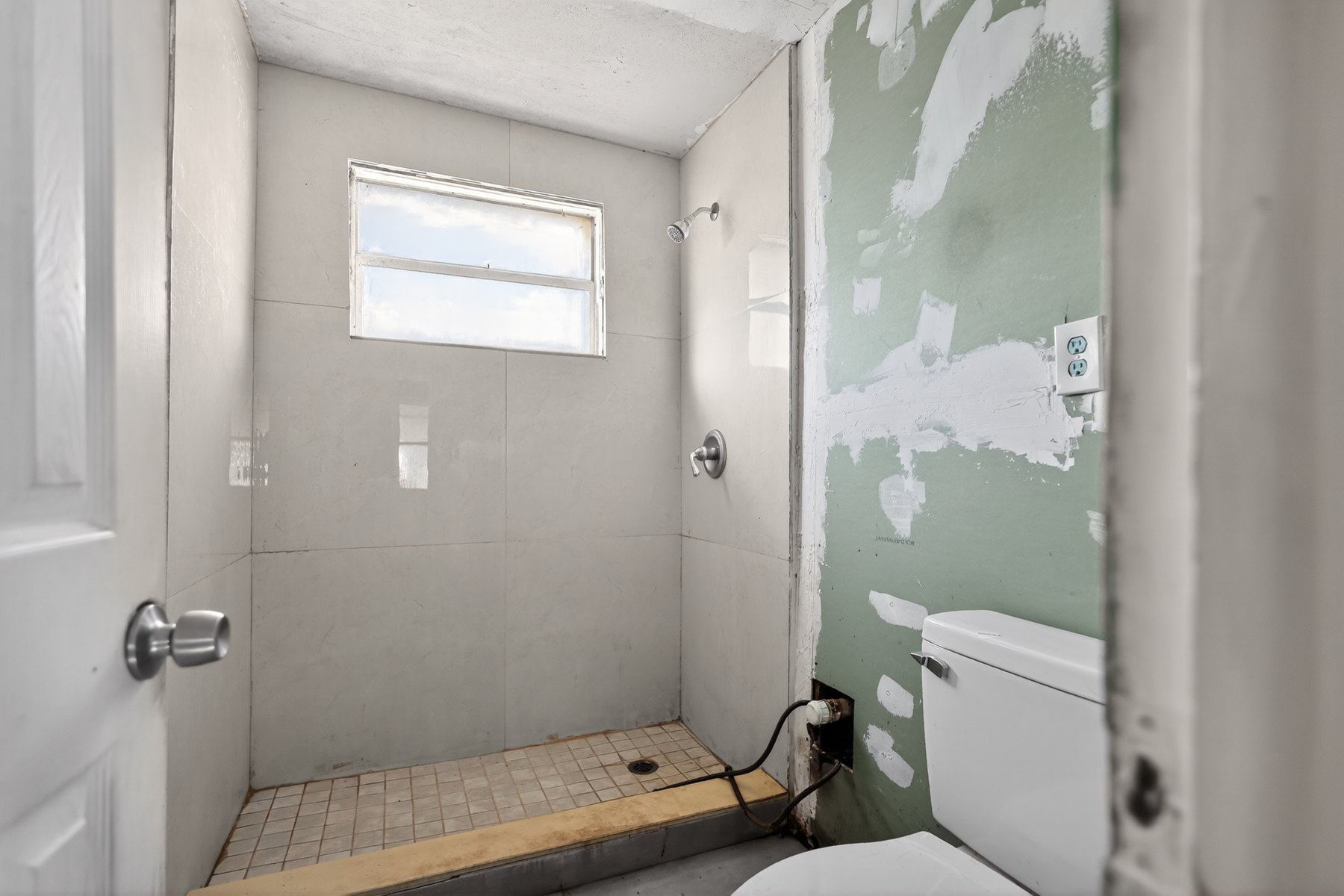
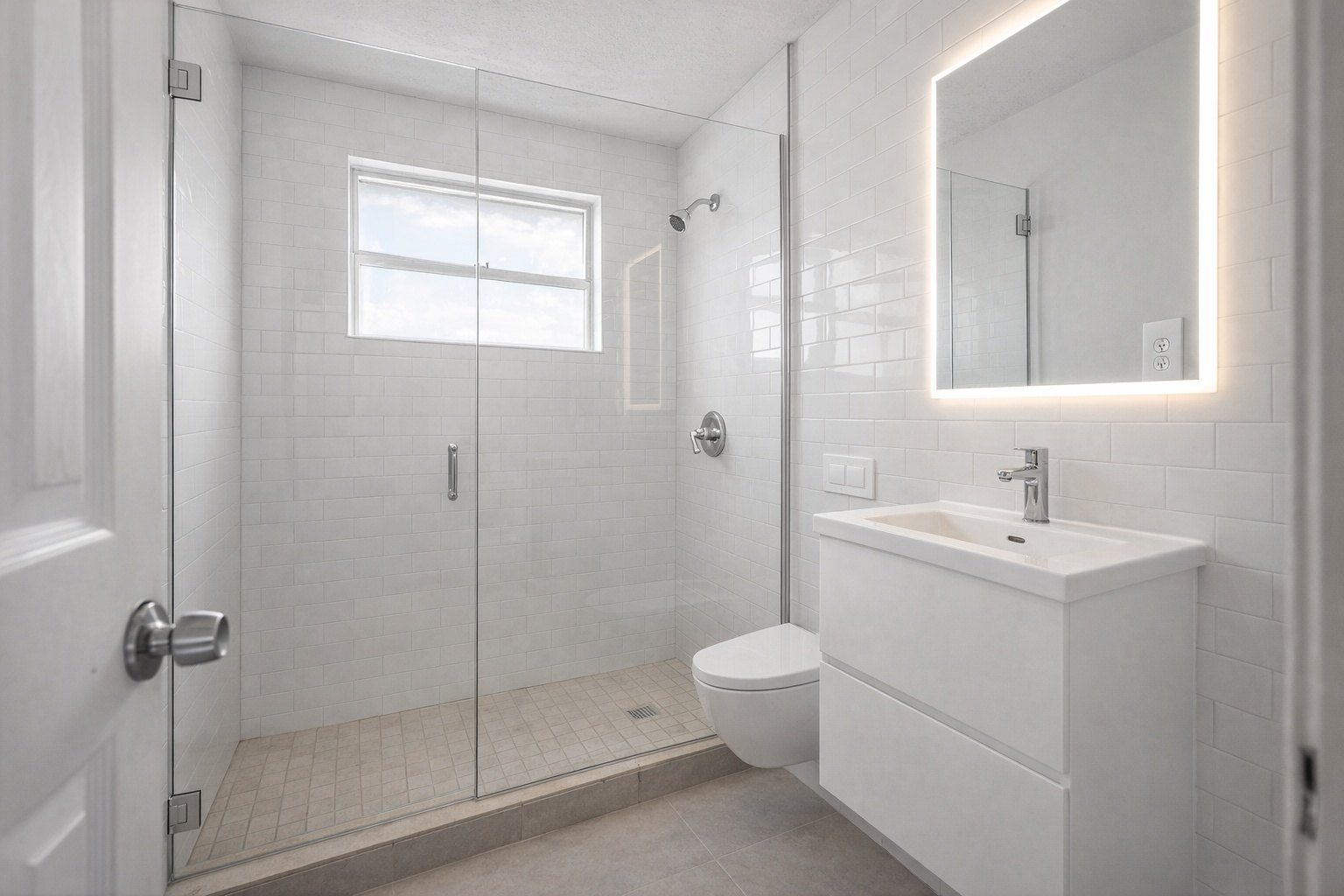
Bathroom proposal preview
Make the remodel scope easier for homeowners to picture
Turn a dated bathroom photo into a clear visual direction for tile, vanity, lighting, and finish conversations.
ReelStaged Studio for Contractors and remodel teams
Help homeowners see what the estimate is really buying before they approve the scope.
For contractors selling the vision before the work starts
ReelStaged gives remodelers fast visual concepts for bathrooms, kitchens, living spaces, and outdoor upgrades so homeowners can understand the transformation before they approve the scope.
Bathroom proposal preview
Turn a dated bathroom photo into a clear visual direction for tile, vanity, lighting, and finish conversations.
Backyard outdoor living concept
Help clients see how an underused yard can become a more valuable outdoor living area before work begins.


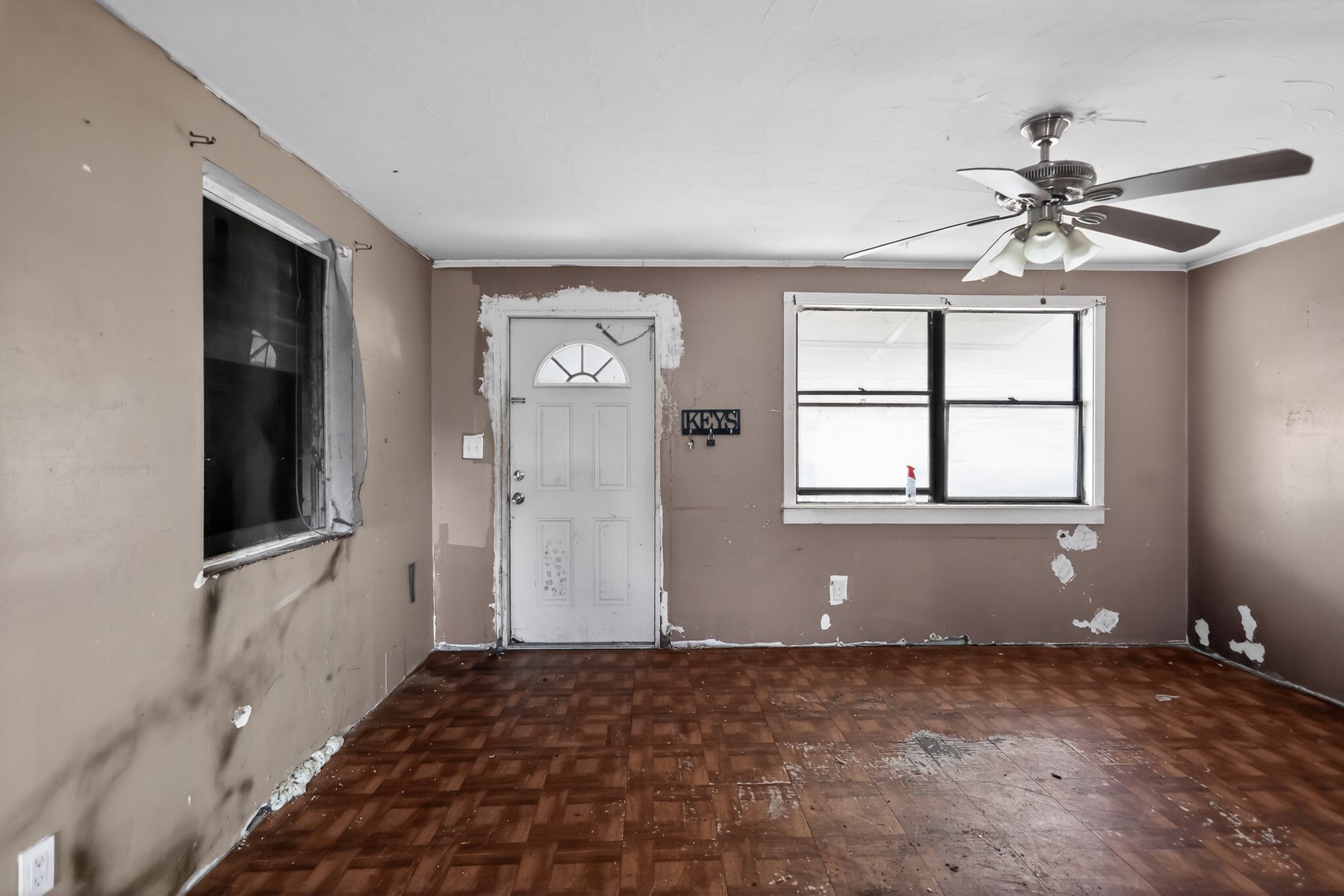
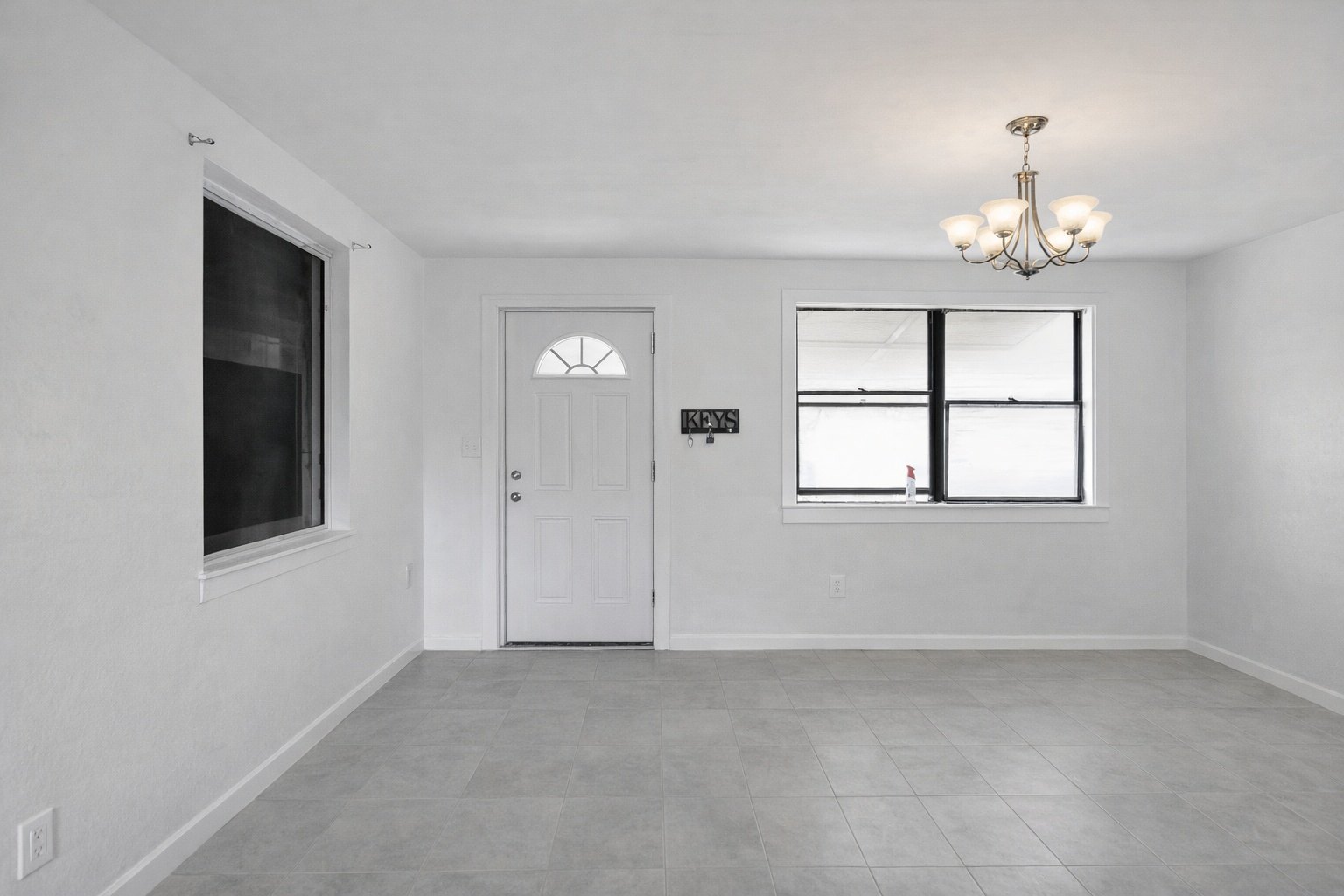
Living room finish direction
Use living room previews to align clients around finish direction, style, and perceived value before the estimate stalls.
Kitchen scope conversation
Preview cabinets, counters, backsplash, and brighter design direction so scope conversations get more specific.
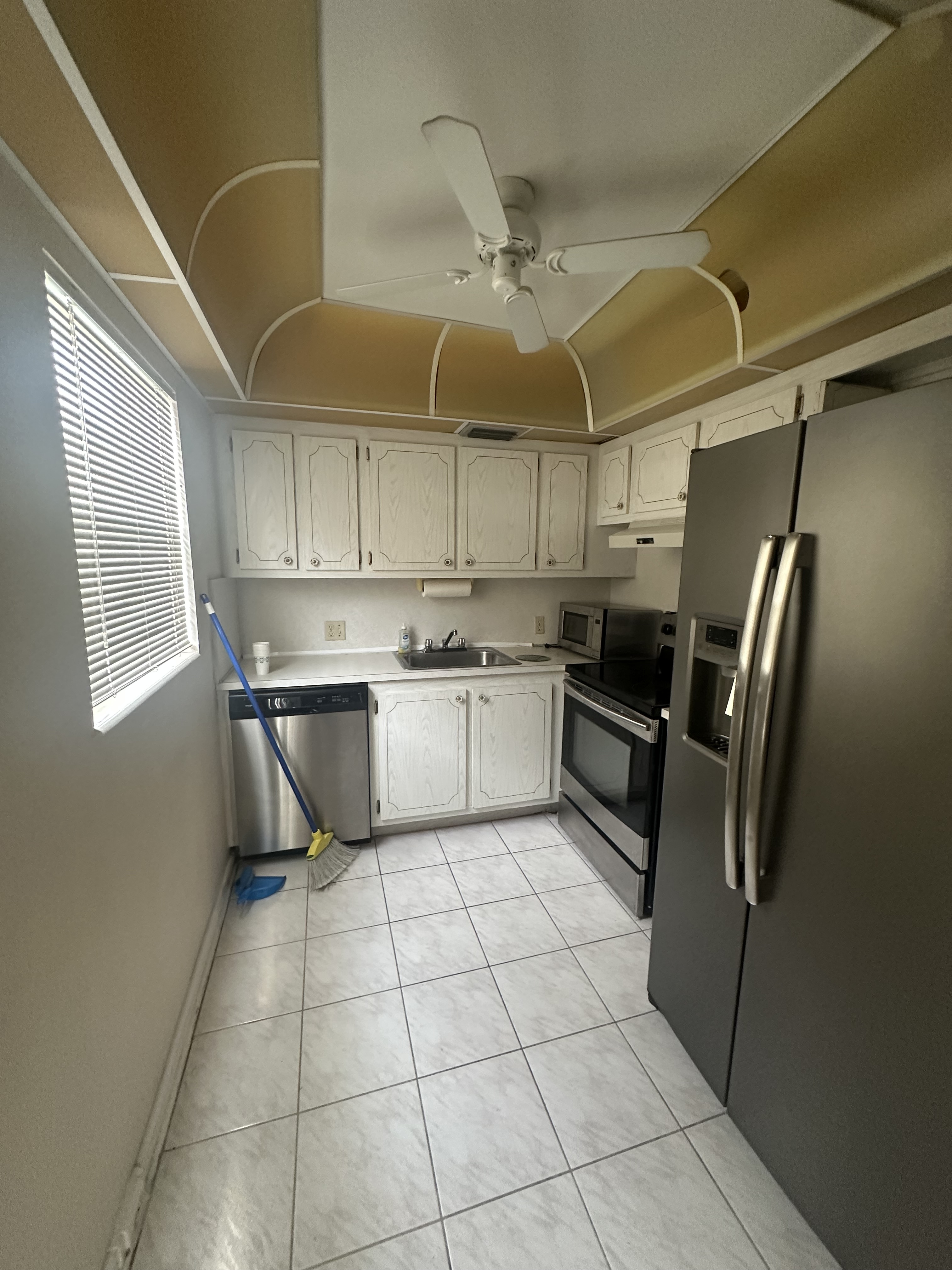
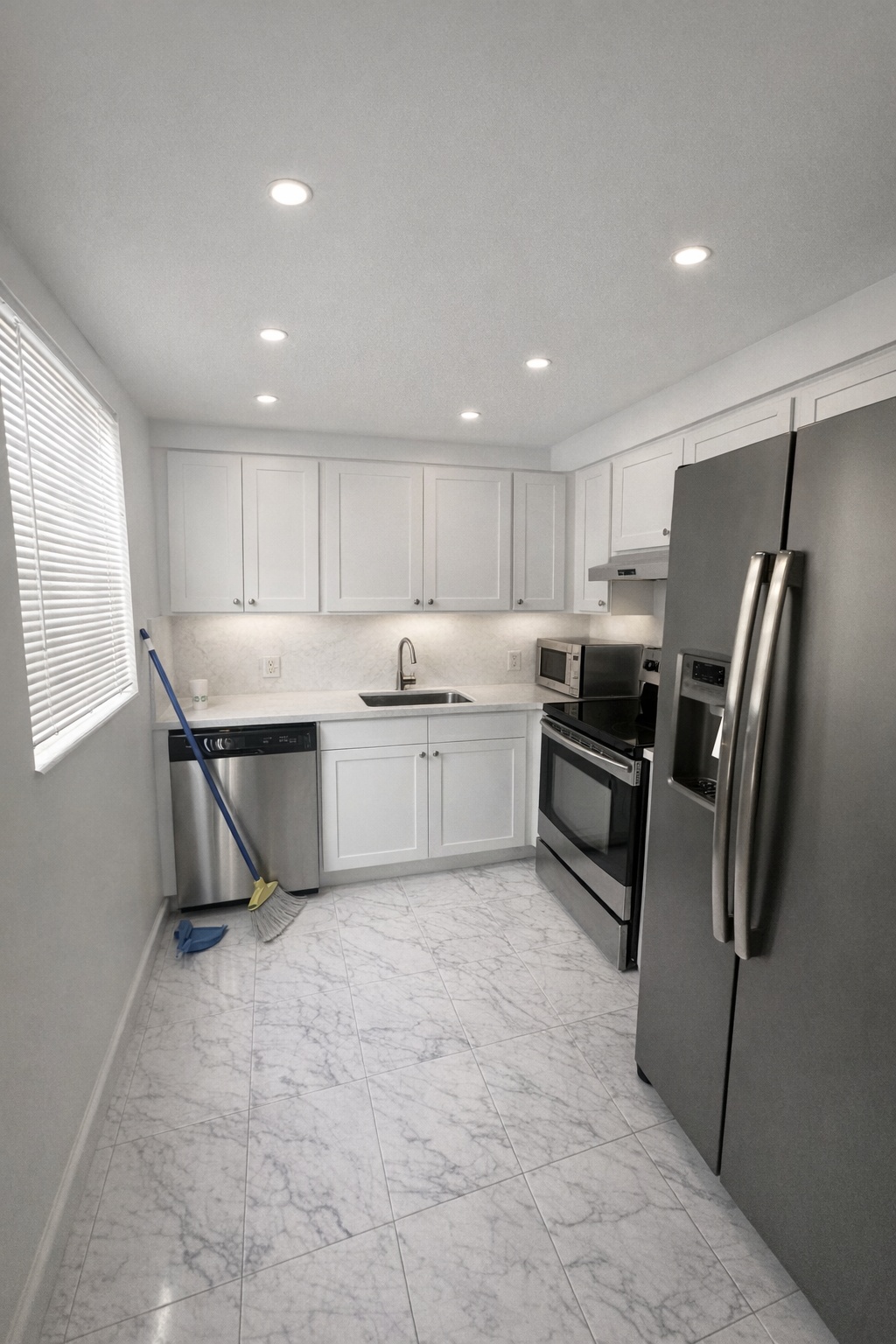
Generate listing-ready visuals in under a minute so you can publish and market faster.
Virtual staging, unfurnish, declutter, renovation, twilight, and enhancement in one workflow.
Designed for listing photos, client presentations, before/after communication, and social promotion.
Search coverage
ReelStaged keeps this page focused on practical property marketing intent instead of generic design inspiration.
Learn how ReelStaged can support this workflow.
Learn how ReelStaged can support this workflow.
Learn how ReelStaged can support this workflow.
Learn how ReelStaged can support this workflow.
Learn how ReelStaged can support this workflow.
Upload walkthrough photos, generate renovation concepts, and include visuals in estimates, follow-ups, and client presentations.
Yes. Visual concepts reduce ambiguity and help homeowners understand the value behind the estimate.
Yes. Exterior renovation concepts and twilight visuals can strengthen curb-appeal conversations.
No. Agents and investors also use renovation previews to communicate potential and projected value.
Proposal support
A written estimate explains cost. A renovation preview explains value. Use ReelStaged to turn walkthrough photos into client-facing visuals that support approvals, upgrades, and better scope conversations.
Send a visual concept after the walkthrough so the client remembers the transformation, not just the price.
Use previews to clarify design direction before clients debate materials, fixtures, layout, and finish level.
Bigger projects are easier to approve when the homeowner can see why the finished result is worth it.
Turn project ideas into before/after concept posts that show your vision and attract similar remodel leads.
Unique keyword lane
The main renovation page targets broad AI renovation searches. This contractor page is focused on client presentations, estimate follow-up, remodel proposal visuals, and helping homeowners say yes with confidence.
Simple contractor workflow
Use the same walkthrough photos you already take for bathrooms, kitchens, living spaces, patios, or yards.
Generate a direction that helps the client understand finish level, style, and transformation potential.
Pair the estimate with a visual so the homeowner sees the outcome — not just the line-item cost.
Contractor search paths
Contractors searching for renovation preview software usually have a sales problem, not a design curiosity. These workflows keep the page focused on estimate follow-up, scope clarity, and client approval.
Create visual concepts from walkthrough photos and pair them with the estimate.
Turn proposal conversations into before/after visuals homeowners can react to.
Use the broader renovation visualizer for kitchens, bathrooms, living rooms, yards, and listings.
Show cabinets, counters, backsplash, and finish direction before the client chooses scope.
Make bathroom upgrades easier to approve with a concrete visual concept.
Support broader homeowner and investor searches without diluting the contractor page.
Help the client see the yes