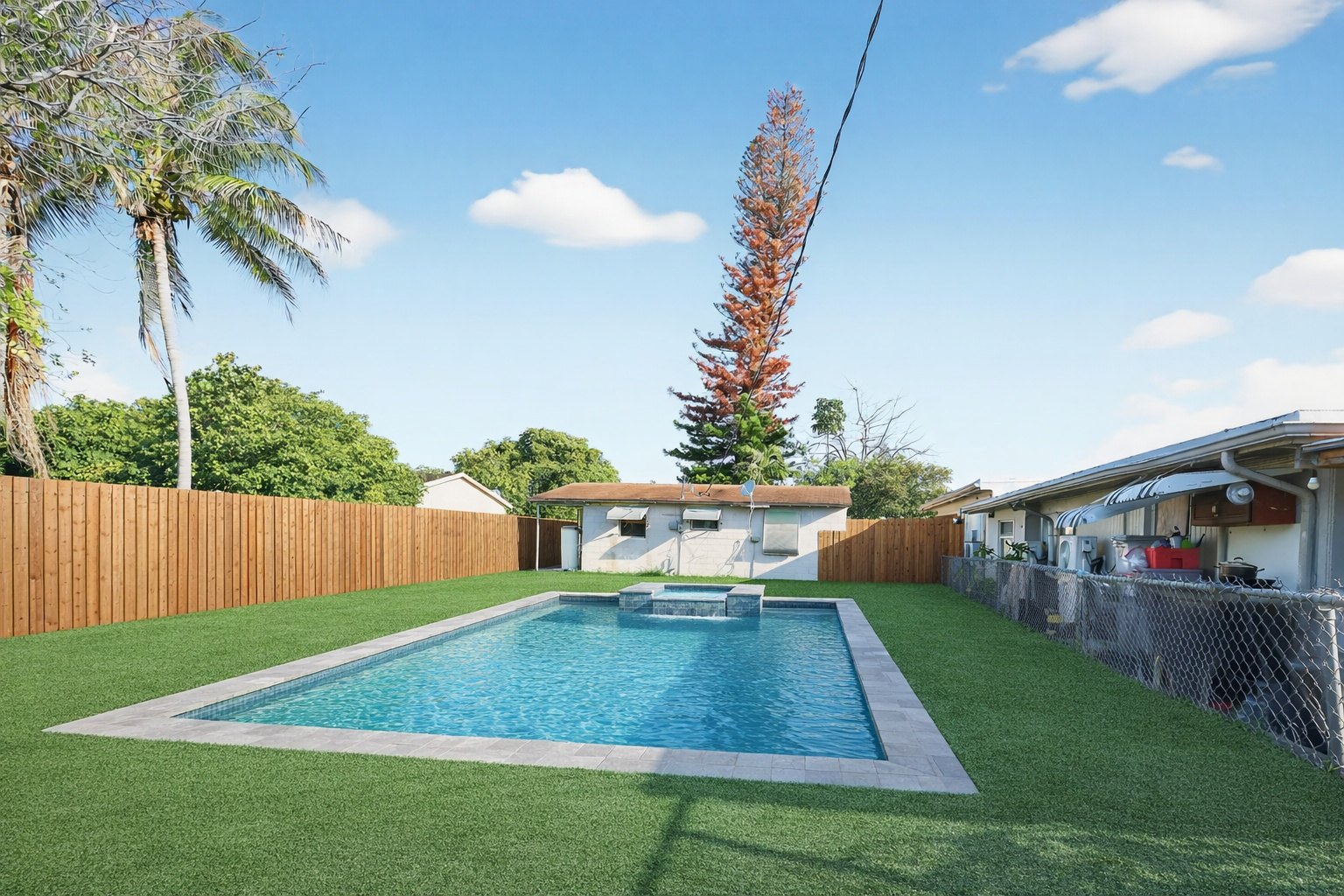
Backyard outdoor living preview
Sell the backyard as a lifestyle upgrade
Show buyers or homeowners how an underused yard can become a cleaner, more valuable outdoor living space.

ReelStaged Studio for Contractors, remodelers, agents, and investors
Turn room, kitchen, bathroom, exterior, and backyard photos into renovation previews clients can understand before the work begins.
Before clients say yes, they need to see it
Contractors, remodelers, agents, and investors can use ReelStaged Studio to create AI renovation concepts from a single photo — from kitchens and bathrooms to backyard/outdoor living concepts — useful for sales calls, project discussions, listing prep, and buyer vision.
Backyard outdoor living preview
Show buyers or homeowners how an underused yard can become a cleaner, more valuable outdoor living space.
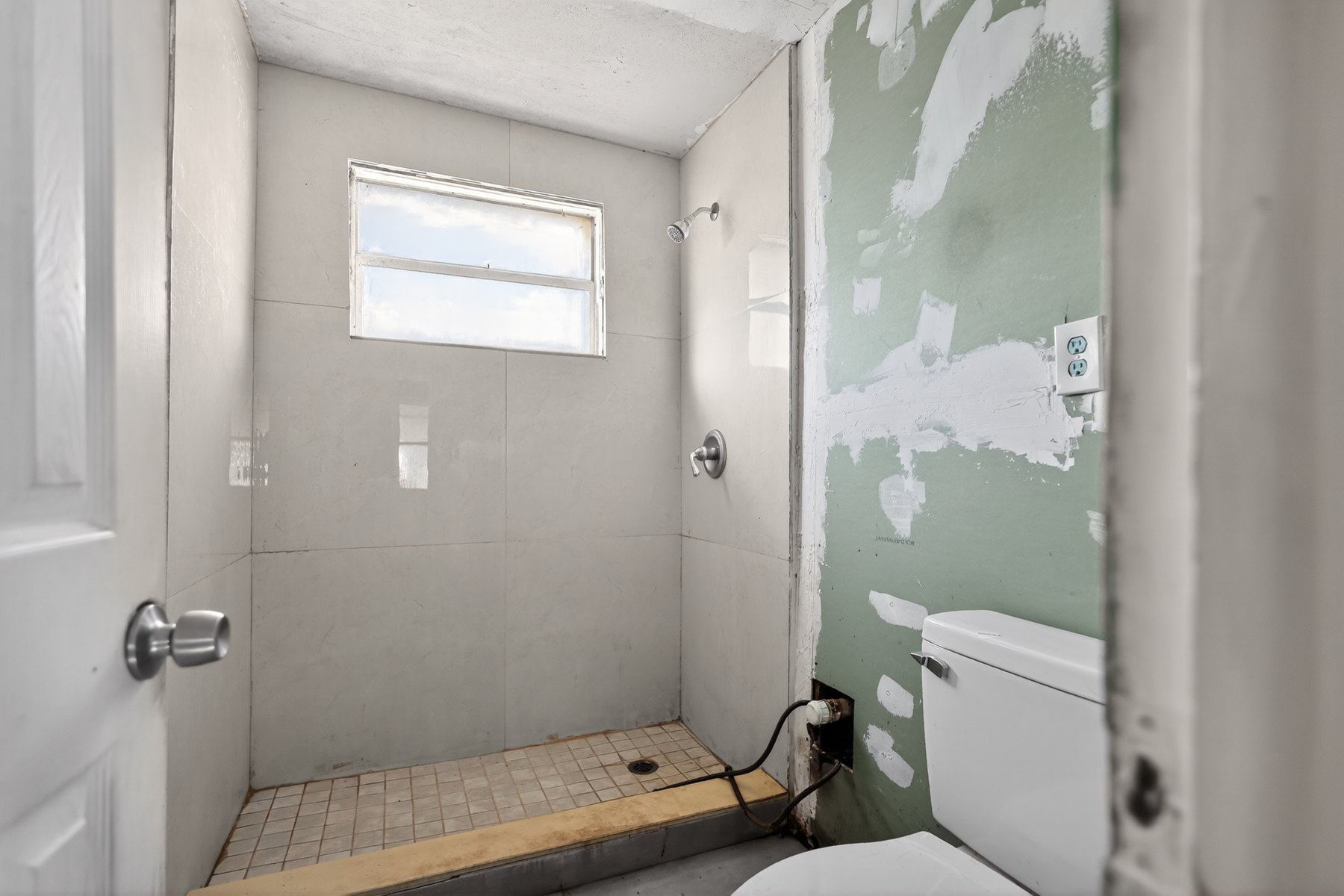
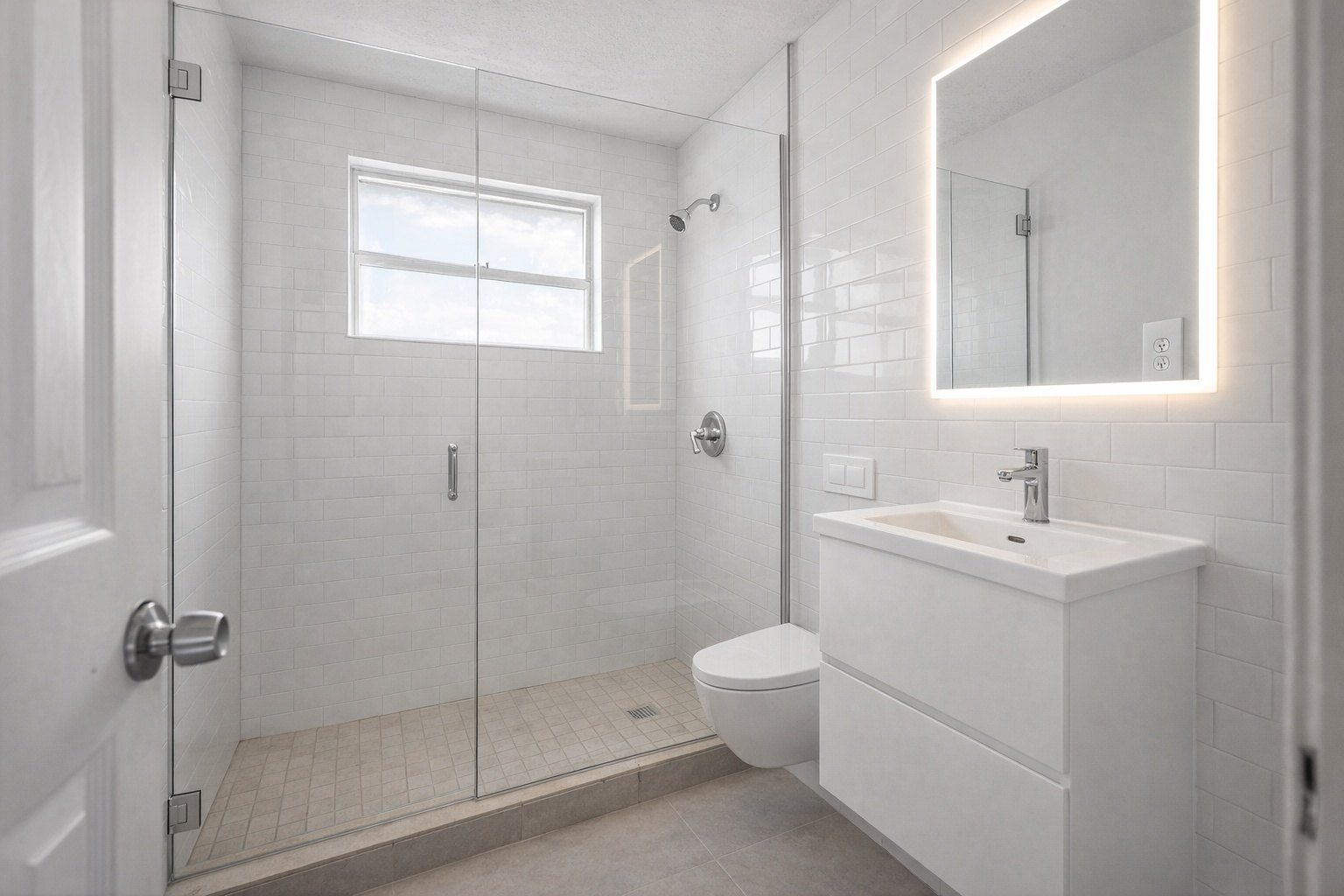
Bathroom remodel preview
Turn a dated bath into a visual concept for tile, vanity, lighting, and finish conversations.
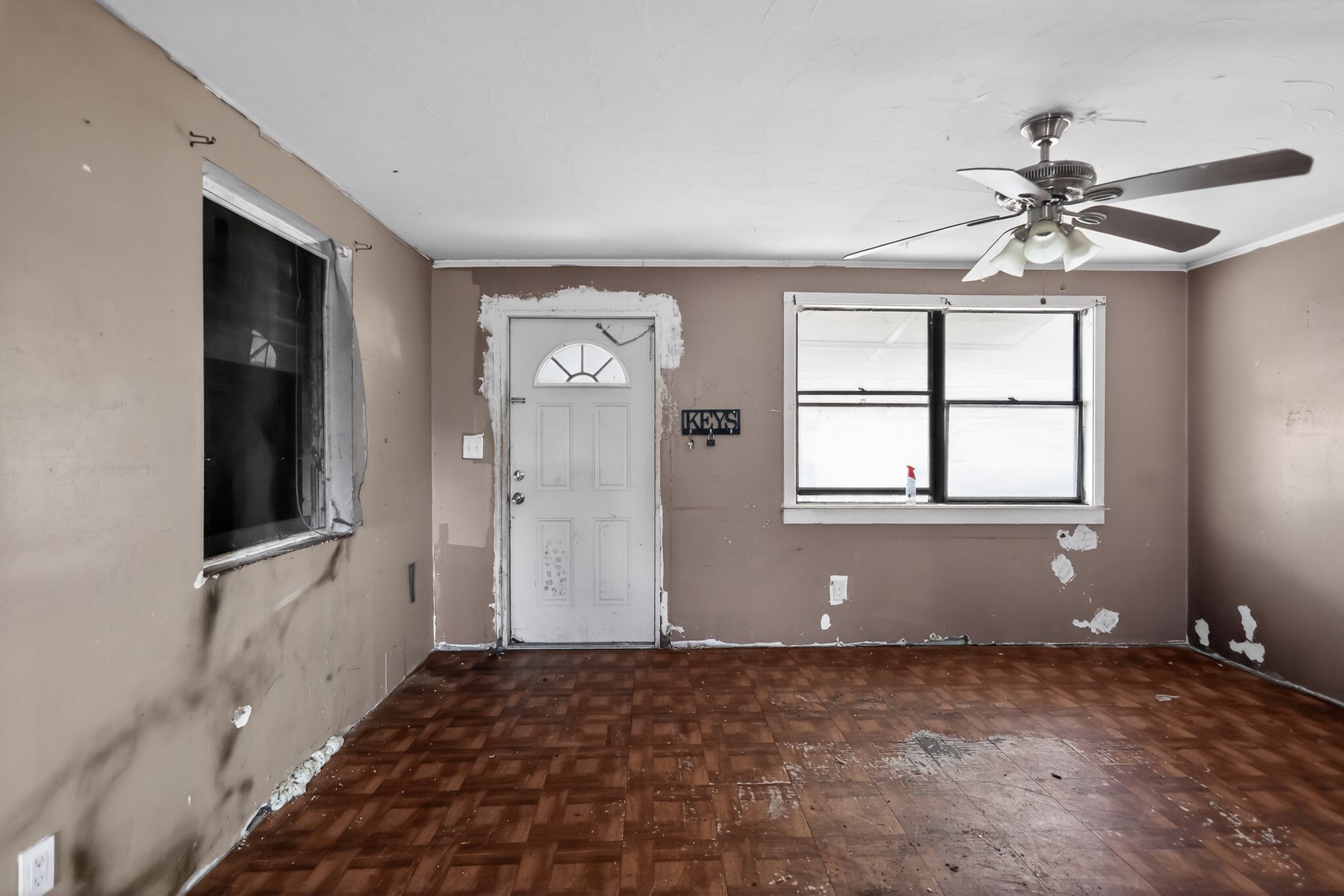
Living room renovation preview
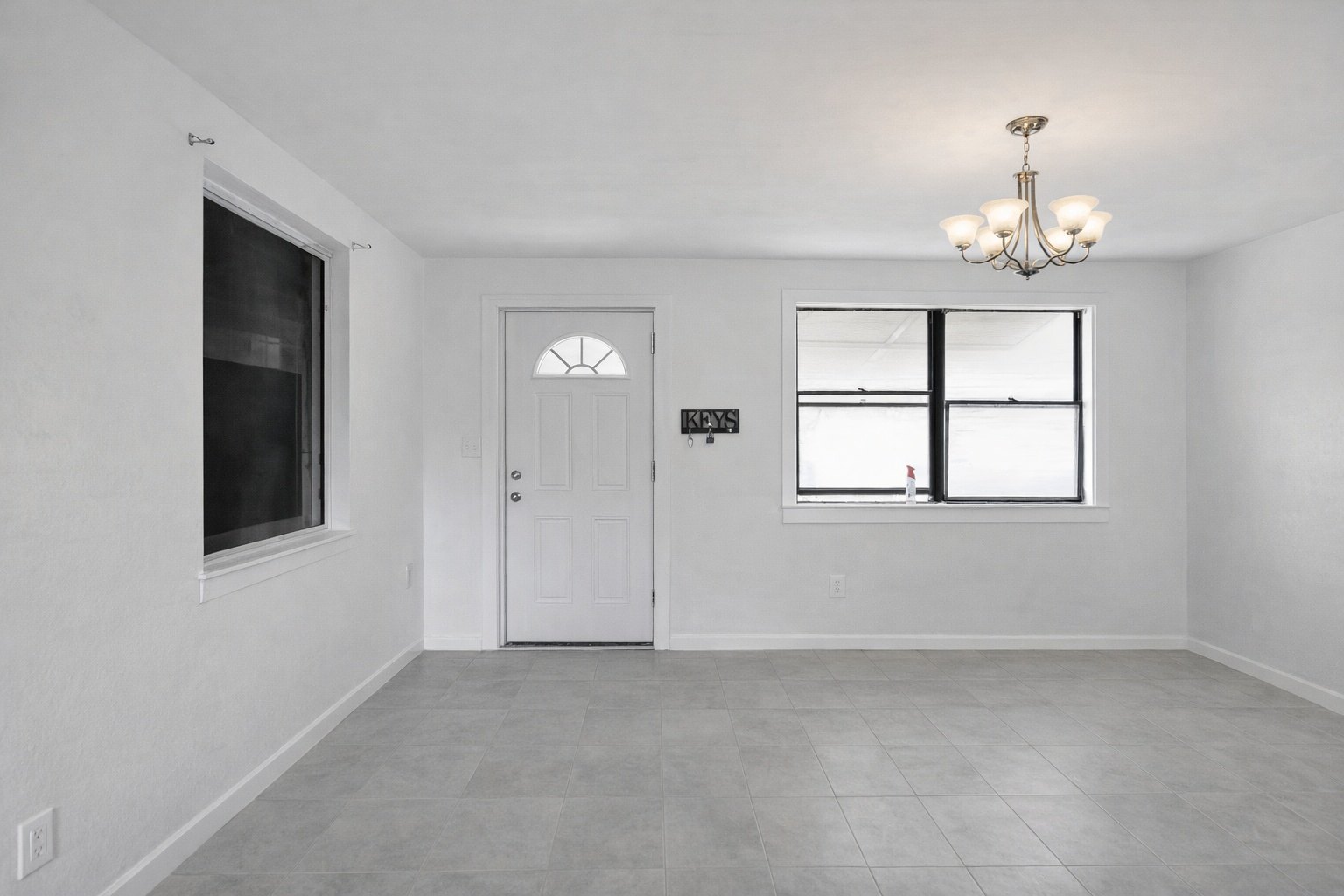
Use a real living room photo to preview updated finishes, layout feel, and a more marketable design direction.
Kitchen remodel preview
Preview cabinets, counters, backsplash, and a cleaner design direction before the client chooses a scope.
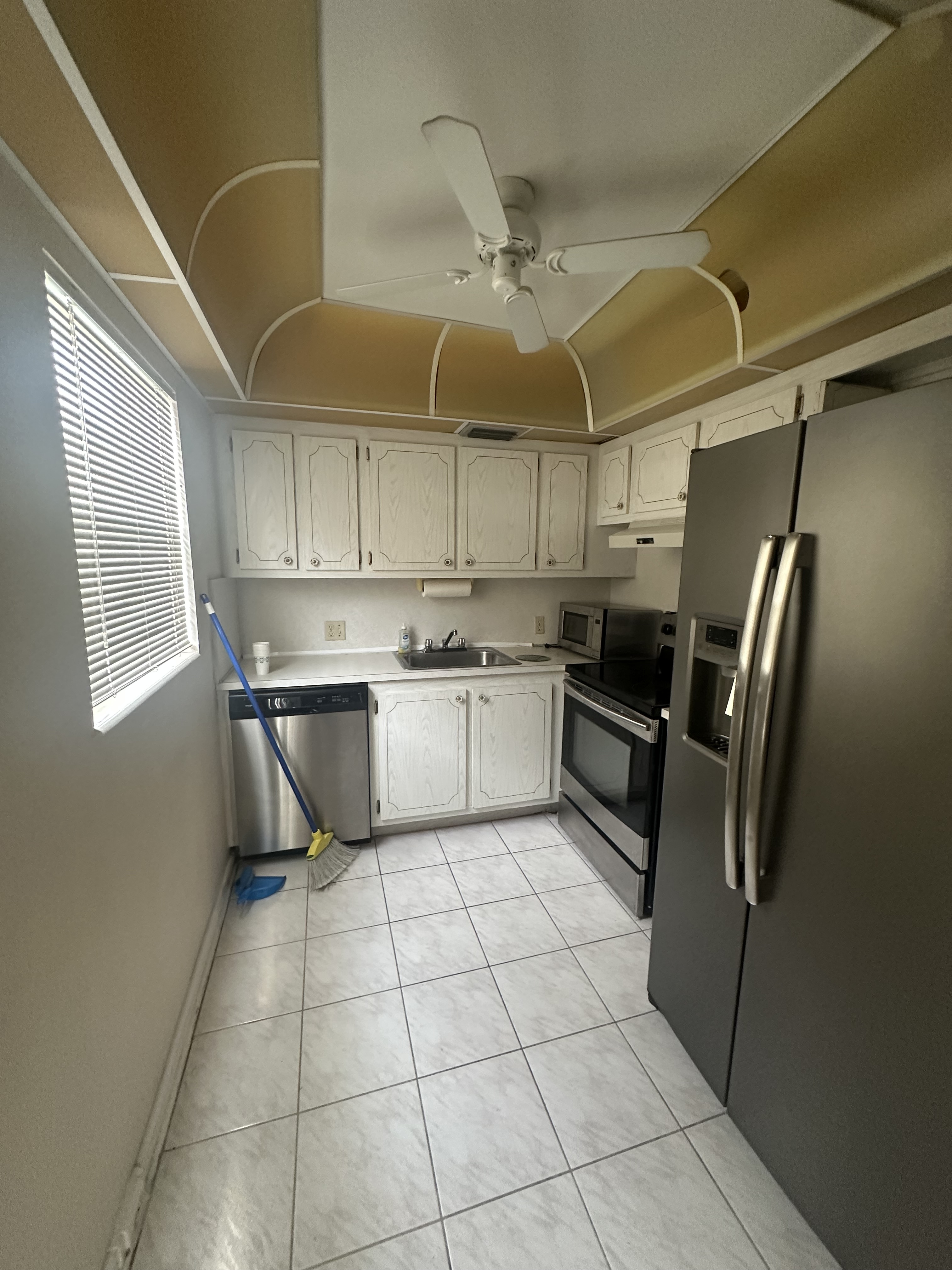
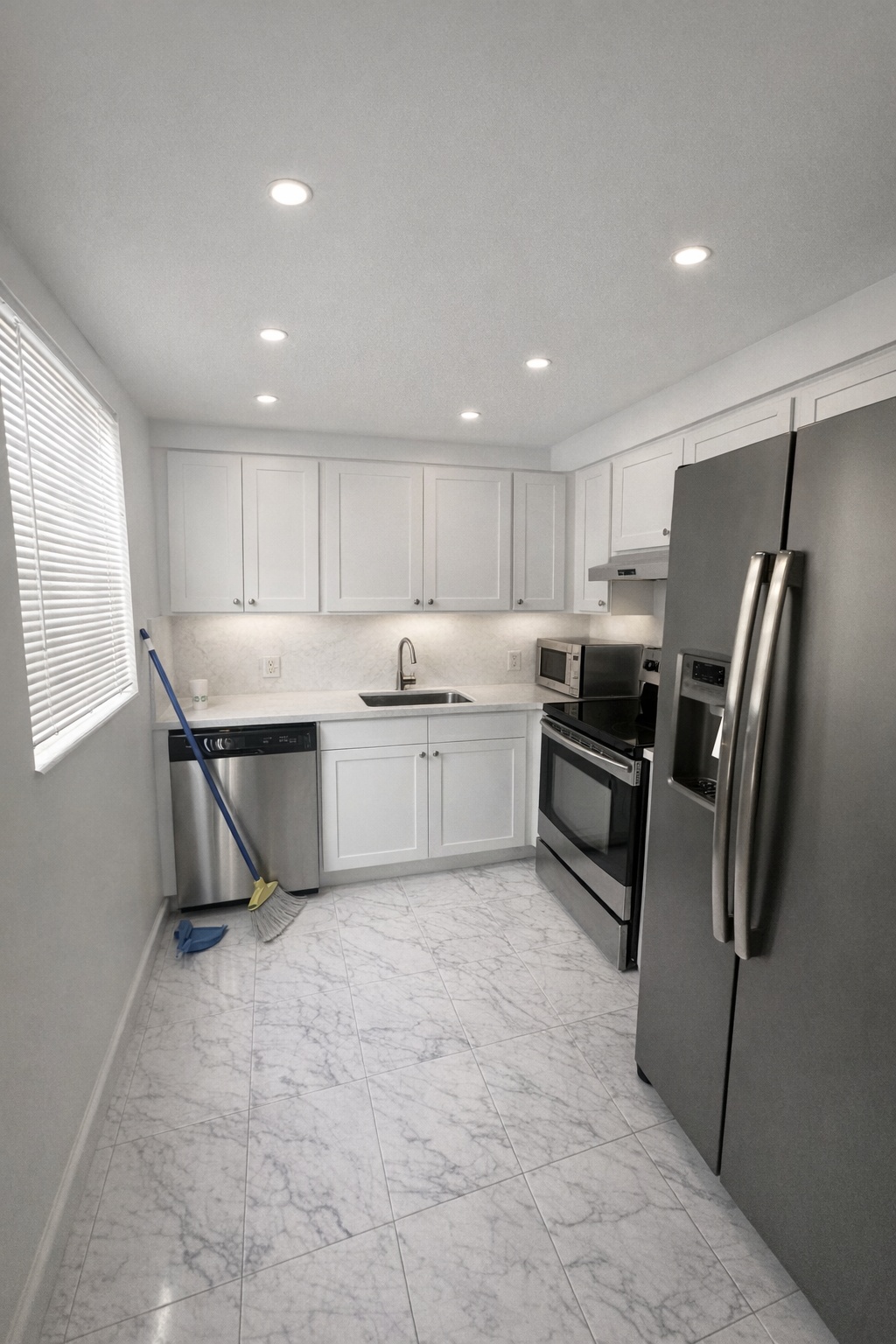
Generate listing-ready visuals in under a minute so you can publish and market faster.
Virtual staging, unfurnish, declutter, renovation, twilight, and enhancement in one workflow.
Designed for listing photos, client presentations, before/after communication, and social promotion.
Search coverage
ReelStaged keeps this page focused on practical property marketing intent instead of generic design inspiration.
Learn how ReelStaged can support this workflow.
Learn how ReelStaged can support this workflow.
Learn how ReelStaged can support this workflow.
Learn how ReelStaged can support this workflow.
Learn how ReelStaged can support this workflow.
Learn how ReelStaged can support this workflow.
Learn how ReelStaged can support this workflow.
Learn how ReelStaged can support this workflow.
They make abstract remodel ideas visual, reduce decision friction, and help homeowners understand the transformation before they approve scope.
Yes. Upload interior photos and generate concept directions for kitchens, bathrooms, living spaces, rentals, flips, and exteriors.
No. They are visual concepts for communication, sales, and planning, not permit-ready technical plans.
Yes. Agents and investors use renovation previews to show buyers potential updates, value-add scenarios, and property upside.
Built for renovation conversations
A remodel can be hard to sell when the client only sees the current dated photo. ReelStaged helps turn that photo into a visual renovation direction, so the conversation moves from “I can’t picture it” to “that’s what I want.”
Show homeowners what a kitchen, bathroom, exterior, or living space could become before they commit to scope.
Help buyers and investors understand the upside in dated spaces instead of walking away because they cannot picture the finished result.
Give sellers a visual renovation concept before deciding whether to update, stage, or sell as-is.
Turn ordinary project photos into visual follow-ups, marketing ideas, and renovation conversation starters.
Why it matters
Homeowners are often comparing contractors, prices, and vague ideas at the same time. A renovation preview makes the proposed transformation more concrete, which can help the client understand the value of the work and feel more confident moving forward.
For agents and investors, the same workflow helps show property upside: updated kitchens, refreshed bathrooms, cleaner finishes, curb appeal ideas, or value-add remodel potential.
Simple workflow
Use a kitchen, bathroom, living room, exterior, rental, flip, or client project photo.
Create visual concepts for updated finishes, brighter layouts, and more marketable design direction.
Share the concept in estimates, listing prep, buyer discussions, investor decks, or social content.
High-intent renovation pages
Google is already testing the renovation pages near page one. These related pages give contractors, agents, and homeowners clearer paths for kitchen, bathroom, and proposal-specific renovation searches.
Client-ready renovation previews for estimates, walkthrough follow-up, and project approvals.
A more specific workflow for remodelers who want proposal visuals before the estimate goes cold.
Preview cabinets, counters, backsplash, lighting, and kitchen design direction from one photo.
Show tile, vanity, fixture, lighting, and finish direction before clients choose scope.
Broader renovation visualization for homeowners, agents, investors, and remodel teams.
Target the exact workflow of turning existing room photos into remodel concepts.
Contractors need this one