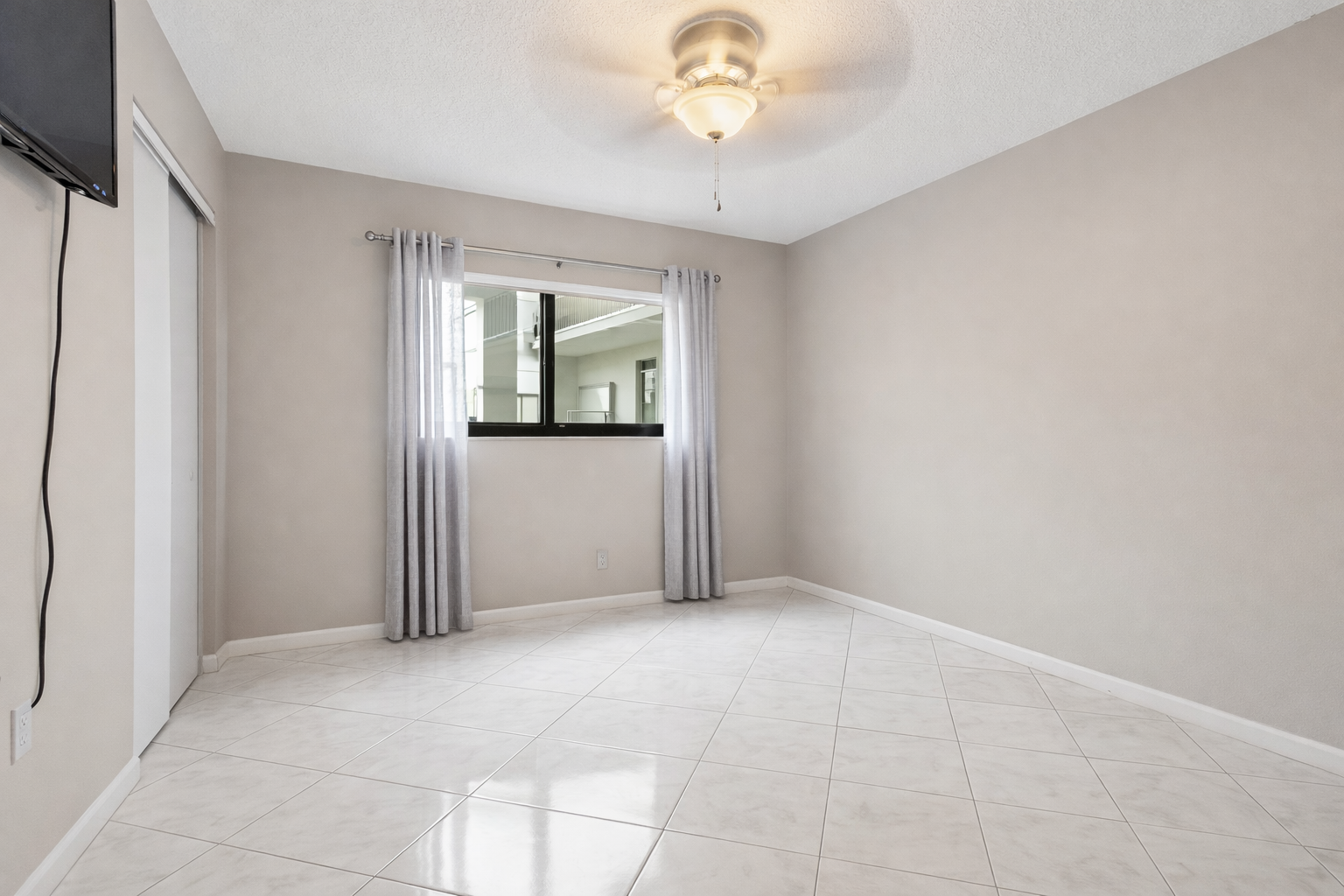
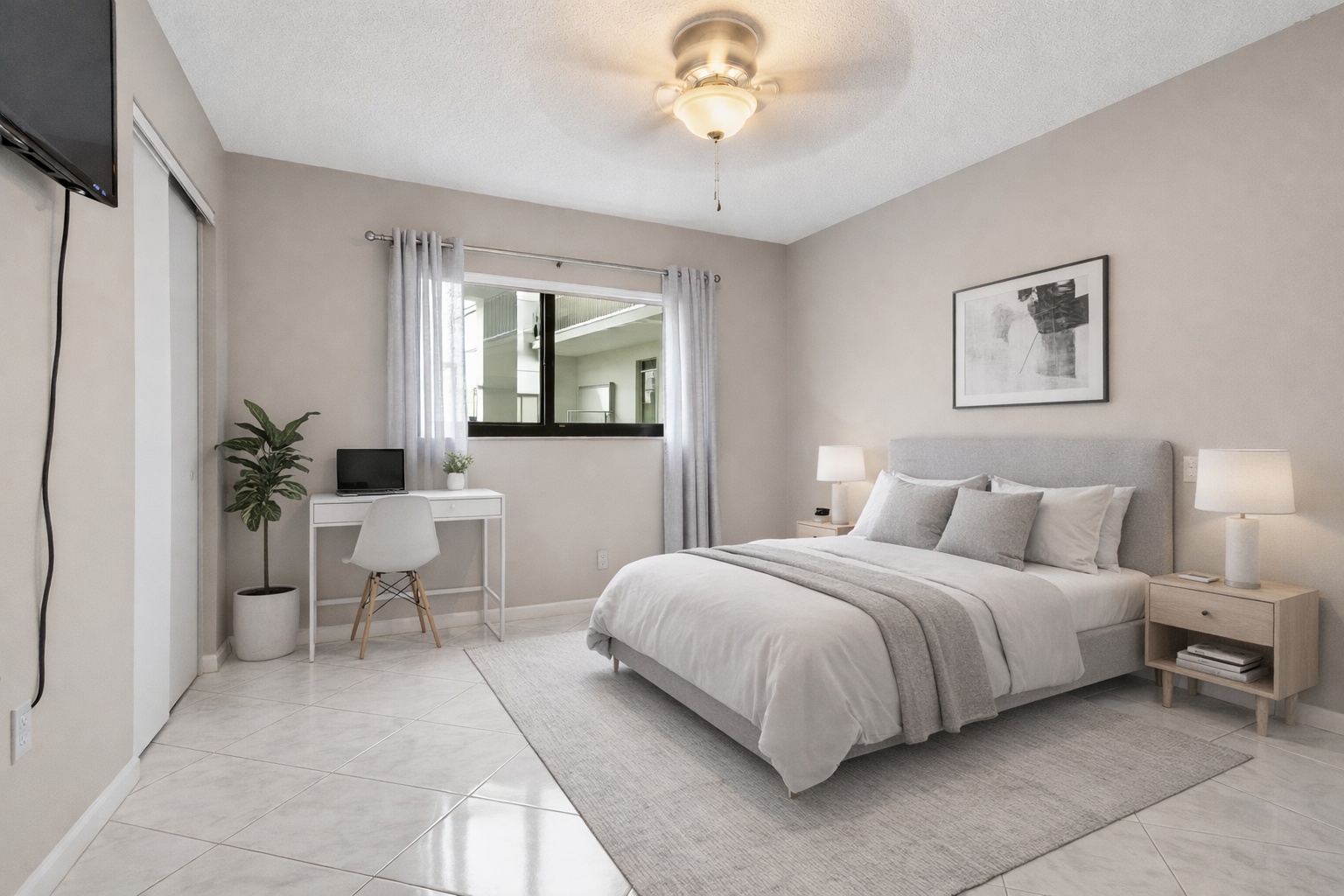
Empty bedroom to staged listing visual
ReelStaged Studio for Agents, teams, and photographers
Turn empty rooms into scroll-stopping listing photos without waiting days for edits.
Before / after proof
Vacant rooms make buyers work too hard. ReelStaged helps agents, photographers, sellers, and property managers stage empty rooms online, create virtual staging from a photo, and turn blank spaces into warmer listing visuals without renting furniture or waiting days for edits.
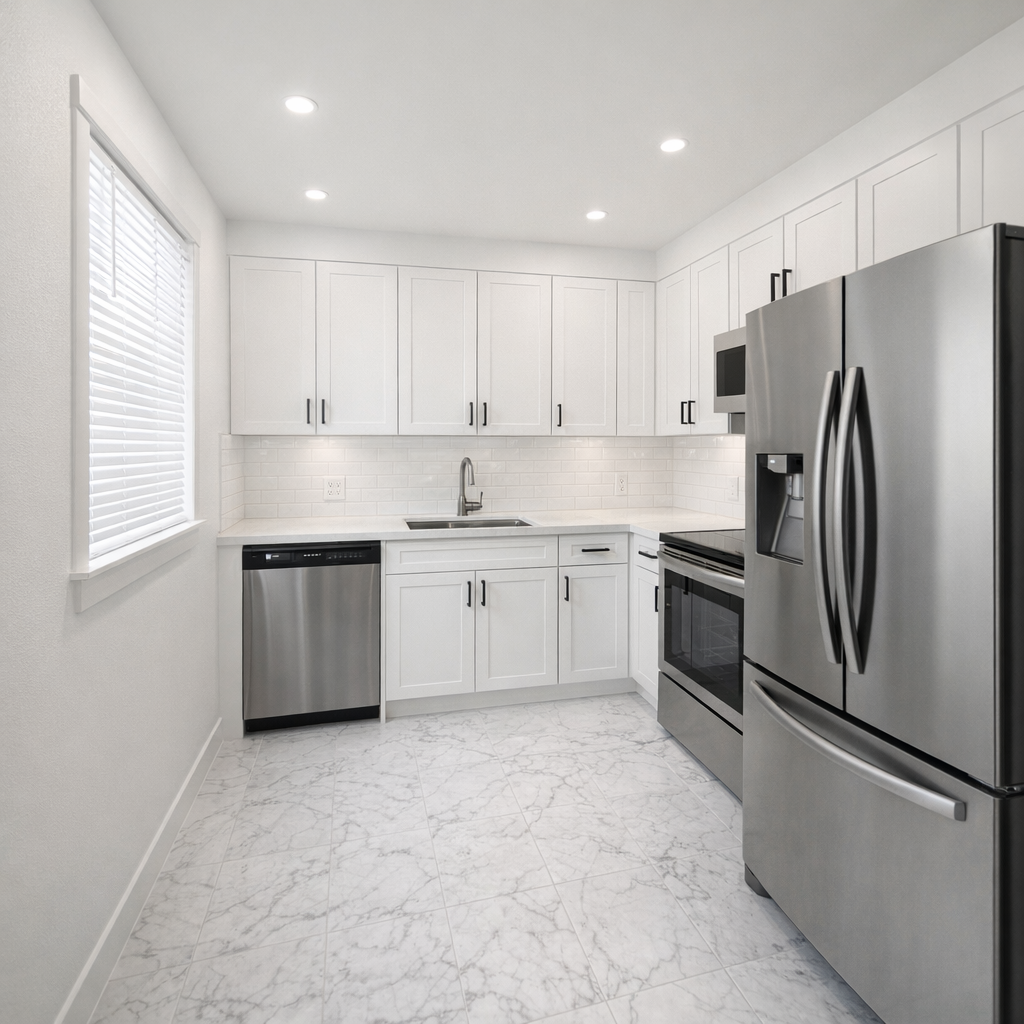
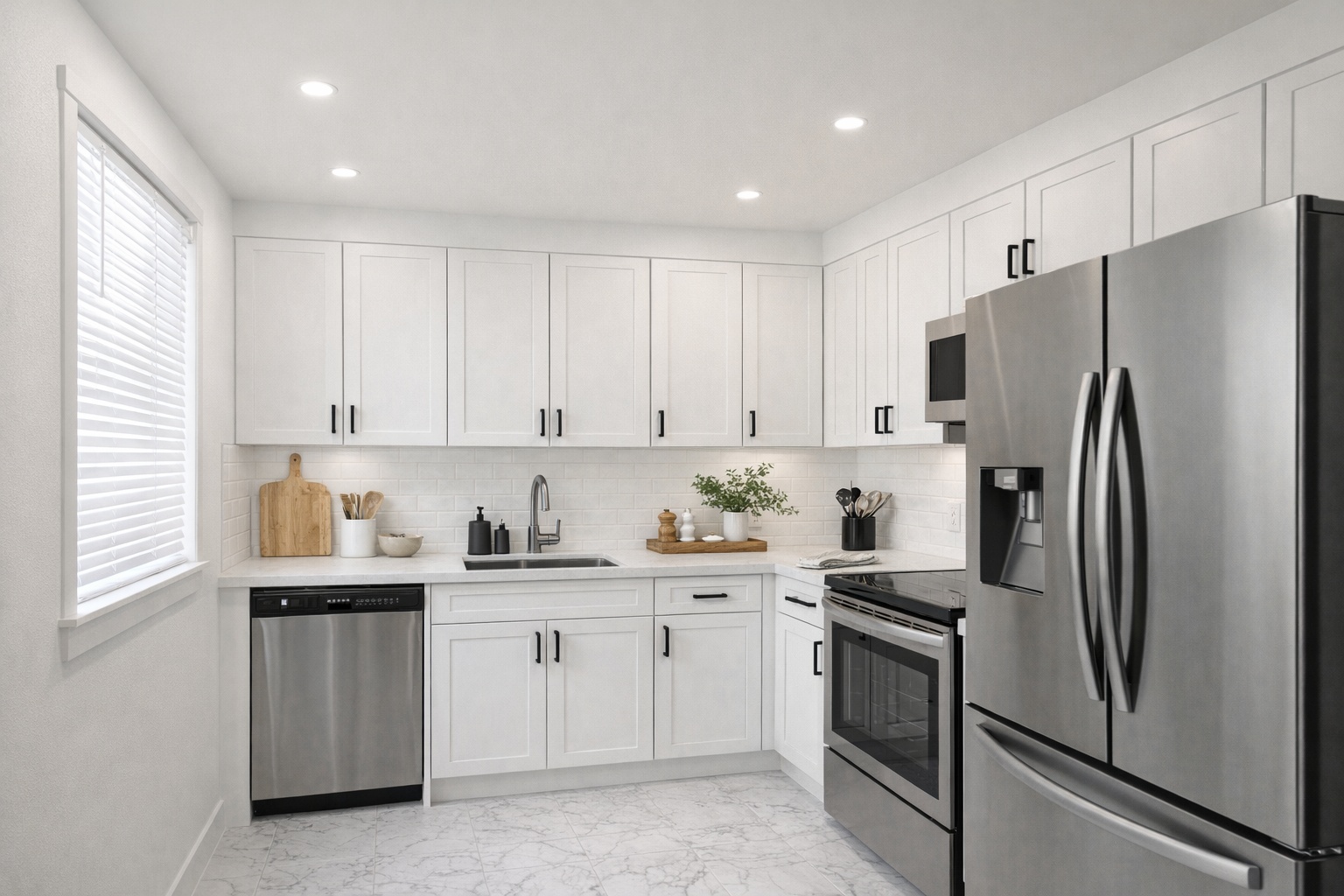
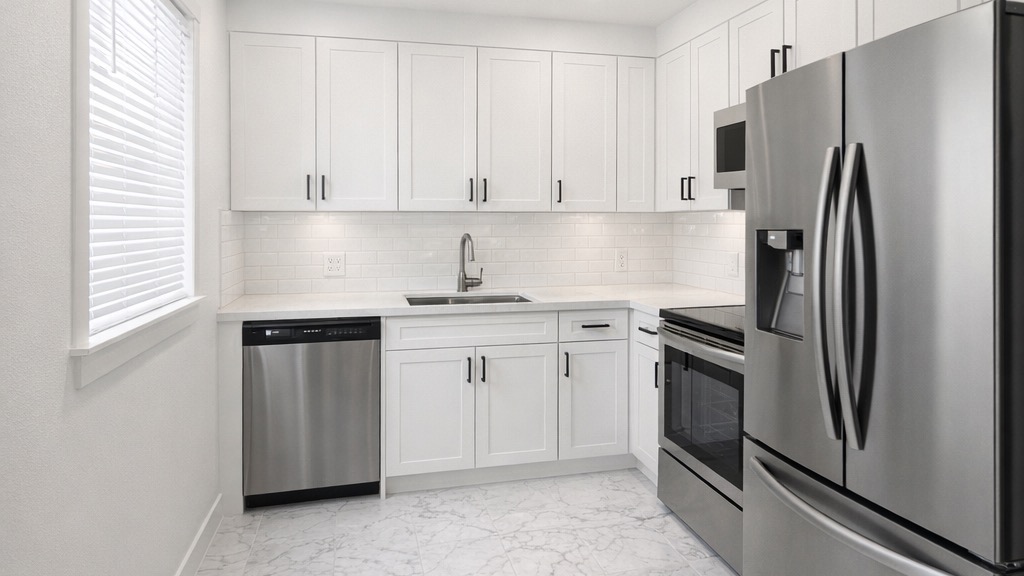
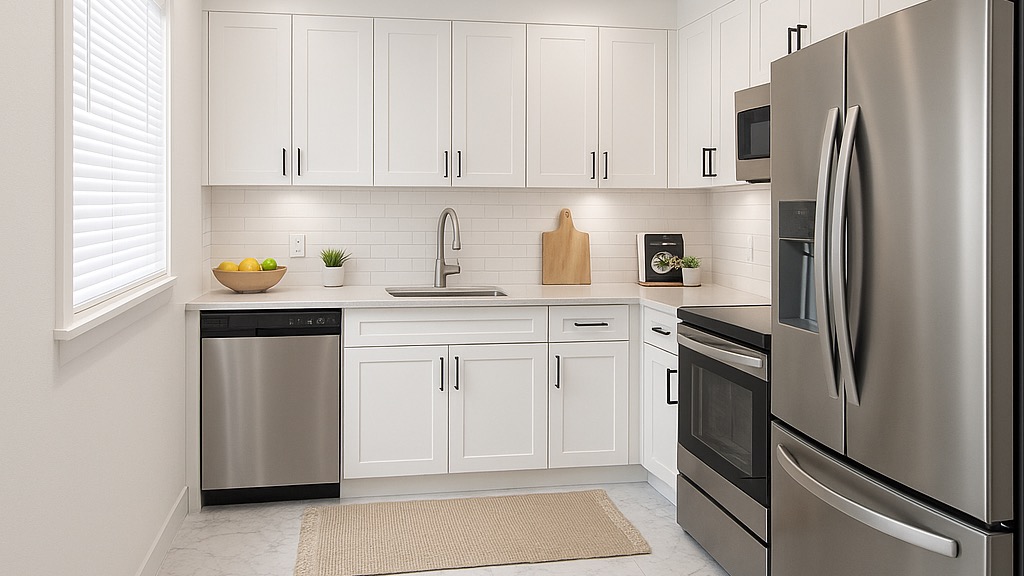
Generate listing-ready visuals in under a minute so you can publish and market faster.
Virtual staging, unfurnish, declutter, renovation, twilight, and enhancement in one workflow.
Designed for listing photos, client presentations, before/after communication, and social promotion.
Search coverage
ReelStaged keeps this page focused on practical property marketing intent instead of generic design inspiration.
Learn how ReelStaged can support this workflow.
Learn how ReelStaged can support this workflow.
Learn how ReelStaged can support this workflow.
Learn how ReelStaged can support this workflow.
Learn how ReelStaged can support this workflow.
Learn how ReelStaged can support this workflow.
Learn how ReelStaged can support this workflow.
AI virtual staging adds realistic furniture and decor to empty property photos so buyers can understand scale, flow, and potential.
Most edits are generated in under a minute, so you can prep listing images the same day.
Yes. Use Unfurnish mode first, then apply Virtual Staging to build a clean, market-ready look.
Yes. You can start free and test results before upgrading to paid plans.
How it works
Start with an empty or lightly furnished room photo from your listing, rental, or client project.
Use ReelStaged Studio to create a furnished concept that helps buyers understand the room's potential.
Use the staged result for listing prep, seller conversations, social posts, and property marketing.
Who it helps
AI virtual staging is most useful when speed and buyer imagination matter. Agents can refresh vacant listings, photographers can sell staging as an add-on, property managers can make empty units feel more livable, and home sellers can show buyers how a room could function.
ReelStaged is not just a furniture generator. It sits inside a broader real estate photo editing workflow with unfurnish, declutter, renovation previews, twilight conversion, and photo enhancement when a listing needs more than one edit.
AI vs traditional
| Workflow | Best for | Typical friction |
|---|---|---|
| AI virtual staging | Fast listing prep, testing room looks, self-serve edits | Needs strong source photos and review before publishing |
| Outsourced virtual staging | Hands-off edits when turnaround time is less urgent | Per-image ordering, revisions, and waiting on delivery |
| Physical staging | Premium vacant listings with budget for furniture and logistics | Higher cost, scheduling, moving furniture, limited flexibility |
Start with your real listing photo