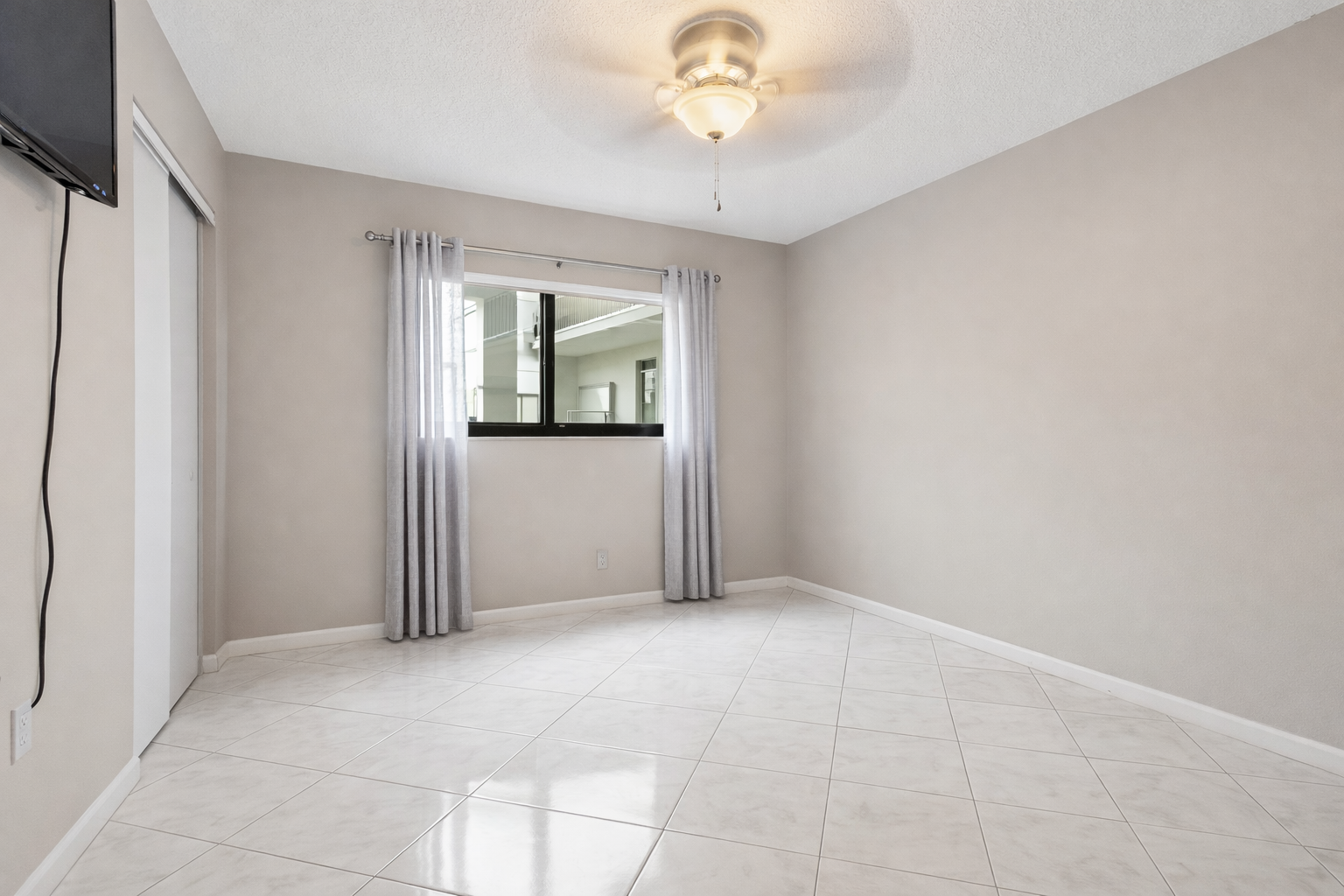
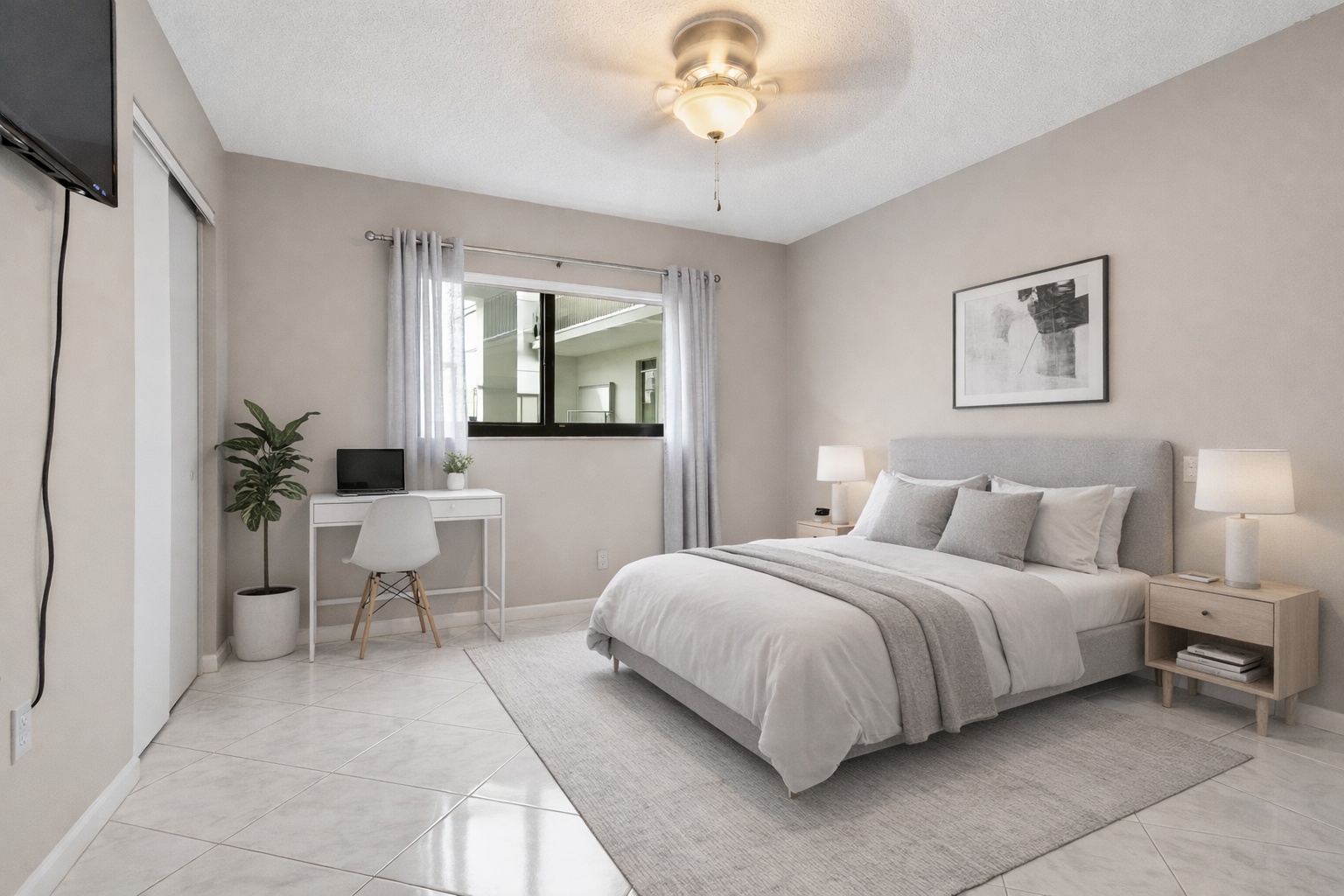
Empty bedroom staging
Give buyers scale, function, and warmth
A vacant bedroom can feel cold or confusing. Staging helps buyers understand bed placement, circulation, and lifestyle.
ReelStaged Studio for Listing agents and marketing teams
Turn empty listing photos into furnished visuals that explain scale, purpose, and lifestyle.
Vacant-room staging examples
Empty rooms make buyers work too hard. Online staging adds furniture, scale, and lifestyle context so the photo communicates the room's purpose immediately.
Empty bedroom staging
A vacant bedroom can feel cold or confusing. Staging helps buyers understand bed placement, circulation, and lifestyle.
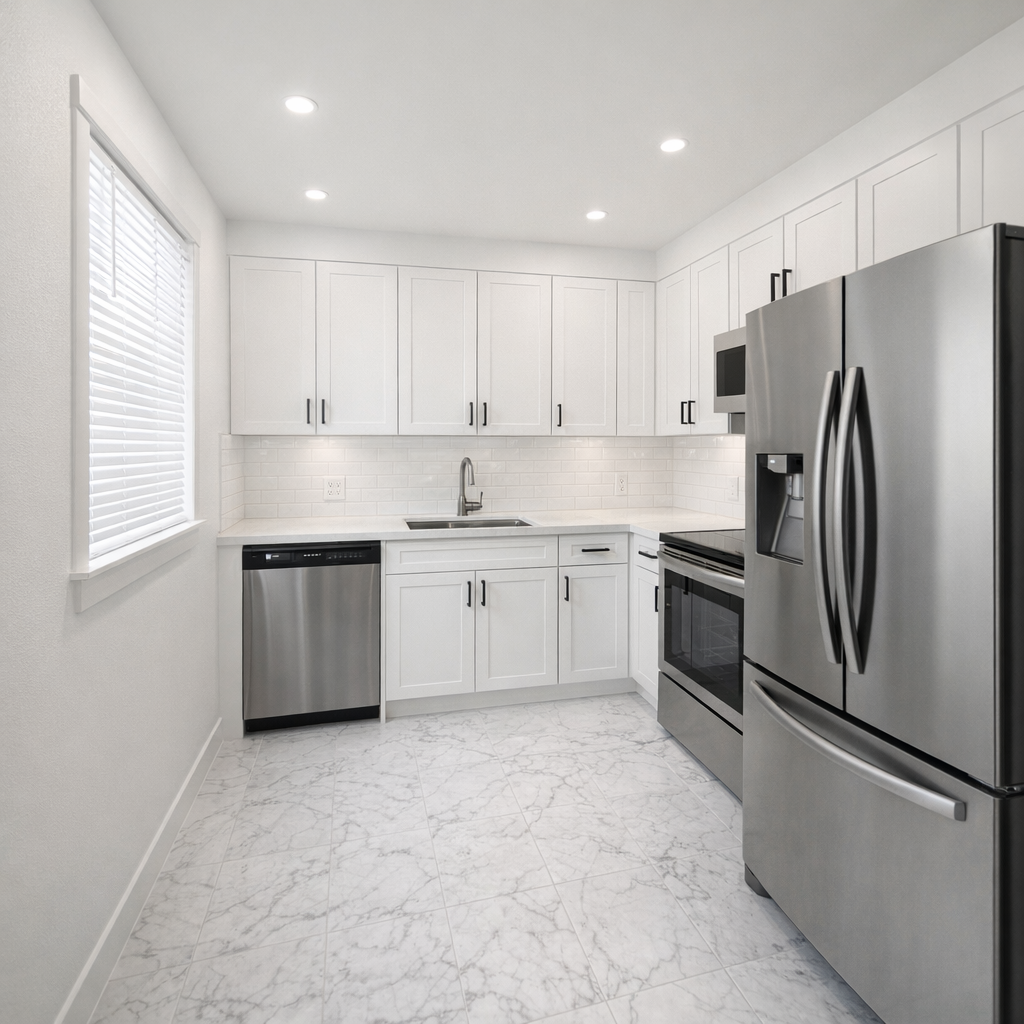
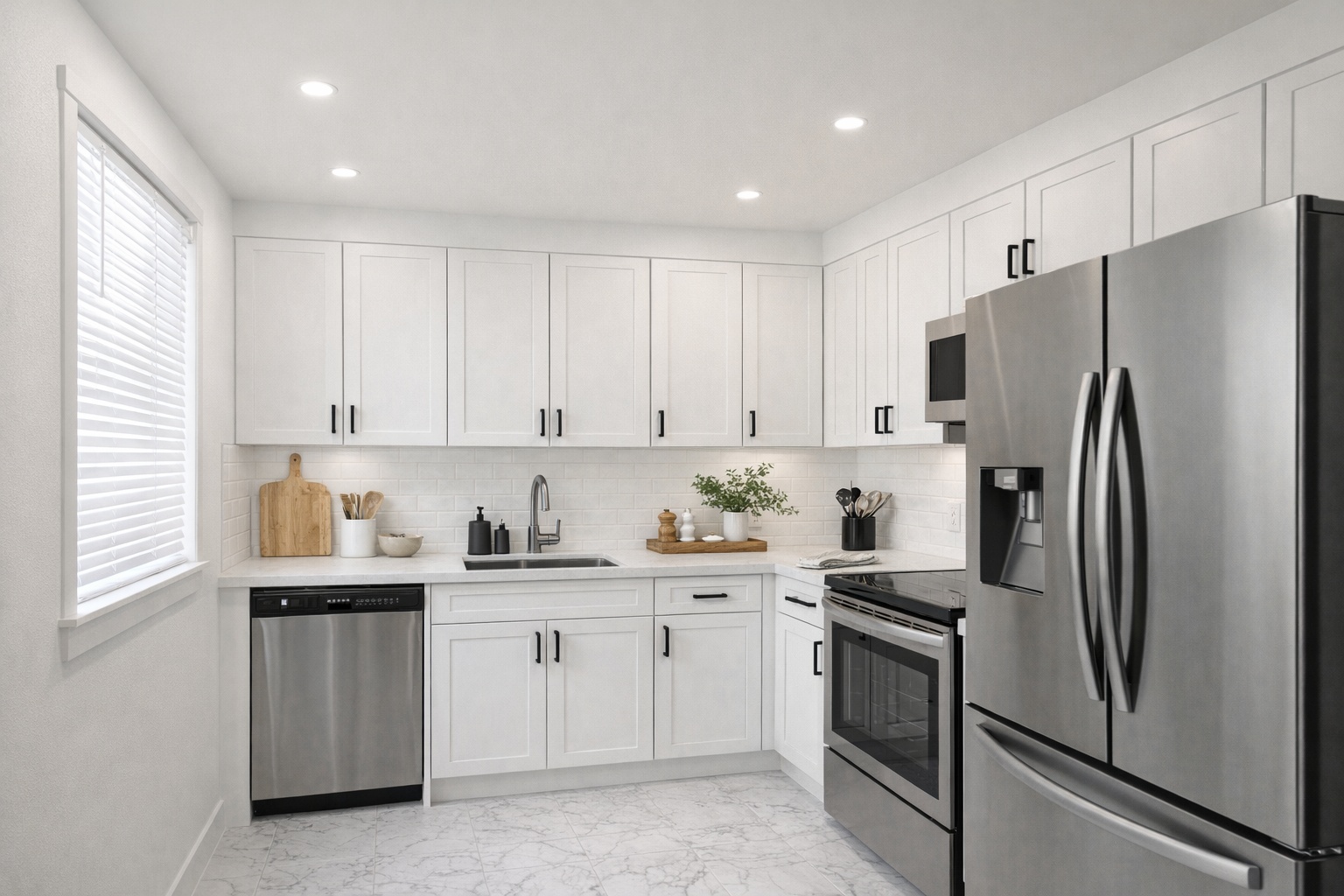
Vacant kitchen concept
Stage important spaces so listing viewers see a complete home experience instead of a blank shell.
Blank room to furnished listing image
Use digital staging when the listing needs stronger photos but physical staging is too slow, expensive, or impractical.
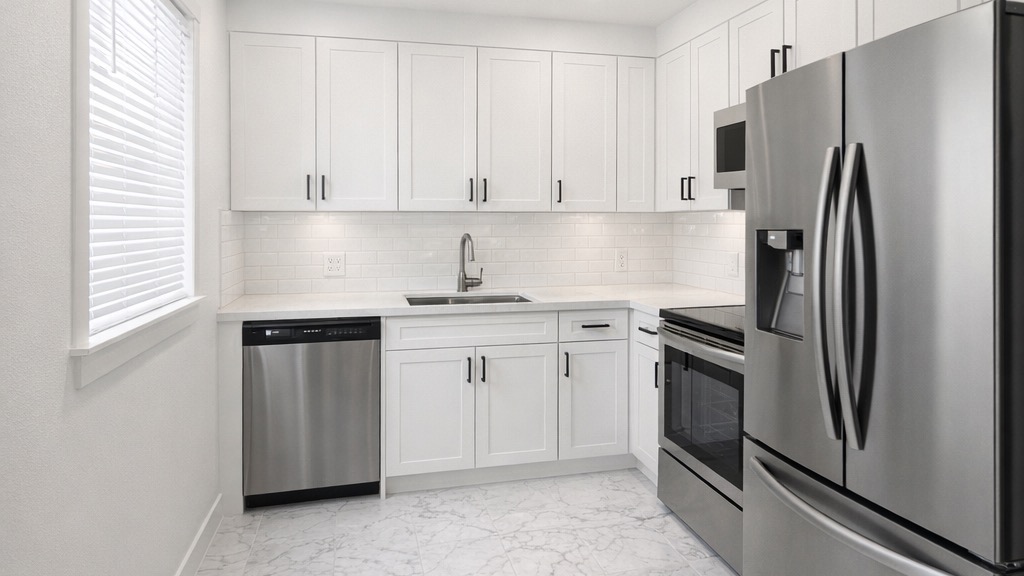
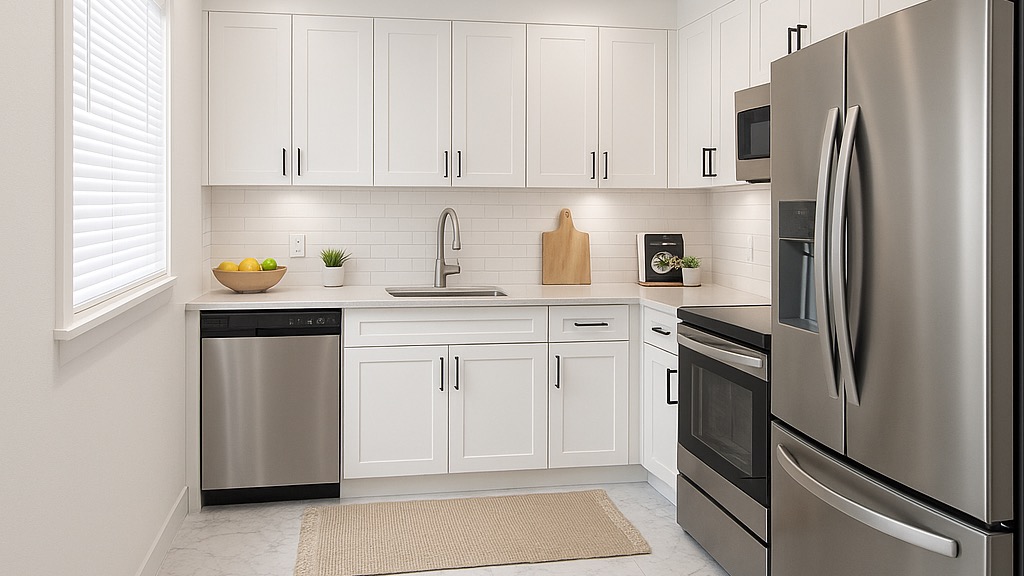
Generate listing-ready visuals in under a minute so you can publish and market faster.
Virtual staging, unfurnish, declutter, renovation, twilight, and enhancement in one workflow.
Designed for listing photos, client presentations, before/after communication, and social promotion.
Search coverage
ReelStaged keeps this page focused on practical property marketing intent instead of generic design inspiration.
Learn how ReelStaged can support this workflow.
Learn how ReelStaged can support this workflow.
Learn how ReelStaged can support this workflow.
Learn how ReelStaged can support this workflow.
Learn how ReelStaged can support this workflow.
Learn how ReelStaged can support this workflow.
Learn how ReelStaged can support this workflow.
Vacant rooms often feel smaller and harder to interpret in photos. Staging adds furniture, scale, and lifestyle context so buyers understand layout and function.
Most results are generated quickly, so agents and photographers can prep multiple vacant listing photos without waiting on manual staging edits.
Yes. You can guide visual direction and generate new versions to match the listing's target buyer profile.
Yes. Staged images often perform better in listing promotions and outreach materials.
Best-fit use cases
This page is about starting from an empty room. If the room is occupied, use Unfurnish first. If the room is messy but furnished, use Declutter. If the room is already vacant, stage it online and make the listing easier to read.
Vacant properties often feel smaller in photos. Stage the rooms that need function and emotional context.
Show renters how a bedroom, living room, or office could work before they tour the space.
Add warmth to clean but empty rooms so buyers can imagine daily life inside the home.
If a vacant listing is getting ignored, add staged versions to relaunch the marketing with stronger visuals.
Staging strategy
Prioritize living rooms, primary bedrooms, kitchens, dining areas, home offices, and awkward spaces buyers may not understand.
Modern, coastal, luxury, family-friendly, or rental-friendly styling should support the property and price point.
Good online staging should respect the room's architecture, light, scale, windows, and camera angle.
Unique keyword lane
The main virtual staging page targets broad software terms. The furniture-removal page targets occupied rooms. This page targets people who already have a vacant room photo and need to furnish it online.
Three-step workflow
Start with the empty bedroom, living room, kitchen, dining room, apartment, or office photo.
Guide the room toward the buyer profile and property style you want the listing to communicate.
Use the furnished version in MLS, listing portals, email campaigns, social posts, and seller updates.
Make empty rooms click