Virtual staging editor
Stage vacant rooms without leaving your browser
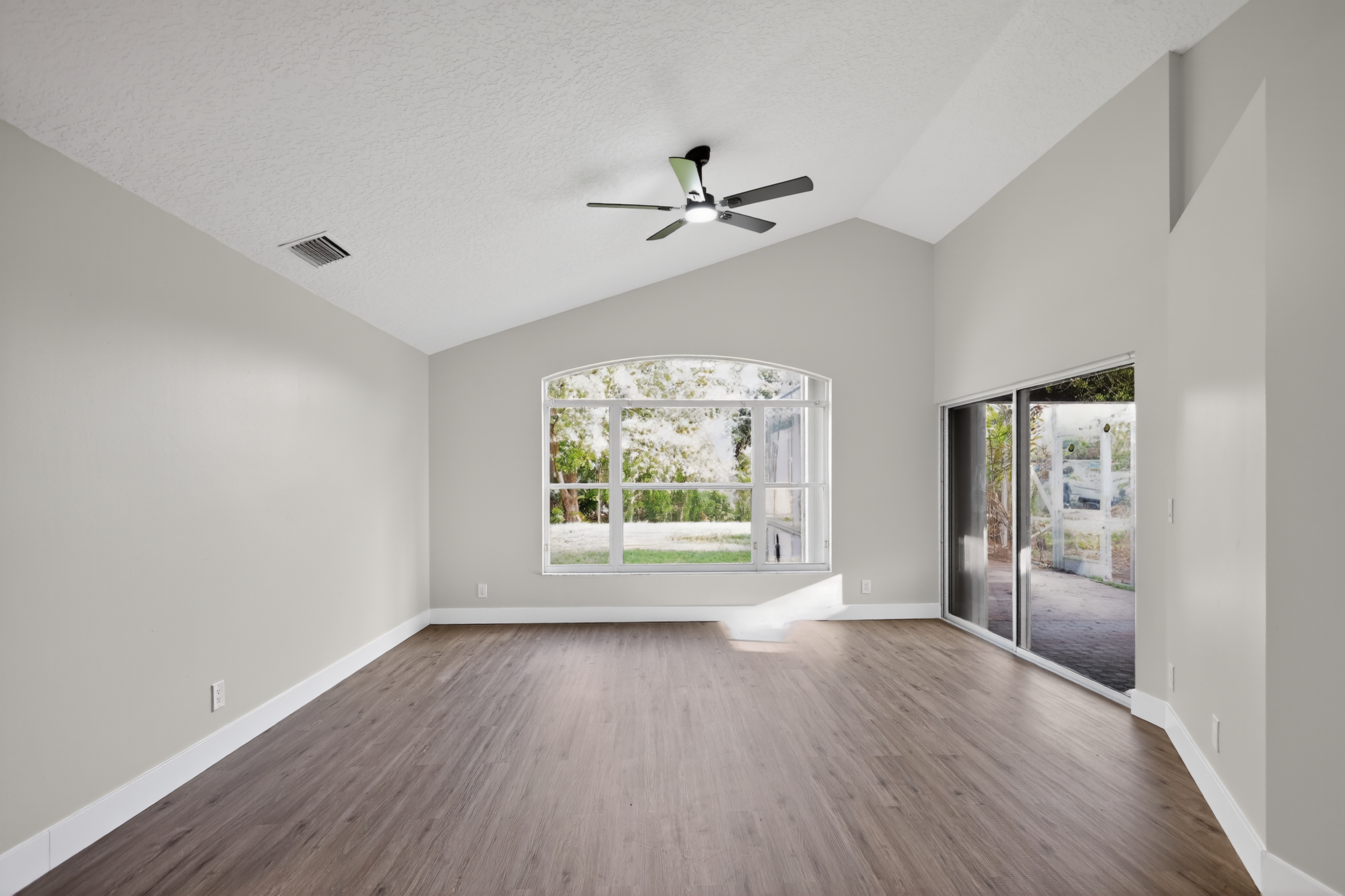
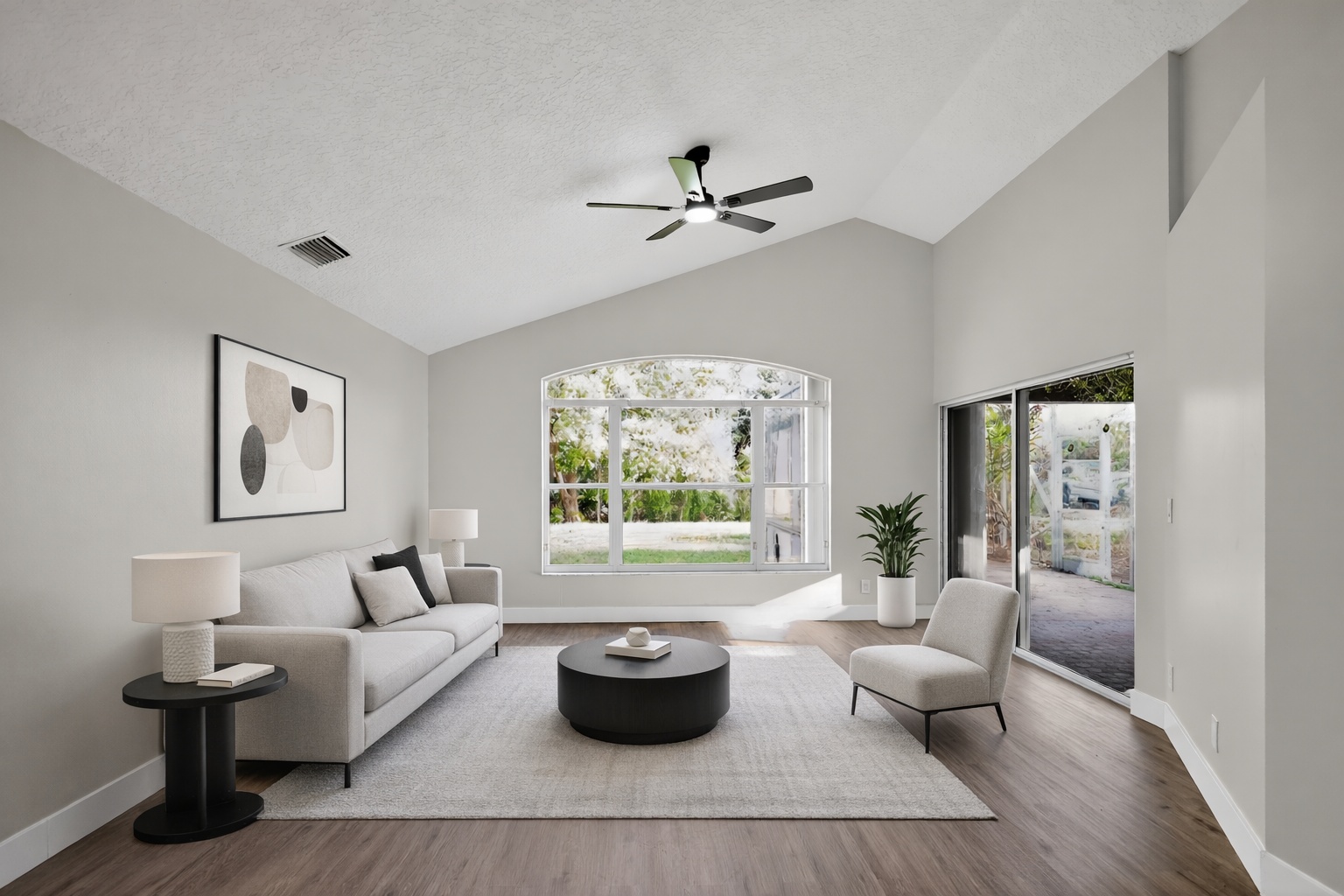
Upload an empty room and create a furnished listing visual that helps buyers understand scale, layout, and lifestyle.
ReelStaged Studio for Agents and photographers
One browser-based studio for the edits listings need most.
Online real estate photo editor
ReelStaged is a browser-based AI studio for real estate visuals. Use one workflow to stage empty rooms, enhance dull photos, clean up clutter, create twilight shots, and preview renovation potential.
Virtual staging editor
Upload an empty room and create a furnished listing visual that helps buyers understand scale, layout, and lifestyle.
Photo enhancement editor
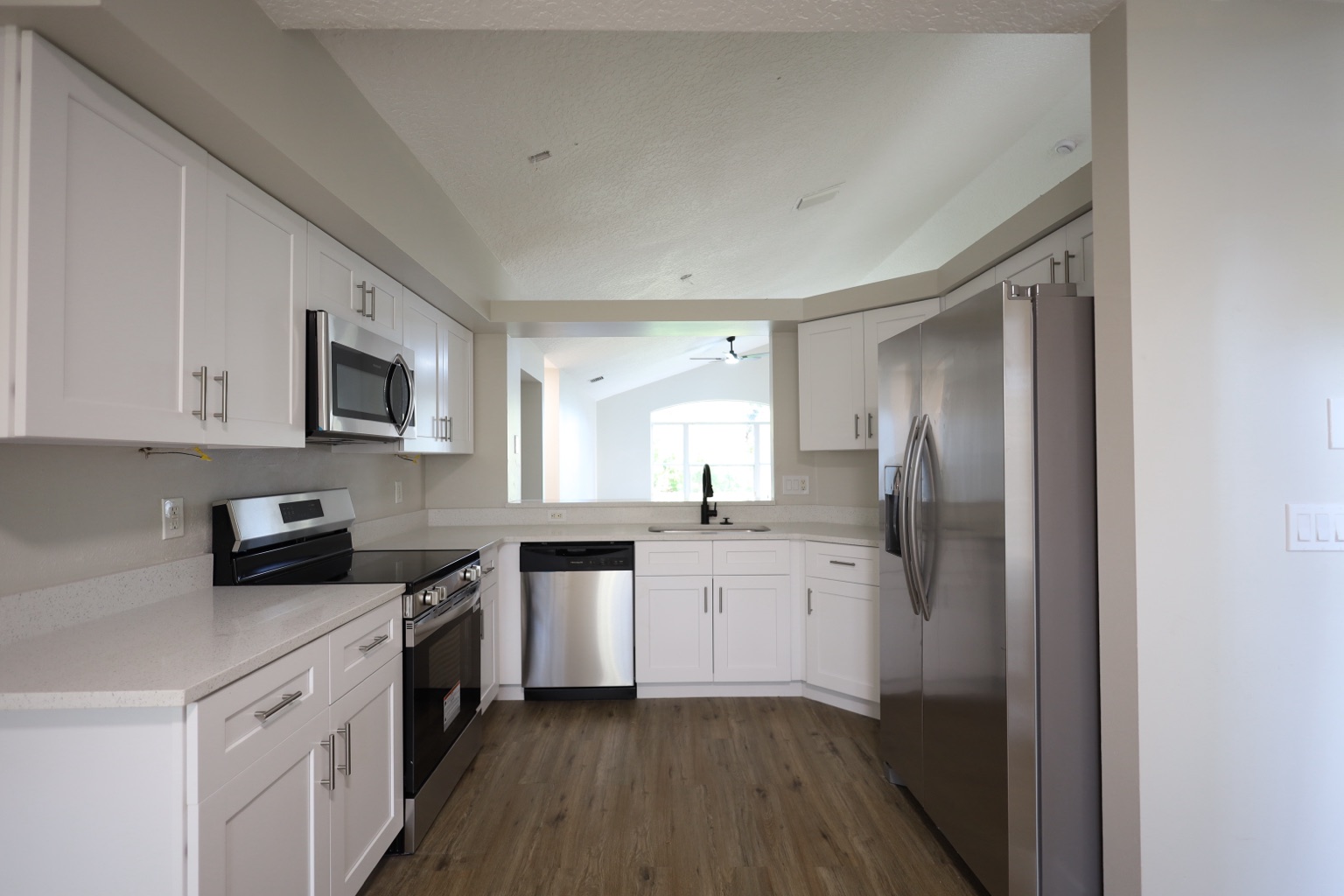
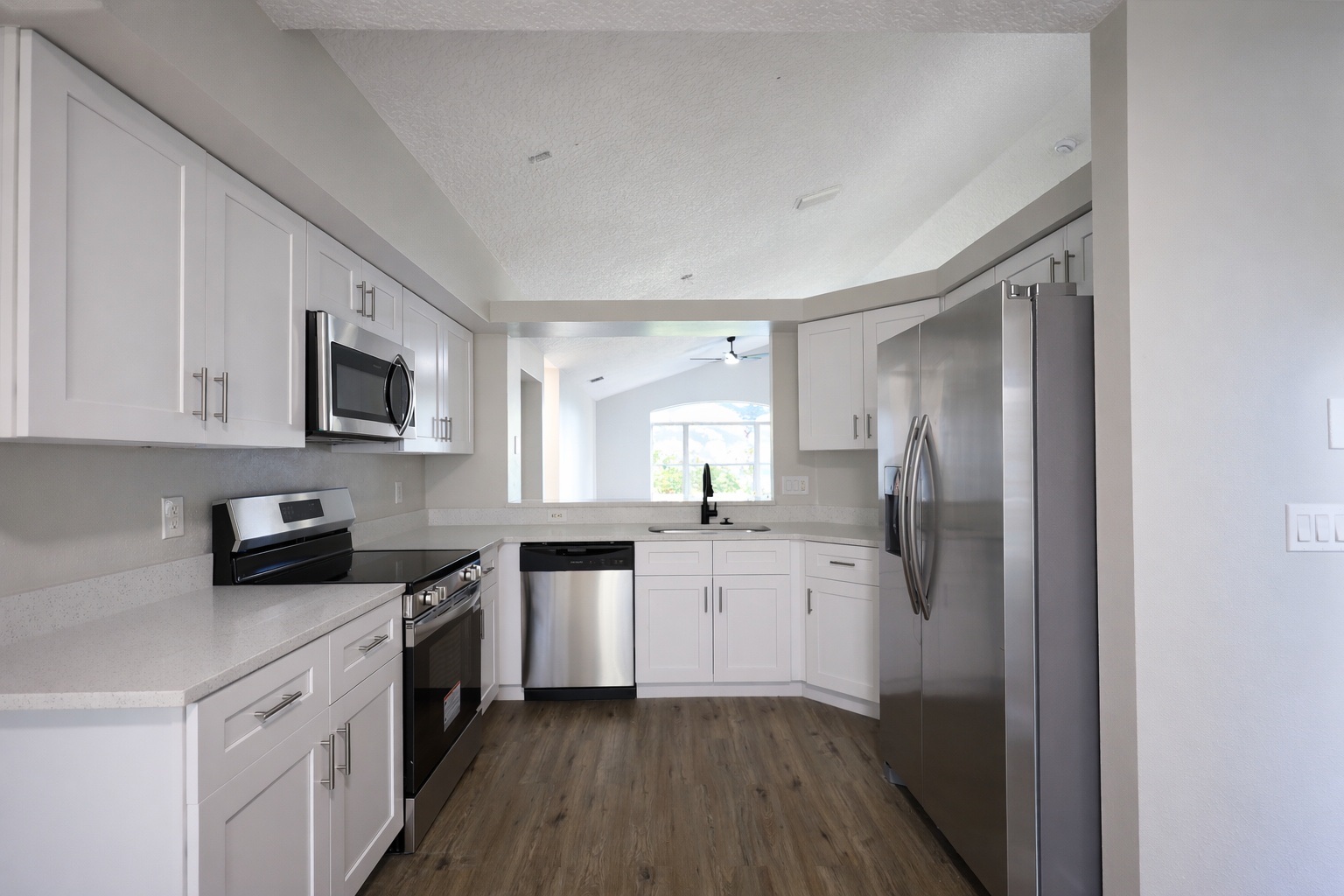
Clean up dull photos before publishing so the image feels sharper, brighter, and more professional online.
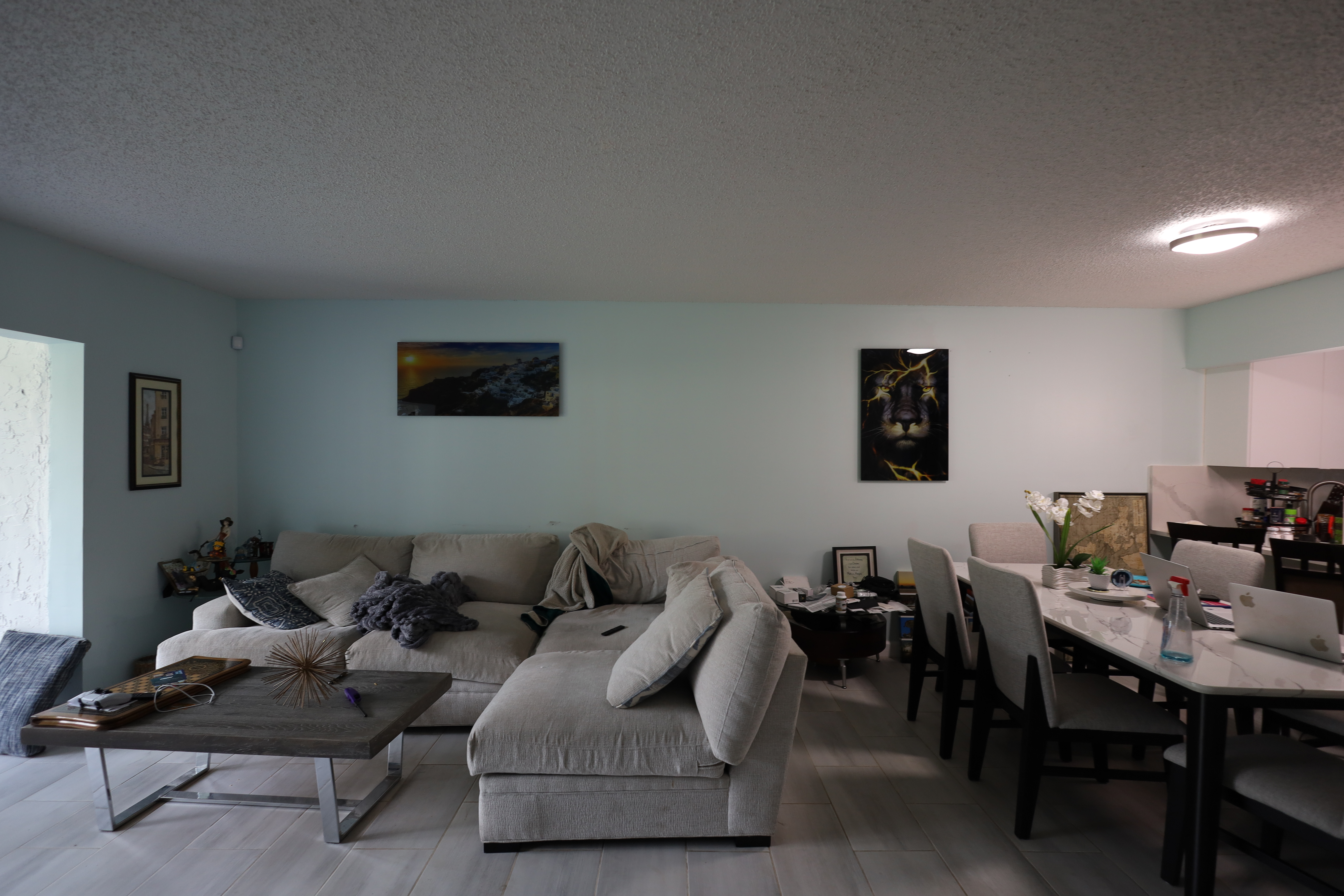
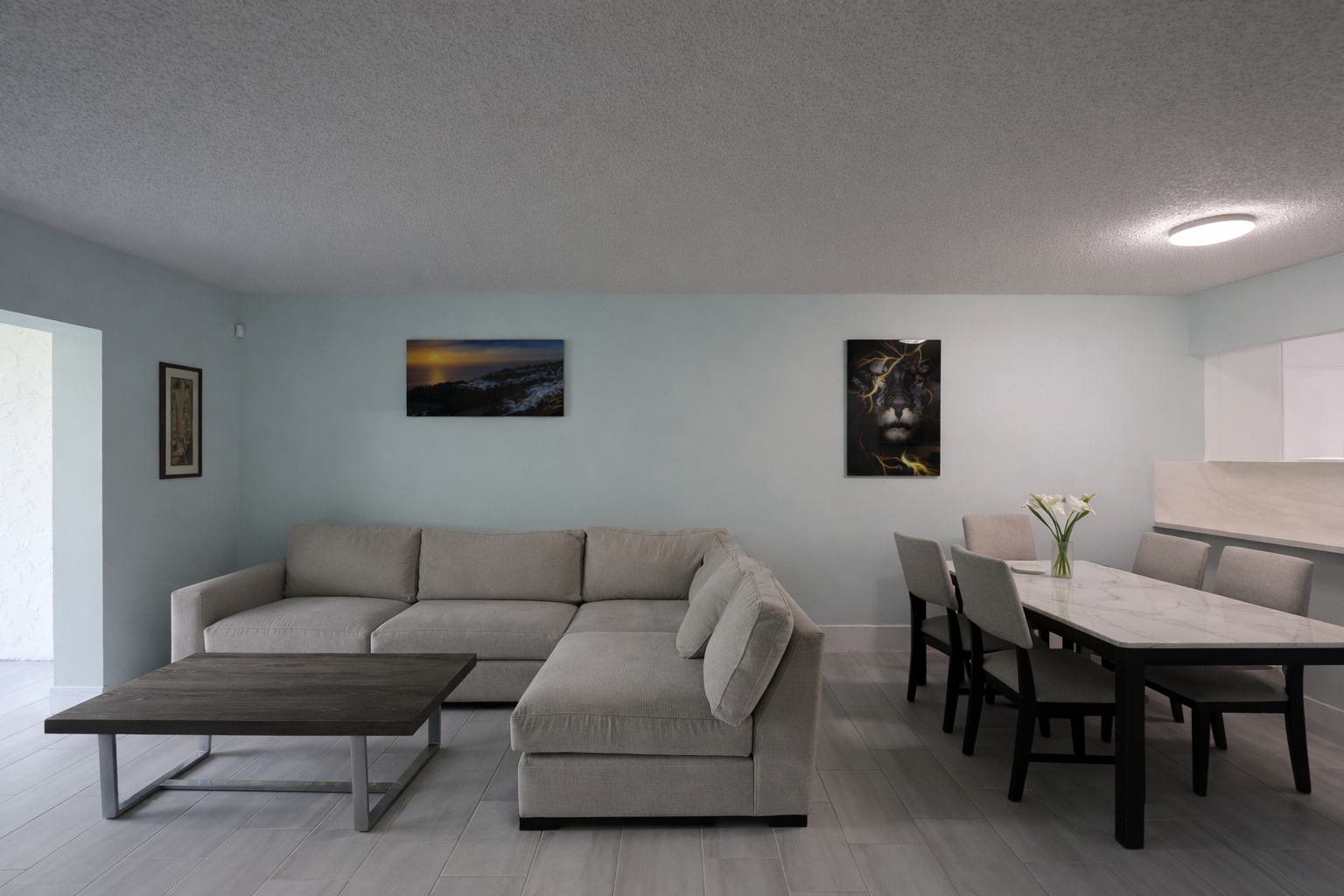
Declutter editor
Clean messy listing photos so buyers focus on the room, not clutter, personal items, or visual noise.
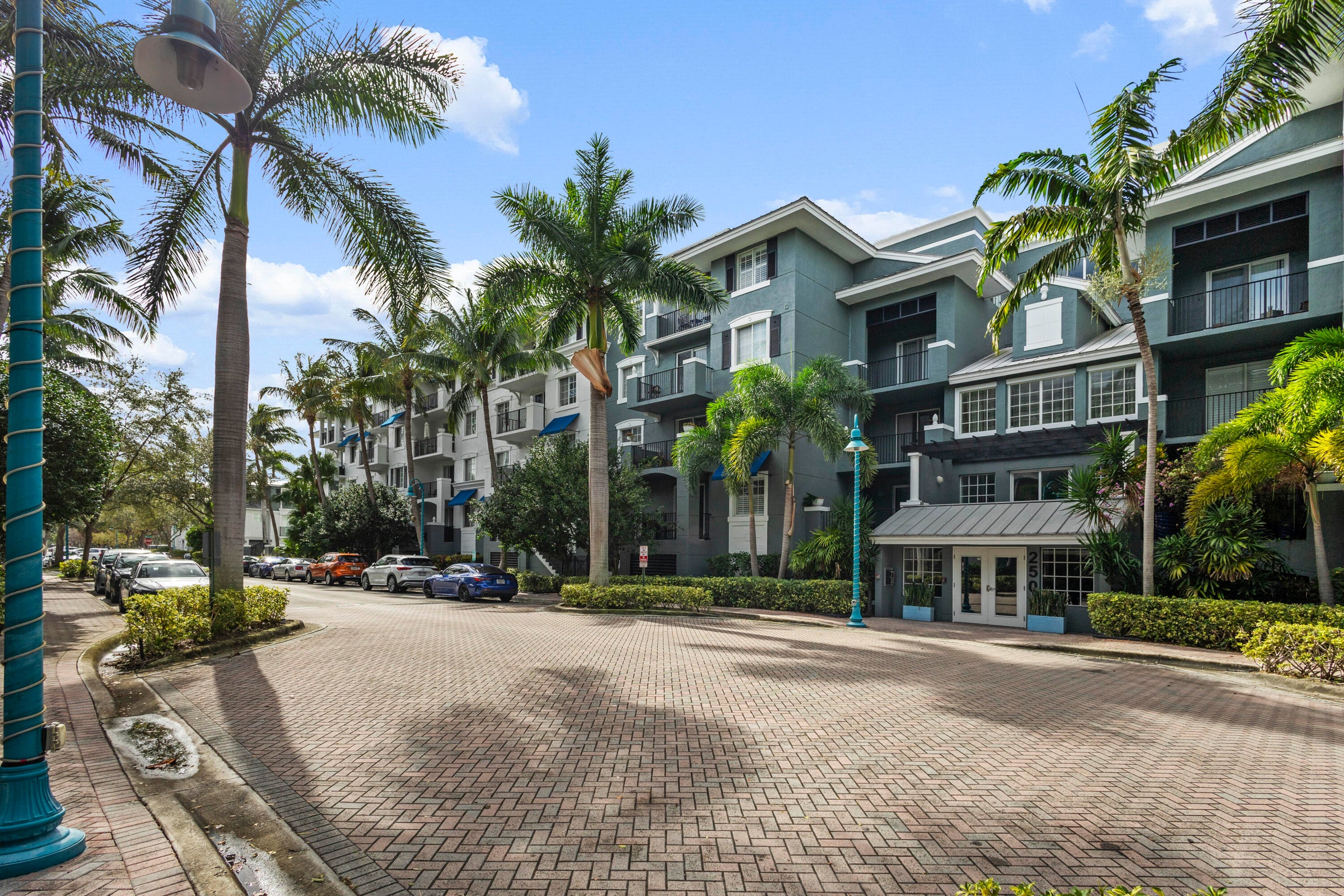
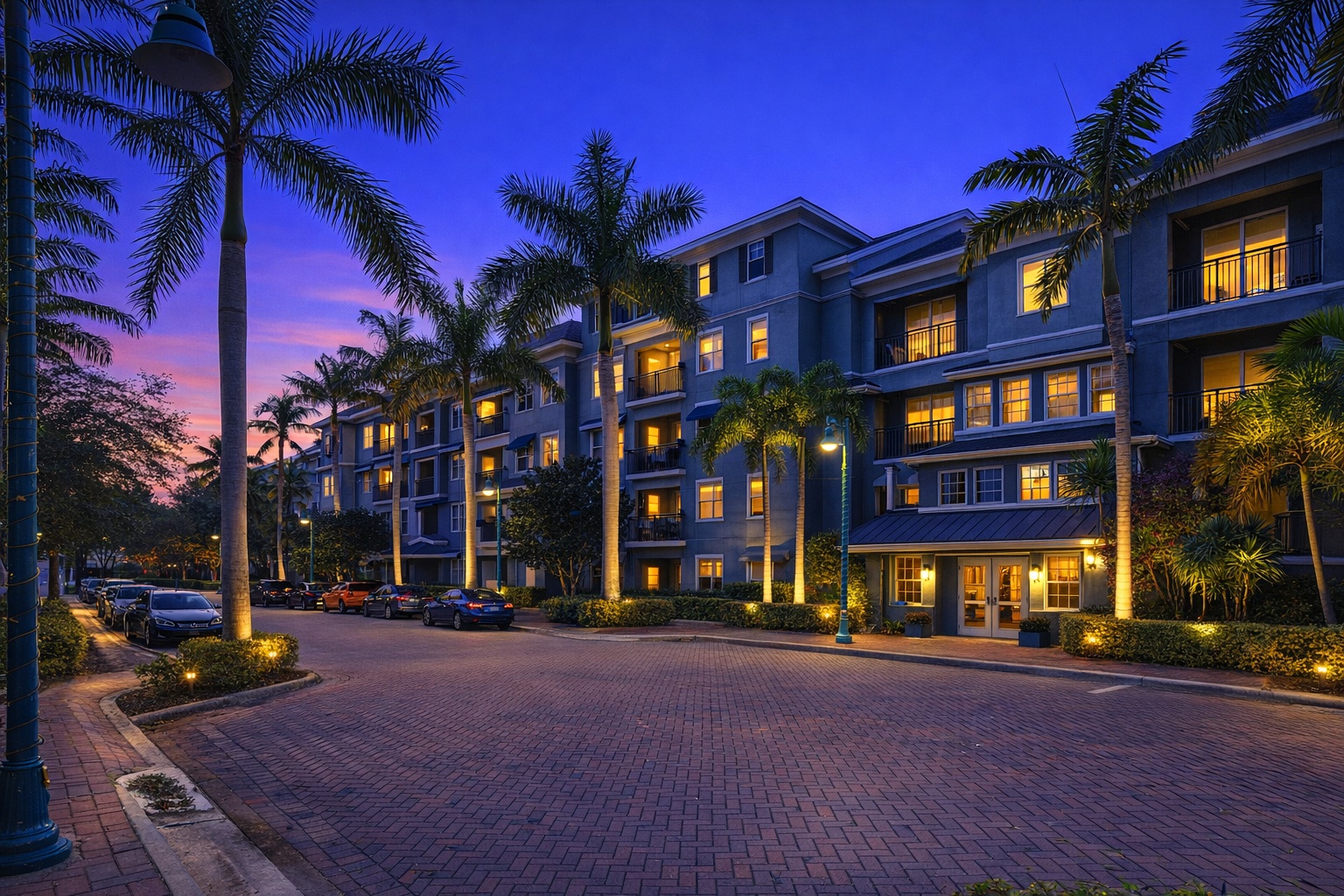
Twilight editor
Give exterior listing photos a warmer, more memorable first impression for portals, social posts, and listing ads.
Generate listing-ready visuals in under a minute so you can publish and market faster.
Virtual staging, unfurnish, declutter, renovation, twilight, and enhancement in one workflow.
Designed for listing photos, client presentations, before/after communication, and social promotion.
Search coverage
ReelStaged keeps this page focused on practical property marketing intent instead of generic design inspiration.
Yes. Upload a property photo, choose the AI mode that fits the issue, and generate edits for staging, enhancement, decluttering, twilight, unfurnishing, or renovation previews.
It can help with vacant rooms, dull lighting, cluttered spaces, dated interiors, exterior twilight visuals, and listing photos that need stronger presentation.
No. ReelStaged is browser-based, so agents, sellers, and photographers can create listing-ready edits without traditional editing software.
Yes. The workflow is built for pre-publishing use on MLS, listing portals, social posts, seller updates, and client delivery.
Online editing use cases
Real estate photo editing should be fast, specific, and tied to the listing outcome. ReelStaged gives agents, photographers, and sellers practical AI edits without a complicated production workflow.
Edit photos before MLS upload so the listing launches with cleaner, stronger visuals instead of rushed raw images.
Offer online editing upgrades for staging, enhancement, declutter, twilight, and renovation previews after the shoot.
Improve property photos for seller updates, flip presentations, rental listings, social posts, and ad creative.
Fix photo-specific problems online without waiting on a designer, opening Photoshop, or coordinating a reshoot.
Simple workflow
Start with a room, exterior, vacant listing photo, cluttered space, dim interior, or remodel opportunity.
Pick staging, enhancement, declutter, unfurnish, twilight, renovation preview, or another AI mode based on the photo problem.
Use the improved image for MLS, Zillow, Realtor.com, social content, email marketing, or client delivery.
Why an online AI editor?
Edit from a browser-based real estate photo editor instead of installing heavy design tools.
Handle staging, cleanup, enhancement, twilight, and renovation previews from one workflow.
The copy, modes, and examples are focused on listing photos — not generic image editing.
Generate stronger photos while the listing is still being prepared, not after buyers already judged it.
Keep the search intent clean
ReelStaged has specific pages for enhancement, staging, decluttering, twilight, and broader listing-photo quality. This page stays focused on the online editor workflow: upload, choose an AI mode, and download a listing-ready result.
The professional-photo page focuses on the outcome. This page focuses on the online editing workflow and toolset.
The listing photo editor page can target broader listing-photo AI language. This page owns the exact online editing search intent.
Mode pages target one edit. This page positions ReelStaged as the browser-based hub for multiple real estate photo edits.
Edit before buyers judge