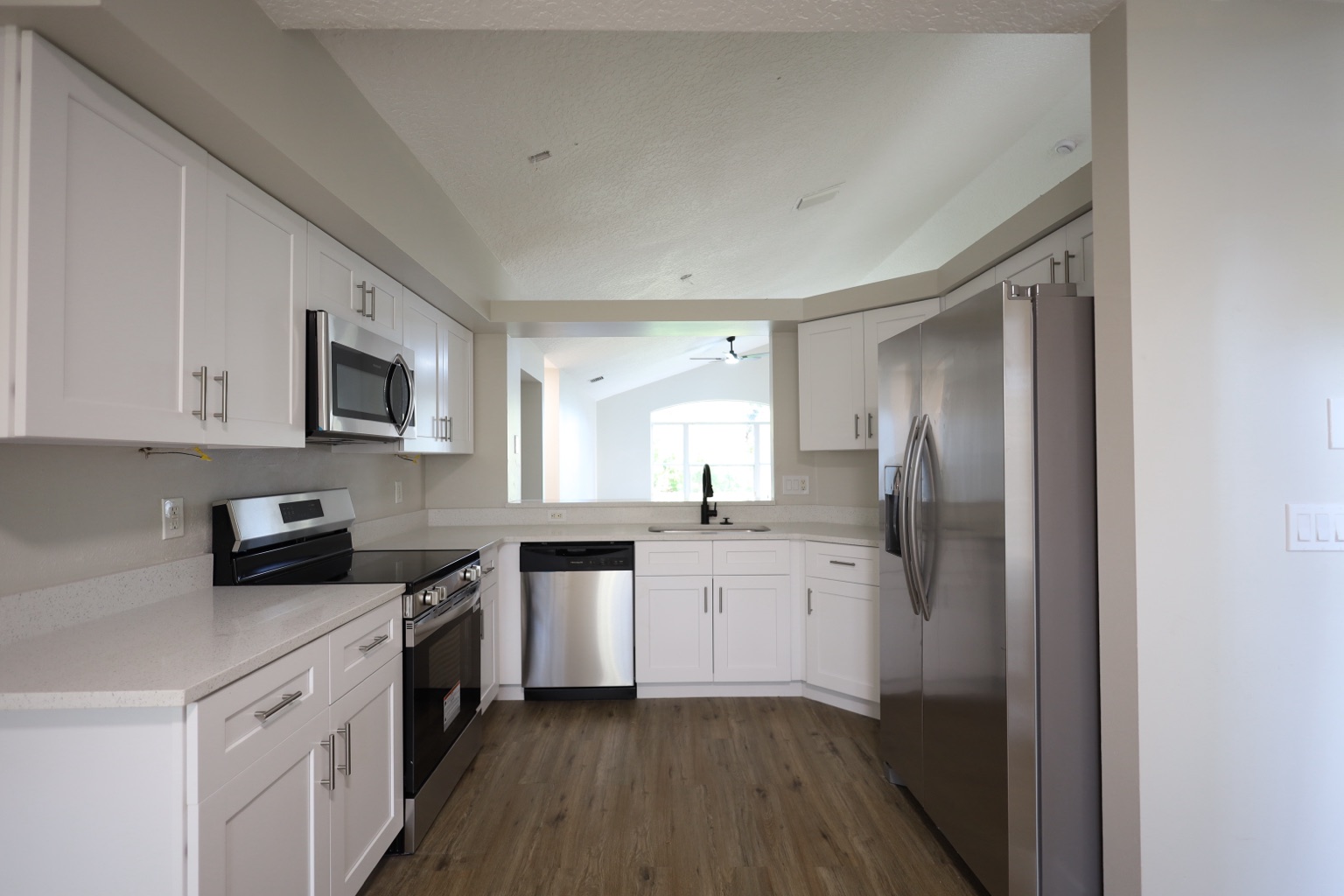
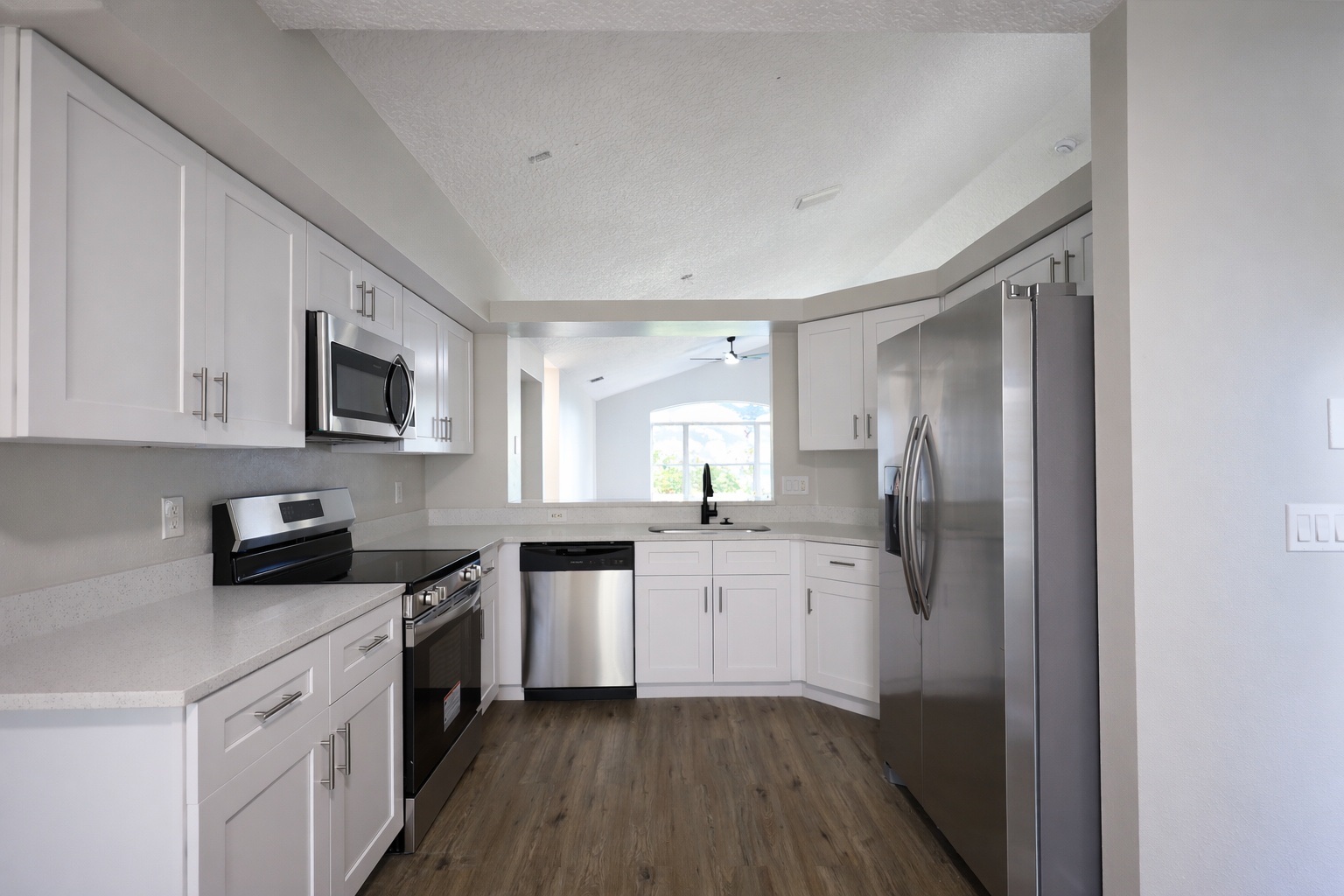
Enhancement is the final quality pass: brighter exposure, cleaner white balance, stronger contrast, better clarity, and a more consistent listing set without sending every image through manual editing.
Kitchen photo polish before publishing
Make kitchen listing photos brighter, cleaner, and more consistent
Enhancement is the final polish layer for listing photos that need better exposure, white balance, contrast, clarity, and MLS-ready presentation.
BeforeAfter
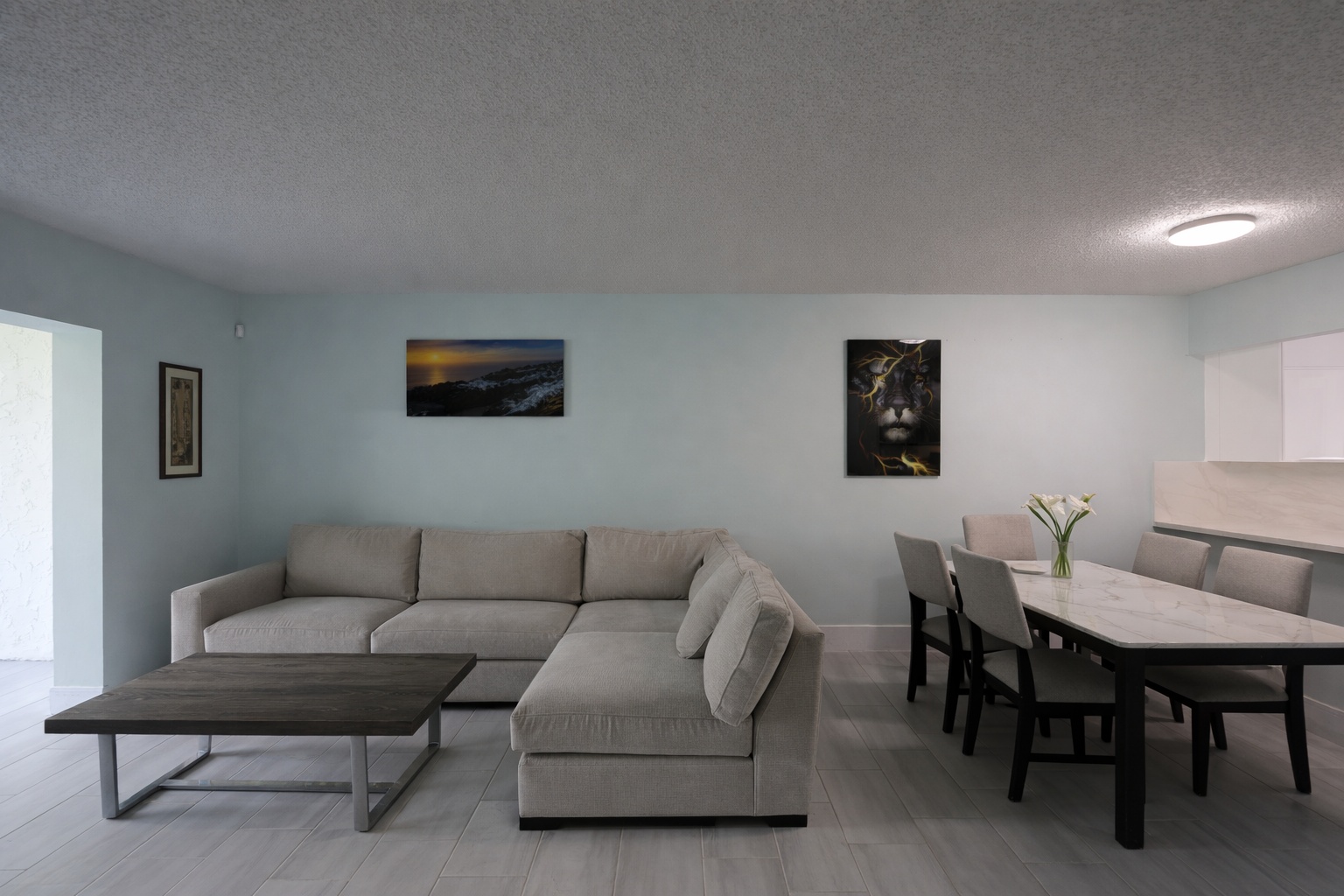
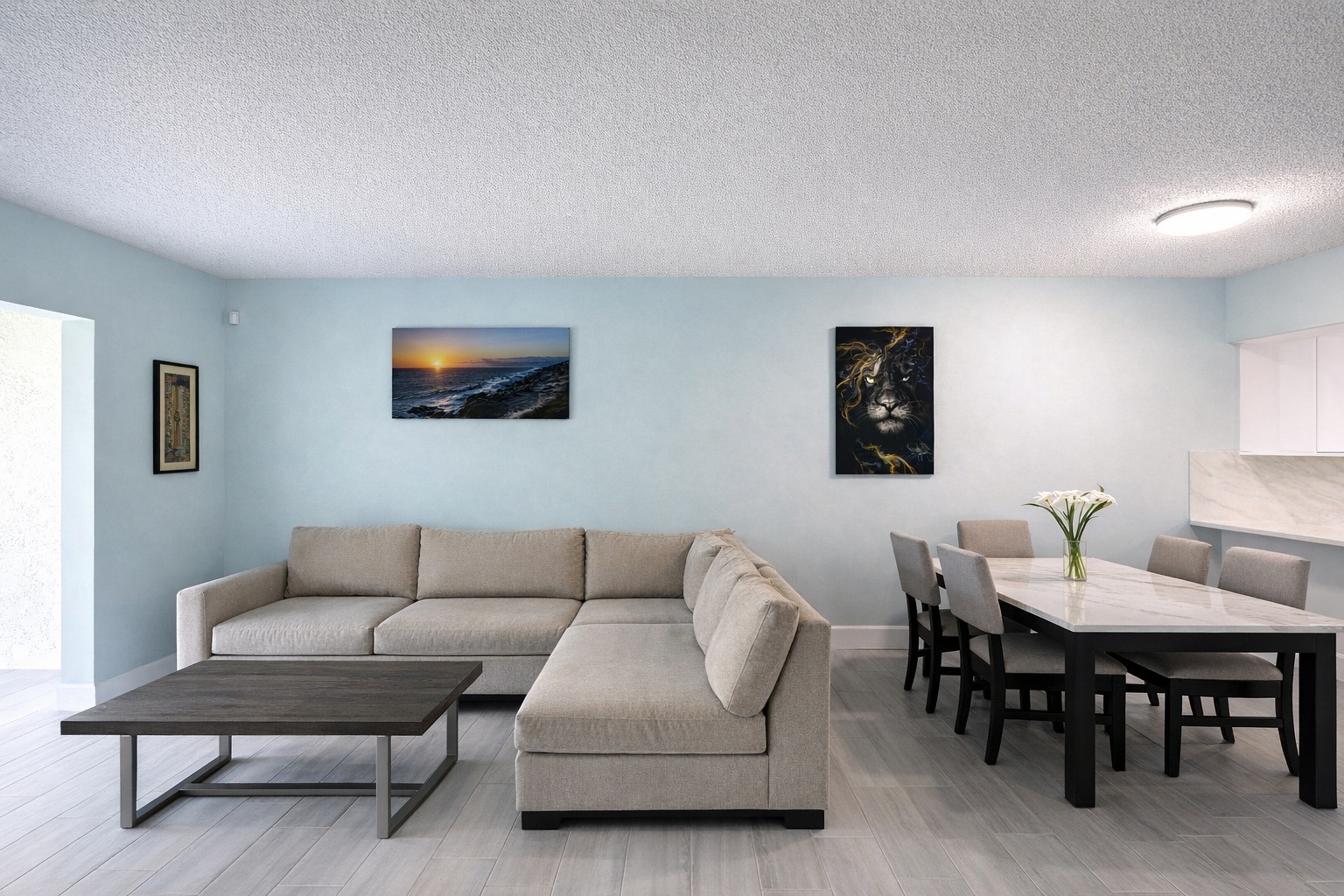
Living room final polish
Show a cleaner, brighter living room without changing the space
Use Photo Enhance on finished listing images to improve brightness, color, contrast, and clarity while keeping the room itself intact.
BeforeAfter
Why teams choose ReelStaged
Fast turnaround
Generate listing-ready visuals in under a minute so you can publish and market faster.
One studio, six modes
Virtual staging, unfurnish, declutter, renovation, twilight, and enhancement in one workflow.
Built for property marketing
Designed for listing photos, client presentations, before/after communication, and social promotion.
Search coverage
Built for the real estate photo searches behind this workflow
ReelStaged keeps this page focused on practical property marketing intent instead of generic design inspiration.
enhance real estate photos onlineAI real estate photo enhancementlisting photo enhancement software
Use AI enhancement when the photo is usable, but not polished enough.
This page is about final image quality. It is not for removing objects, changing furniture, or creating twilight. Enhancement helps listing photos look brighter, cleaner, and more consistent before publishing.
Brightness and exposure
Lift dim interiors, balance exposure, and make the photo feel more inviting without turning it fake.
Color consistency
Improve tone and color balance so a listing set feels more professional from photo to photo.
Clarity and sharpness
Add cleaner detail and definition so images feel less flat or muddy online.
Final listing polish
Use enhancement as the last step after staging, declutter, unfurnish, or twilight edits.
Workflow clarity
Enhance is the polish layer, not the transformation layer.
Enhancement vs twilight
Enhancement improves the existing photo. Twilight changes the mood of an exterior into a blue-hour curb-appeal image.
The full editing page covers every AI mode. This page focuses specifically on final photo polish and consistency.
Unique keyword lane
This page owns final photo polish and image-quality intent.
The twilight page targets day-to-dusk mood changes. The declutter page targets object cleanup. This page targets people searching for real estate photo enhancement, listing photo polish, MLS photo quality, and brightness/color correction for existing property photos.
High-intent searches this page supports
enhance real estate photos online
AI real estate photo enhancement
MLS photo enhancement software
listing photo enhancement
MLS photo enhancement
real estate photo brightness and color correction
Three-step workflow
From flat photo to cleaner listing image
1
Upload the listing photo
Start with an interior, exterior, or edited image that needs final polish.
2
Run Enhance mode
Improve brightness, exposure balance, color tone, and image clarity in one workflow.
3
Publish a cleaner set
Use the polished image across MLS, portals, websites, email, social, and seller updates.
Final polish matters
Enhance real estate photos online before good images get ignored.