Keep the furniture, remove the mess
Clean up the room without turning it vacant
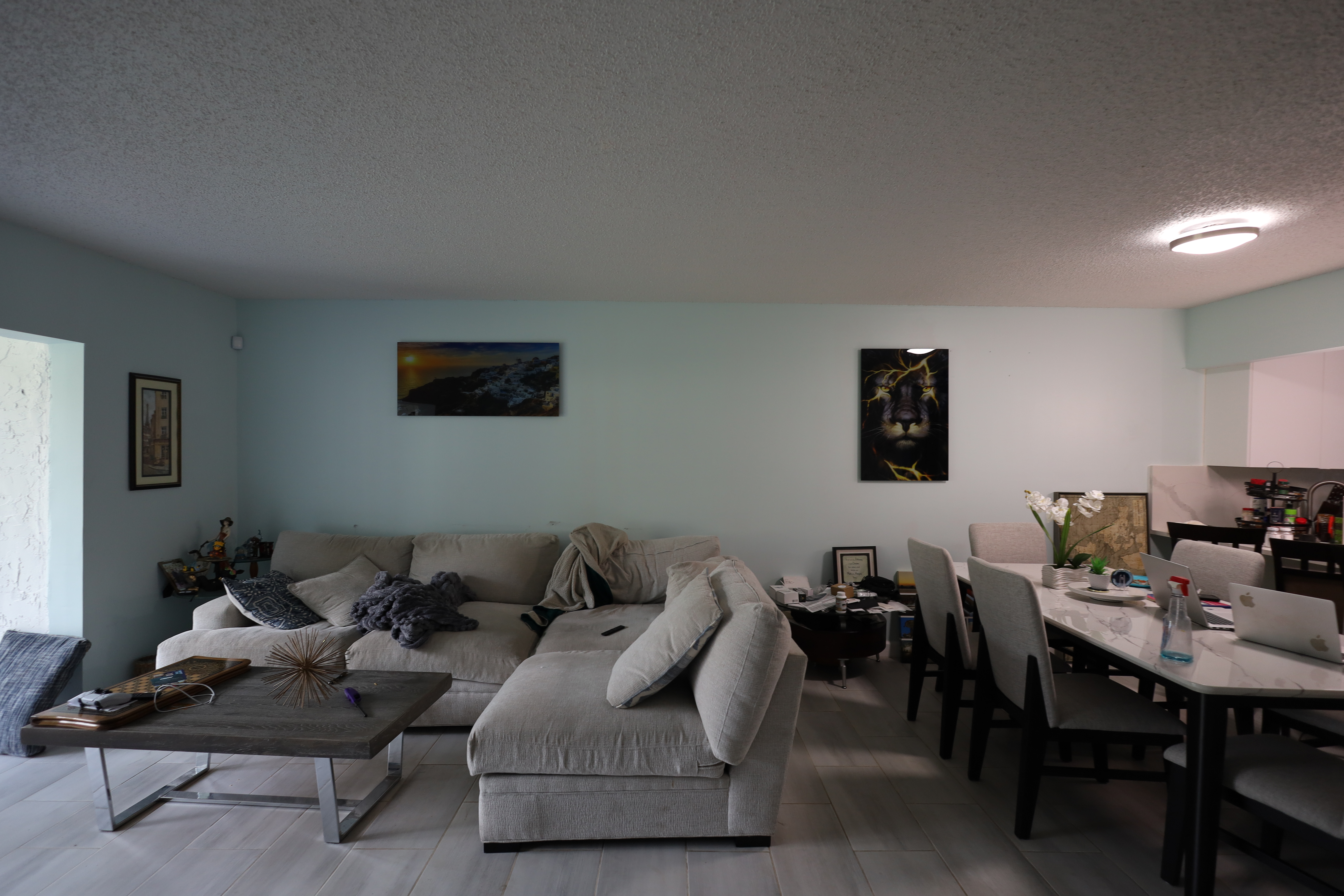
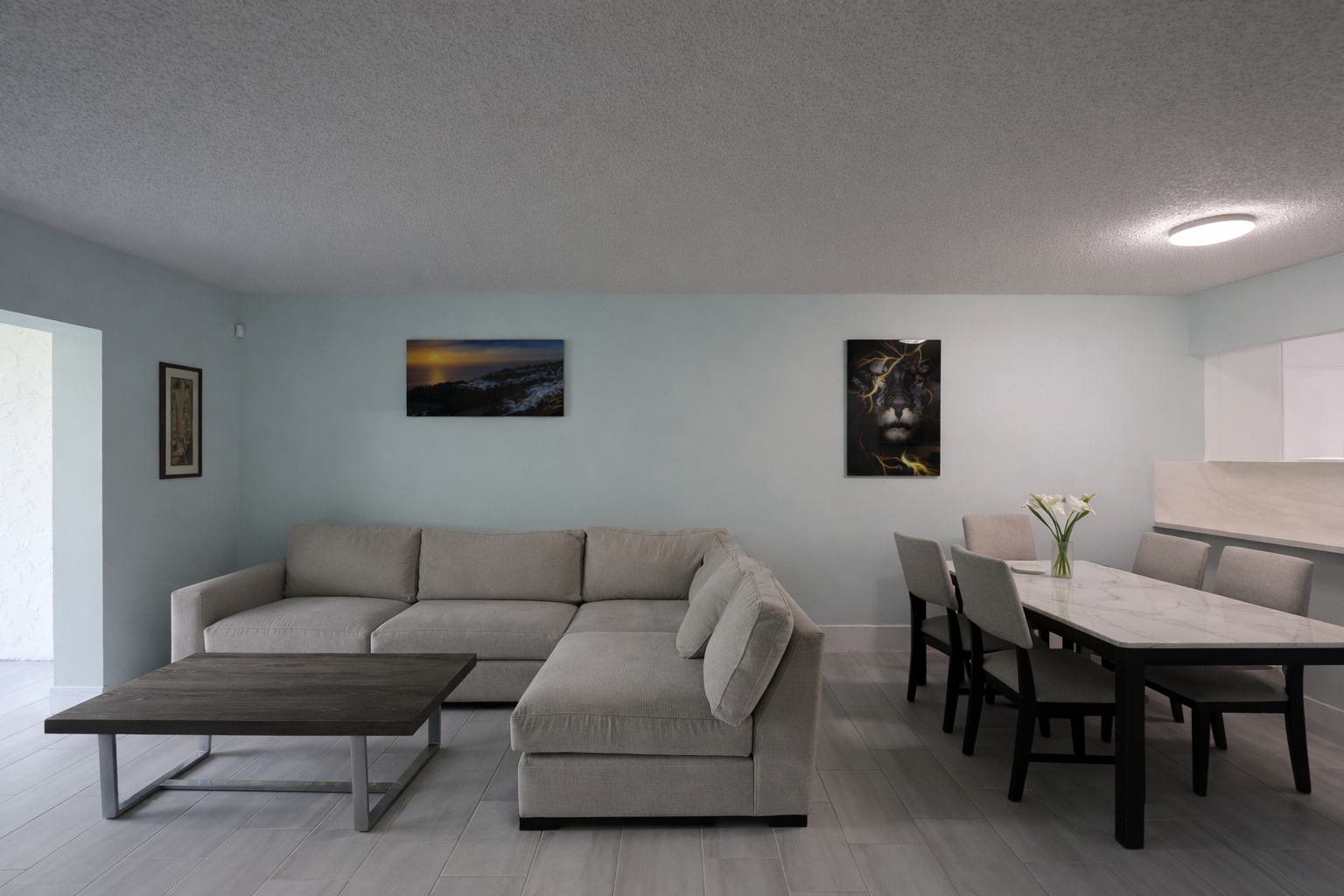
Declutter mode removes distracting items while preserving the furniture, layout, and basic composition buyers need to understand the room.
ReelStaged Studio for Agents, photographers, and coordinators
Keep the furniture and room layout. Remove the distractions that make listing photos feel messy.
AI declutter workflow
Declutter is for rooms that are mostly usable but visually busy. Keep the furniture, layout, and composition — remove the distractions that make buyers hesitate.
Keep the furniture, remove the mess
Declutter mode removes distracting items while preserving the furniture, layout, and basic composition buyers need to understand the room.
Final polish workflow
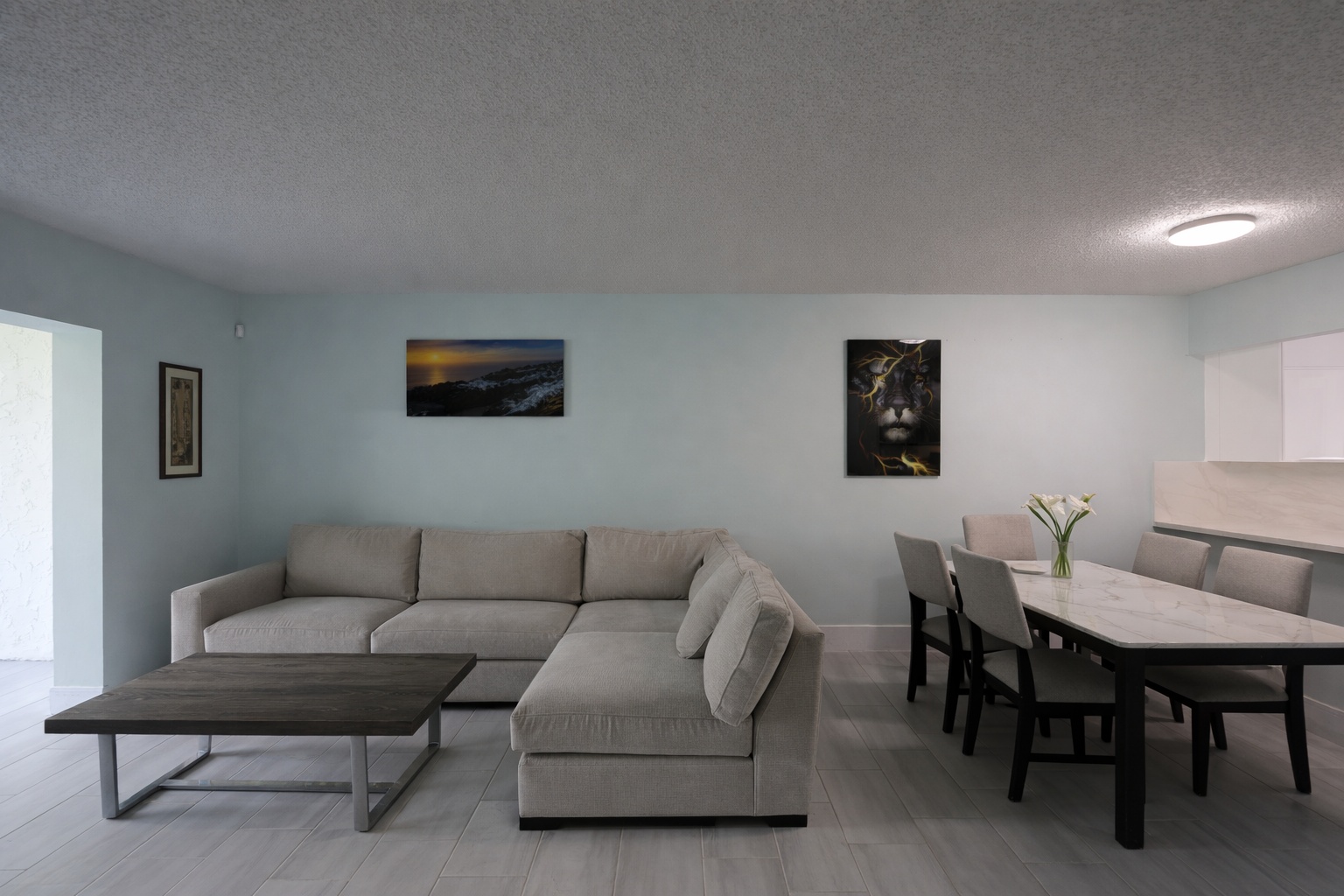
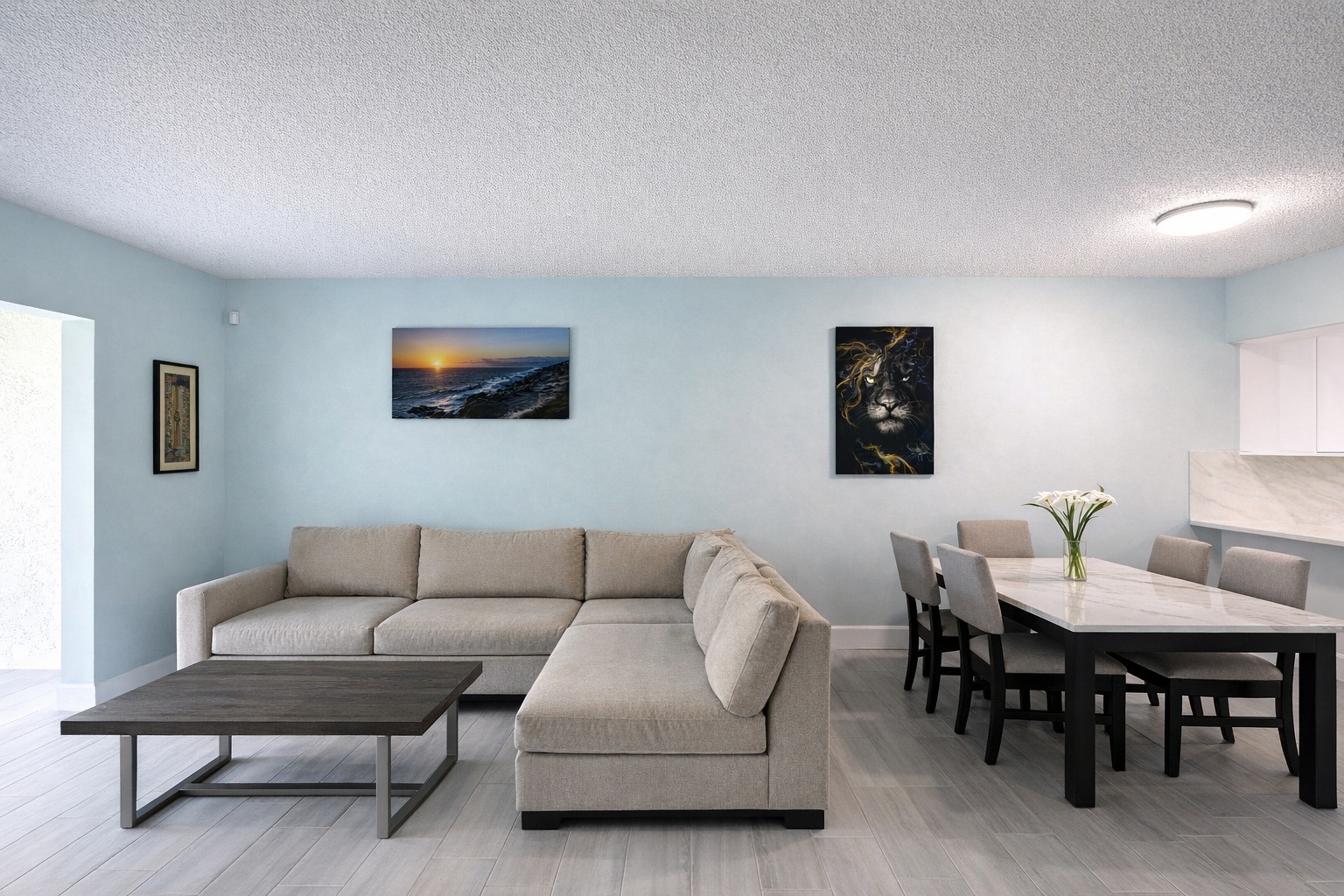
Use declutter to remove distractions, then enhancement for brightness, color, and clarity when the photo needs final polish.
Generate listing-ready visuals in under a minute so you can publish and market faster.
Virtual staging, unfurnish, declutter, renovation, twilight, and enhancement in one workflow.
Designed for listing photos, client presentations, before/after communication, and social promotion.
Search coverage
ReelStaged keeps this page focused on practical property marketing intent instead of generic design inspiration.
Common distractions like countertop items, scattered personal belongings, visual mess, and small room distractions can be cleaned up for stronger listing presentation.
Yes. Declutter mode is designed to keep furniture and room composition intact while removing distractions. Use Unfurnish when you want the furniture removed.
Usually no. You can improve existing photos quickly instead of scheduling a reshoot.
Yes. Many users declutter first, then run photo enhancement for final polish.
What declutter is for
This page is about cleaning up furnished listing photos. It is not for making the room vacant, and it is not just brightness correction. Declutter handles the visual mess that makes otherwise usable photos feel unprofessional.
Clean up visual noise from kitchen counters, bathroom vanities, desks, dining tables, and nightstands.
Reduce seller-specific distractions so the room feels more neutral and buyer-ready.
Remove scattered items that make a room feel busy, cramped, or less professionally prepared.
Improve existing listing photos when reshooting would delay launch or cost more than the edit is worth.
Workflow clarity
Declutter keeps the furniture and removes distractions. Unfurnish removes furniture to create an empty-room version.
Declutter changes distracting content in the scene. Enhancement improves exposure, color, clarity, and overall image polish.
Declutter improves the existing room. Staging adds new furniture and design direction to an empty or unfurnished space.
Unique keyword lane
The furniture-removal page targets empty-room versions. The enhancement page targets exposure and polish. This page targets users who need to remove distracting objects while keeping the furnished room intact.
Three-step workflow
Start with a room that has useful furniture but distracting items or visual clutter.
Remove the distractions while preserving the furniture, layout, and property context.
Use the cleaned-up photo as-is or run enhancement for final brightness, color, and clarity.
Clean the image, keep the room