Declutter proof
Declutter proof
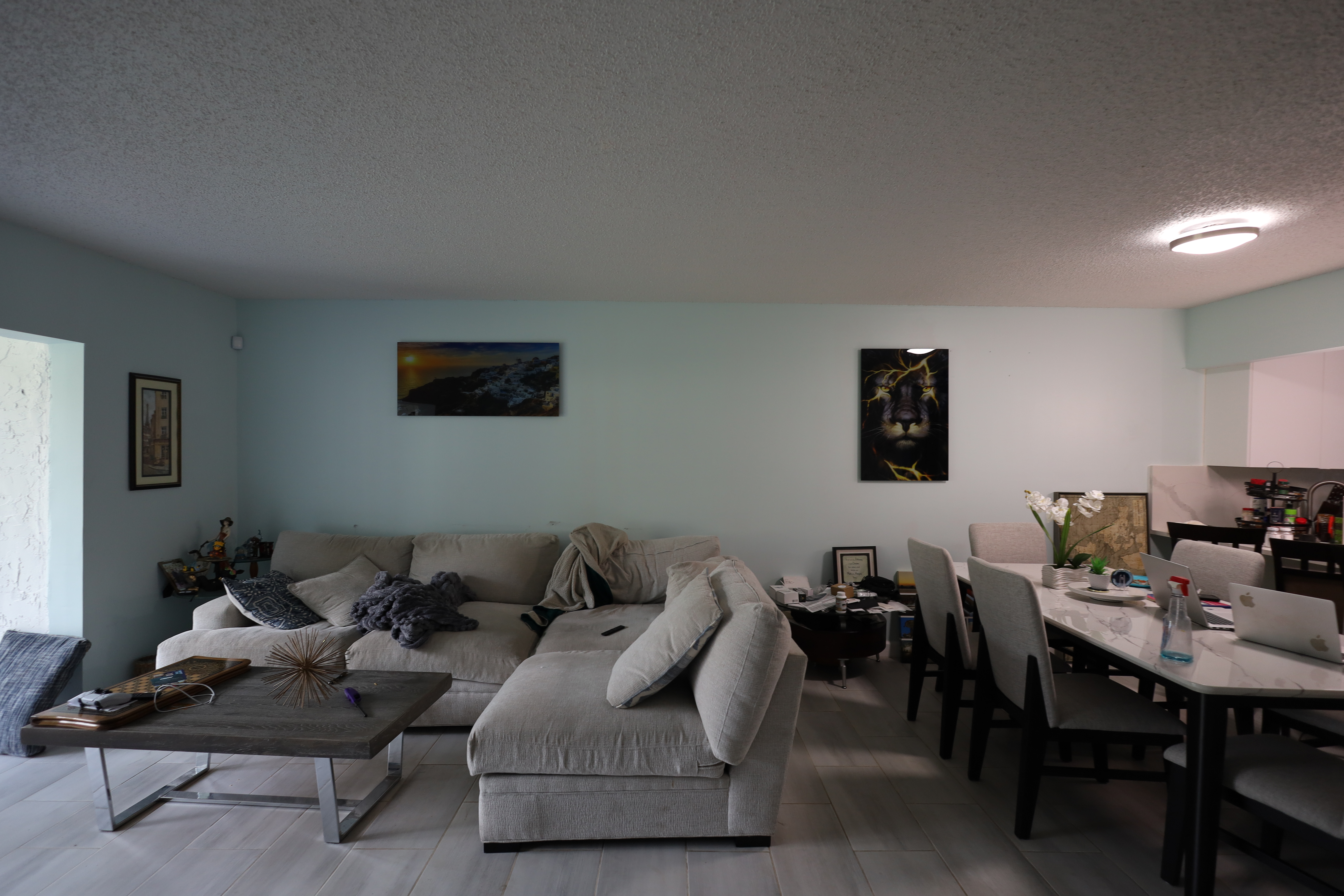
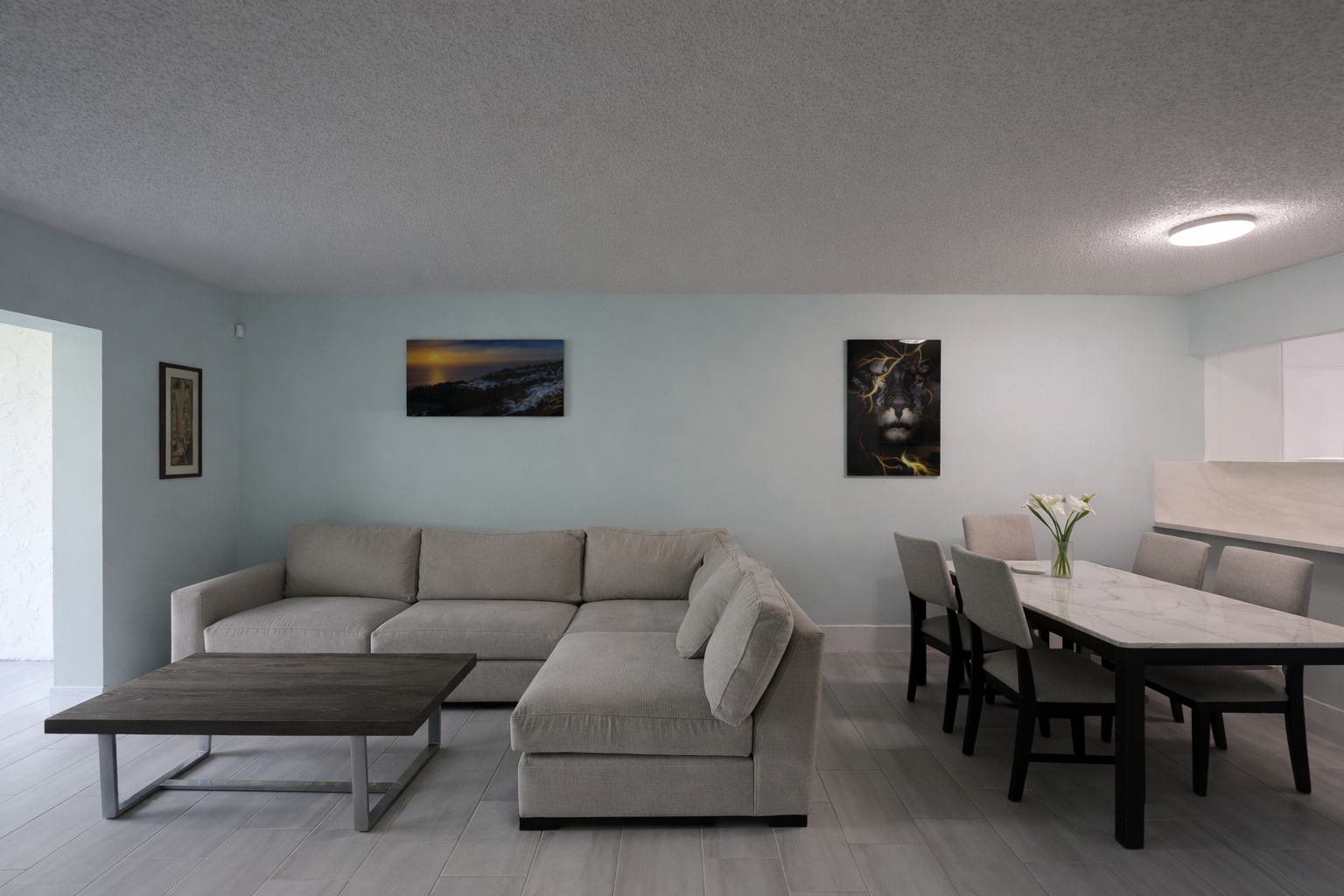
Use this before-and-after proof to show how AI can improve a real property photo for this exact workflow.
ReelStaged Studio for Agents, photographers, and sellers
Clean visuals help buyers focus on the room, not the mess.
How to declutter real estate photos
Decluttering is for photos where the property is worth showing, but the contents distract from the room. AI cleanup can help create a clearer first impression.
Declutter proof
Use this before-and-after proof to show how AI can improve a real property photo for this exact workflow.
Enhancement proof
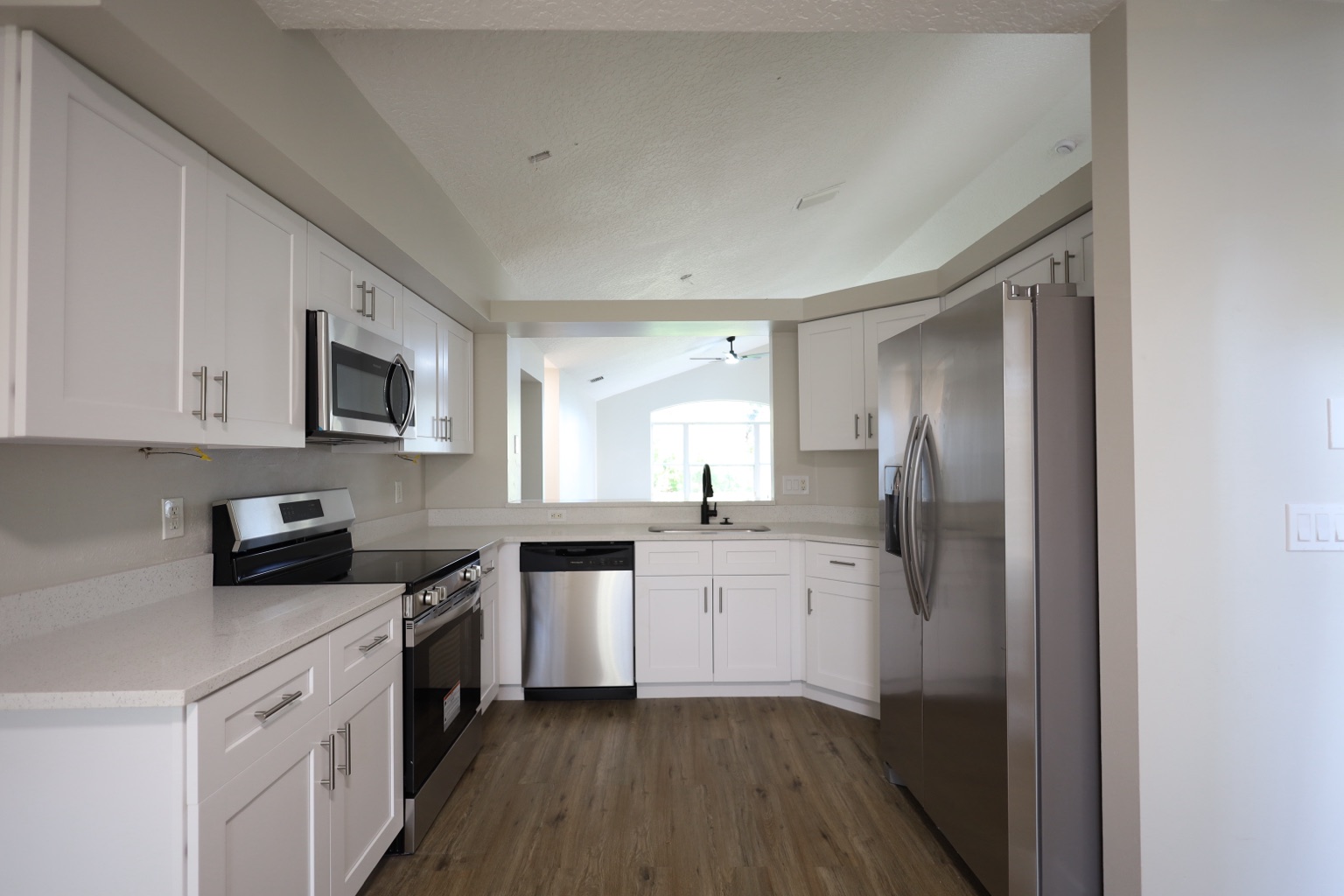
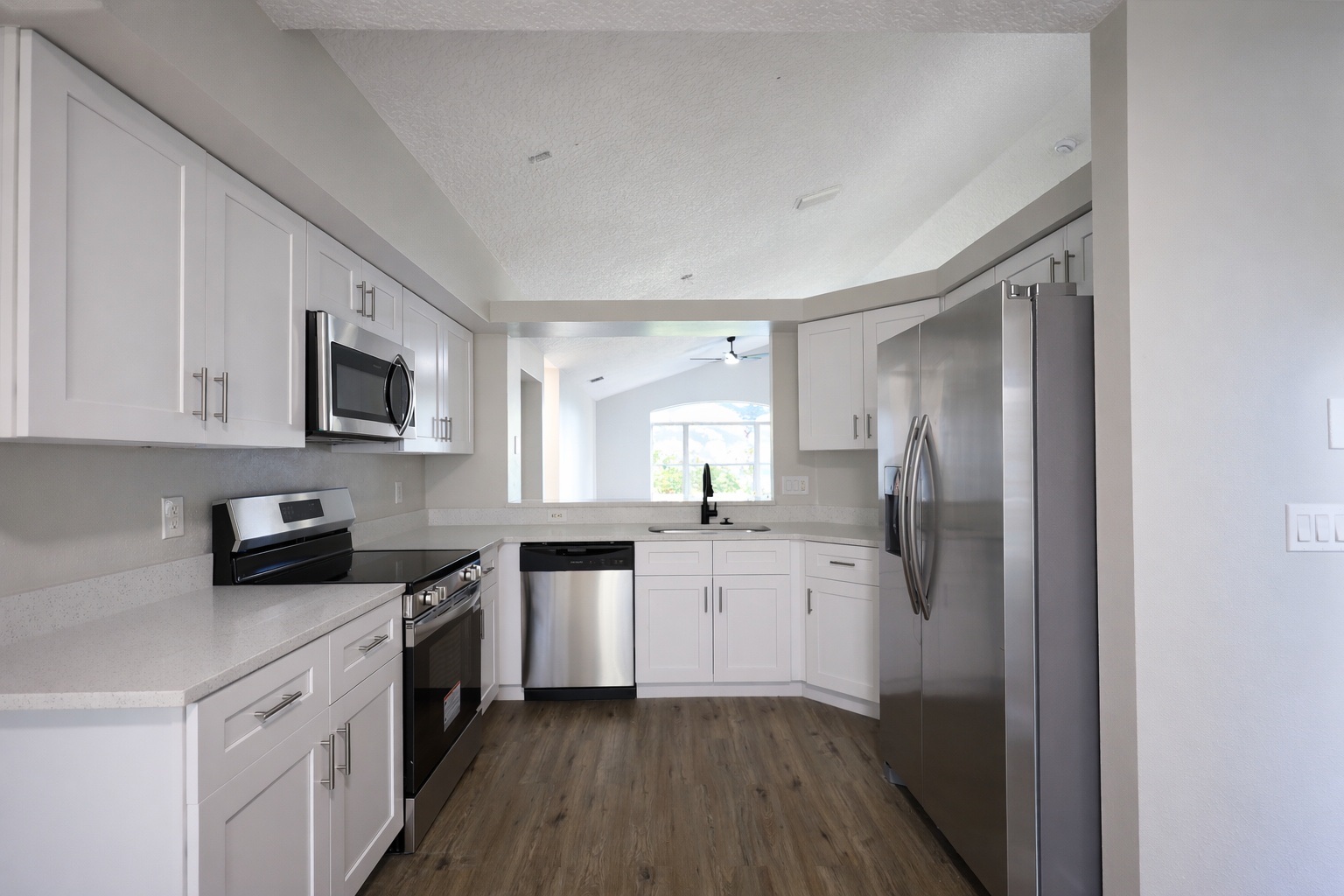
Use this before-and-after proof to show how AI can improve a real property photo for this exact workflow.
Generate listing-ready visuals in under a minute so you can publish and market faster.
Virtual staging, unfurnish, declutter, renovation, twilight, and enhancement in one workflow.
Designed for listing photos, client presentations, before/after communication, and social promotion.
Search coverage
ReelStaged keeps this page focused on practical property marketing intent instead of generic design inspiration.
Upload a cluttered listing photo, choose declutter mode, generate a cleaner version, and review it before publishing.
Declutter removes smaller distractions; unfurnish removes larger furniture and creates a more vacant-room look.
Yes. It can make occupied listings feel cleaner and less distracting when a full reshoot is not possible.
Follow your MLS, brokerage, and local rules, especially if edits materially change what buyers should expect.
Step-by-step
Pick rooms where personal items, messy surfaces, or visual noise weaken the listing.
Use AI to clean up the photo while keeping the room structure intact.
Apply final polish so the cleaned-up image feels brighter and more consistent.
Best use cases
Reduce small items that make a kitchen feel messy.
Clean up visual noise so buyers focus on layout.
Remove distractions that make rooms feel smaller or personal.
Improve occupied rental photos before relisting.
Distinct from unfurnish
Declutter removes smaller distractions and visual noise. Unfurnish is for removing furniture and creating a cleaner room baseline.
Unique keyword lane
This page stays intentionally focused so it does not cannibalize nearby ReelStaged pages for virtual staging, real estate photo editing, enhancement, declutter, renovation previews, or audience-specific workflows.
How to declutter real estate photos