Virtual staging
Make vacant rooms feel furnished and listing-ready
Turn empty rooms into warm, usable spaces so buyers understand scale, layout, and lifestyle before they scroll past.
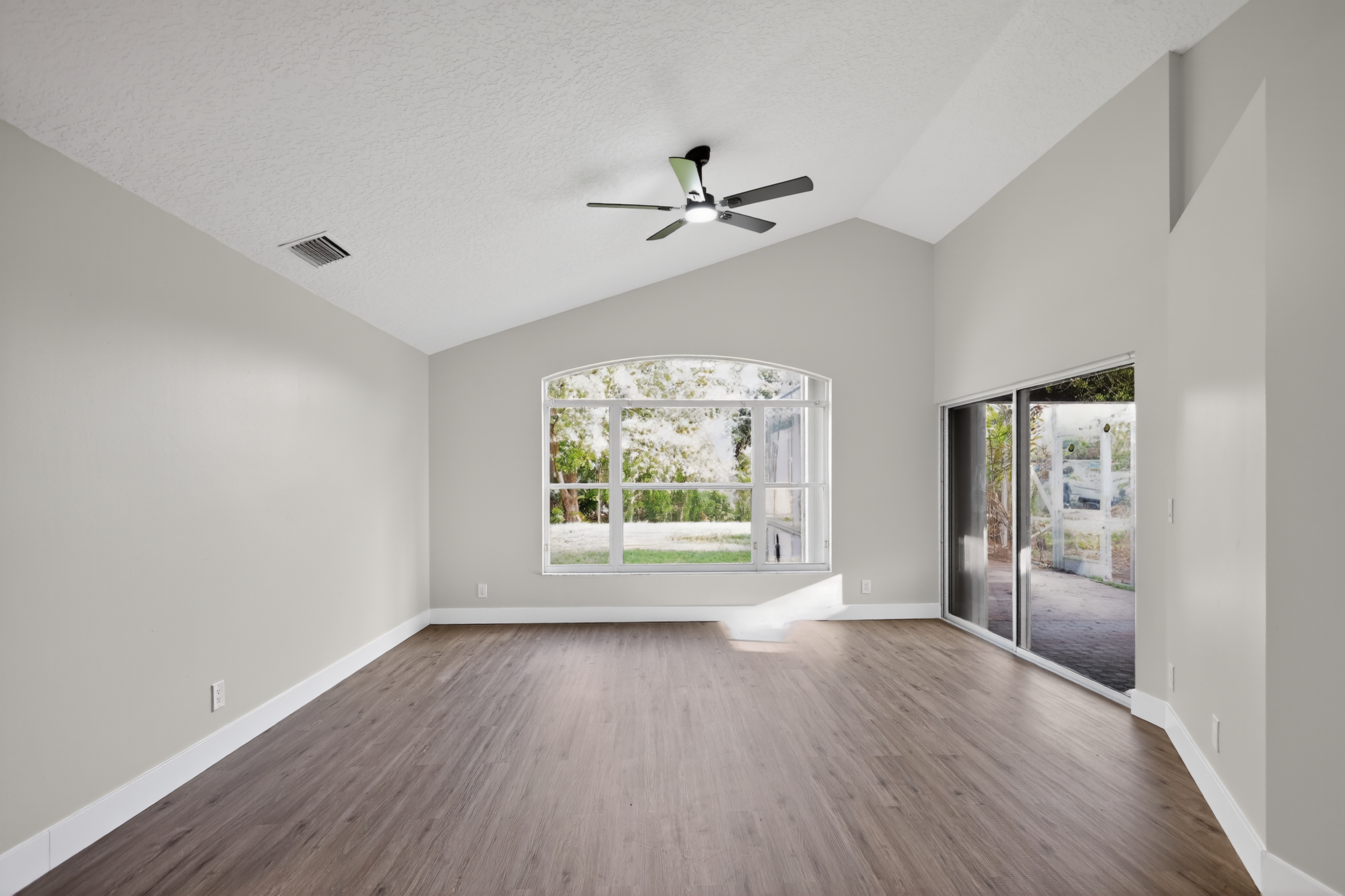
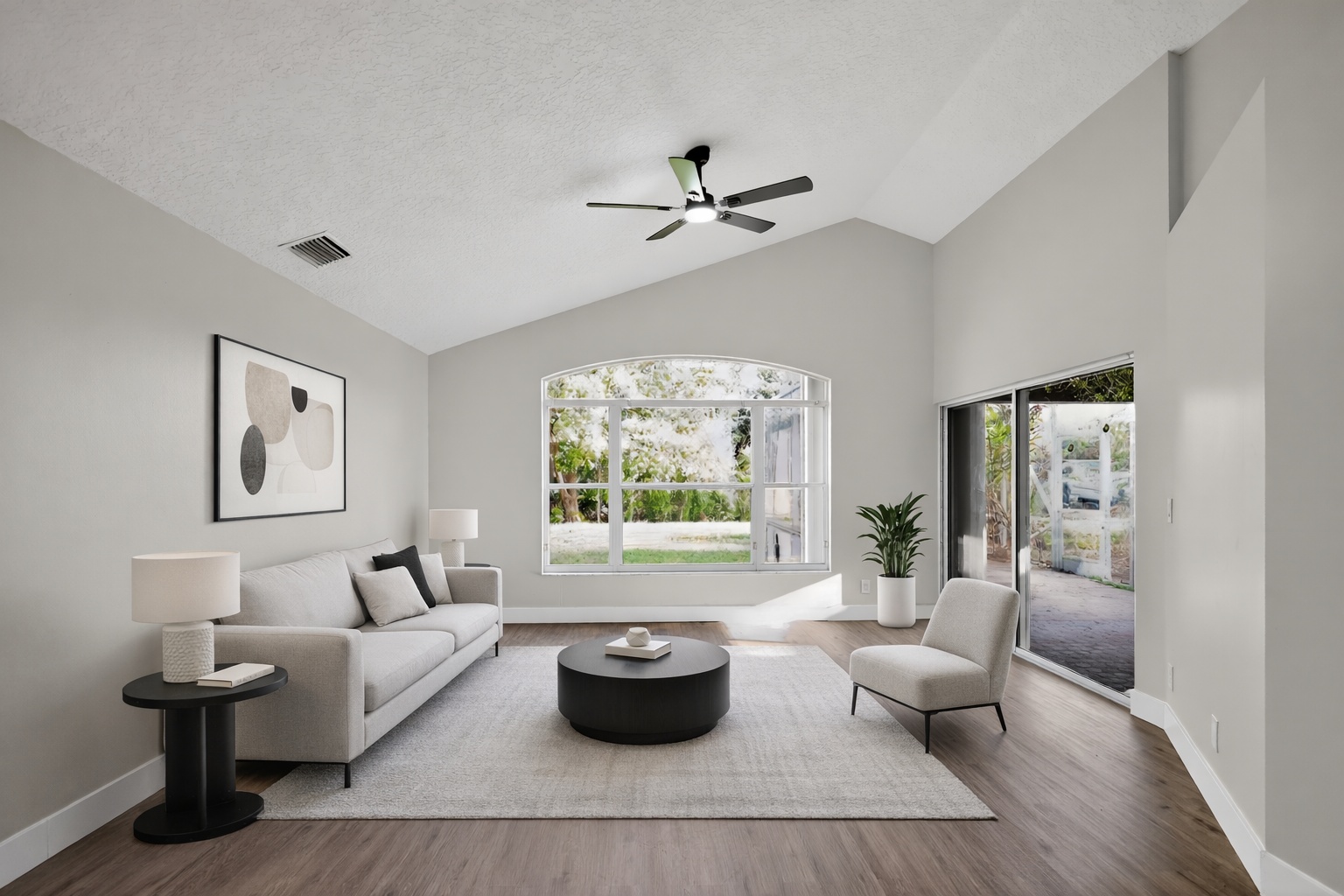
ReelStaged Studio for Agents, sellers, and photographers
Clean up the visuals before buyers judge the listing.
Professional listing photo proof
A professional listing photo set is not one thing. Sometimes it needs staging. Sometimes it needs cleanup, better lighting, twilight, or a renovation preview. ReelStaged gives agents, sellers, and photographers the full visual toolkit.
Virtual staging
Turn empty rooms into warm, usable spaces so buyers understand scale, layout, and lifestyle before they scroll past.
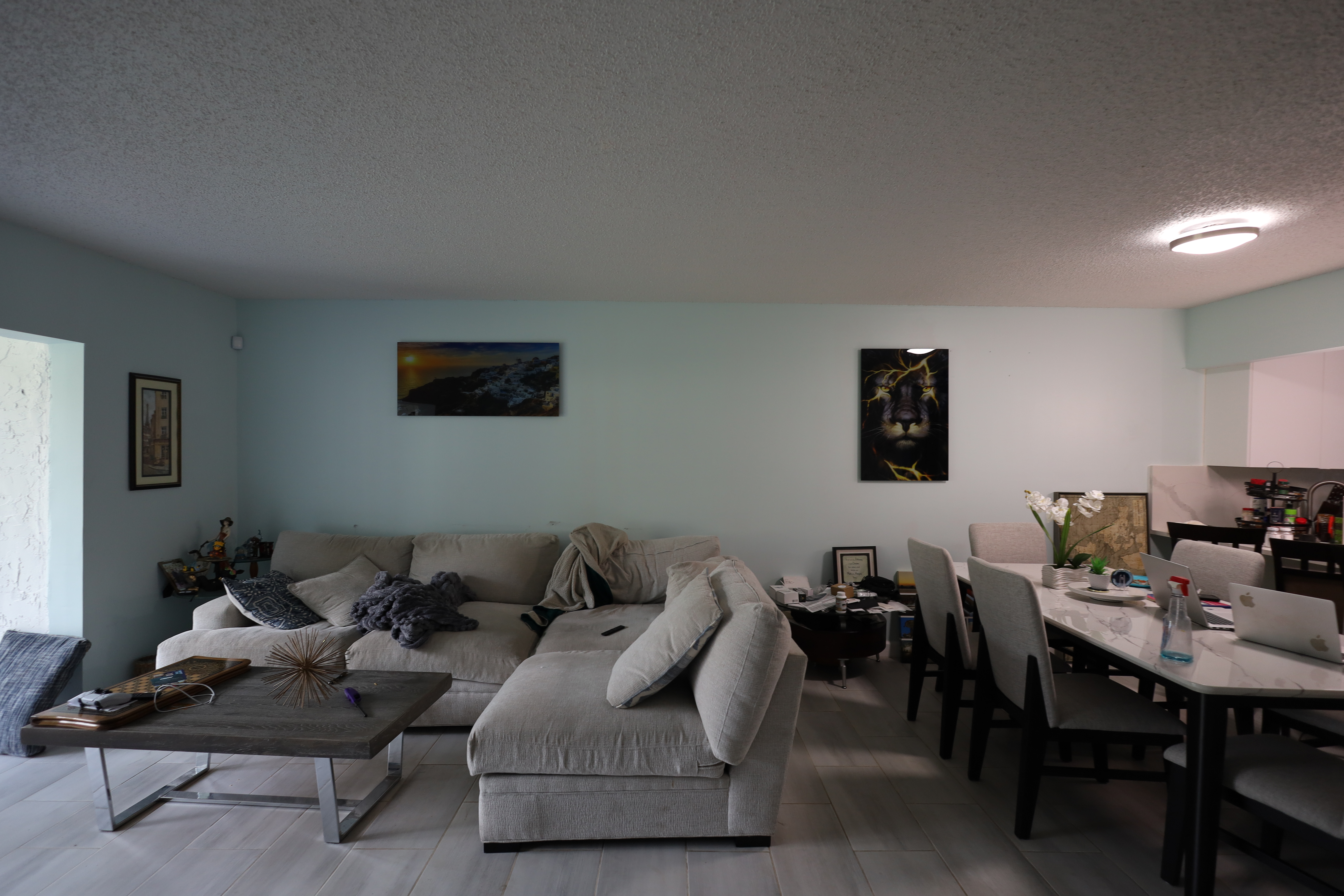
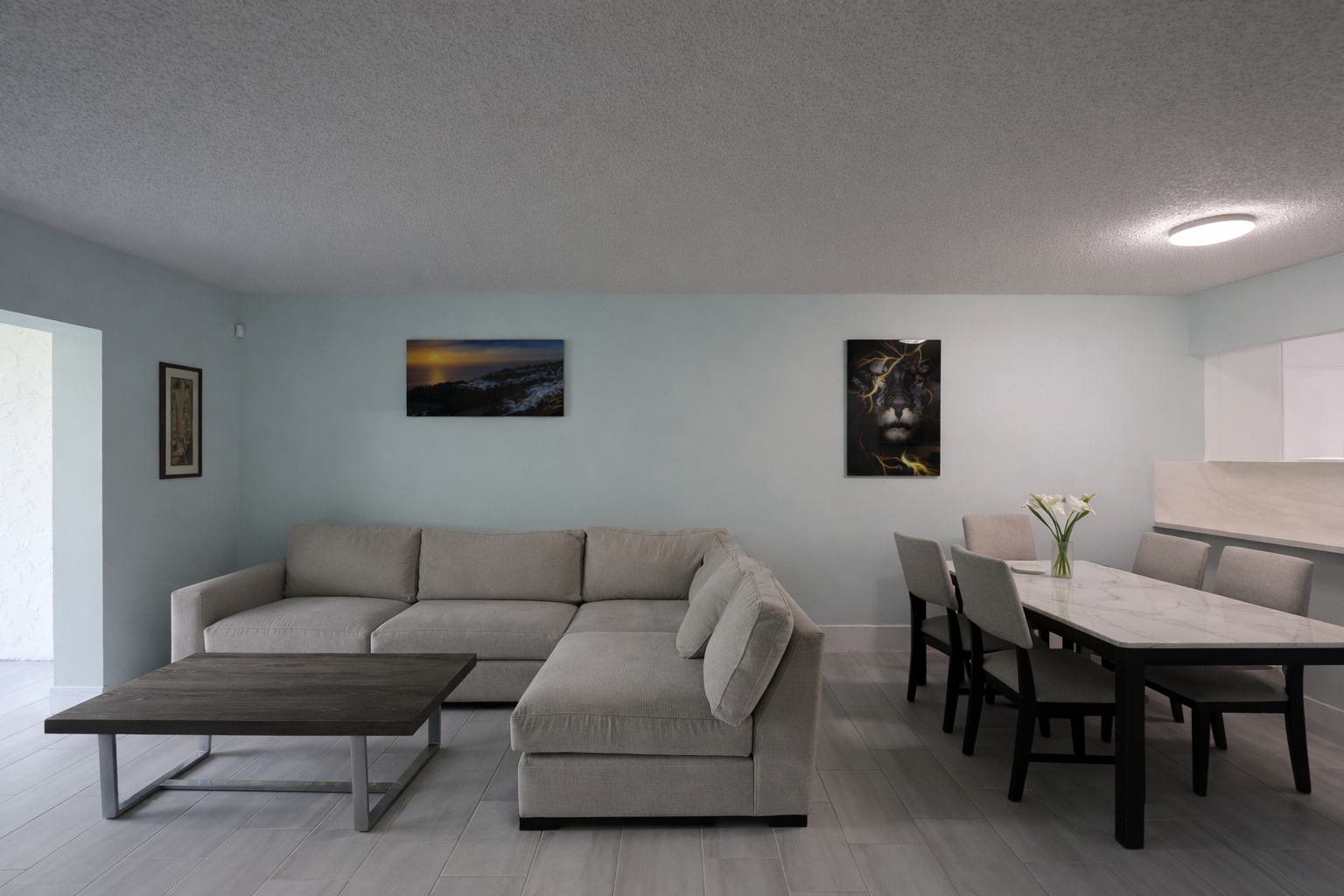
Photo enhancement
Improve dull listing photos with cleaner lighting, sharper presentation, and a more professional first impression.
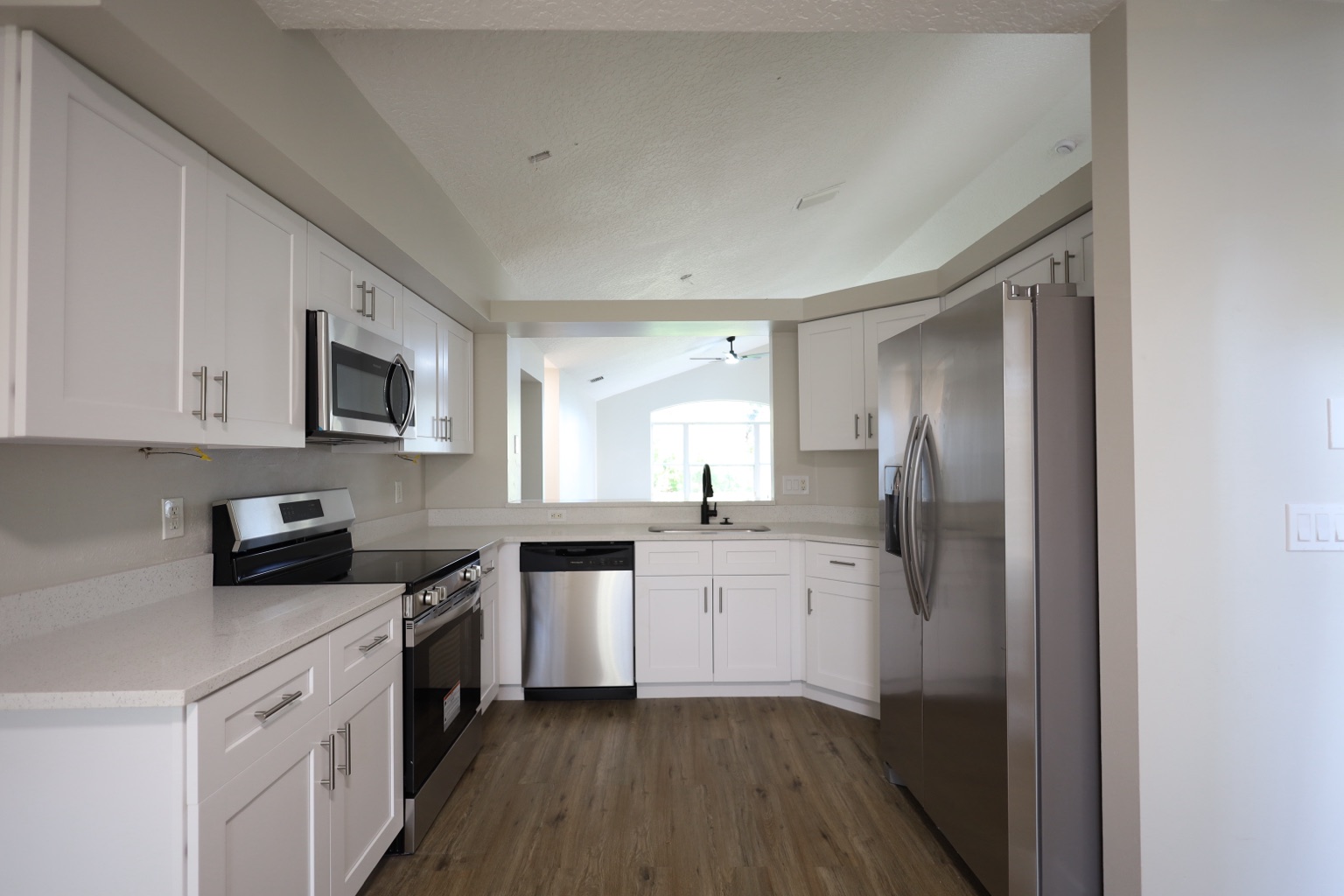
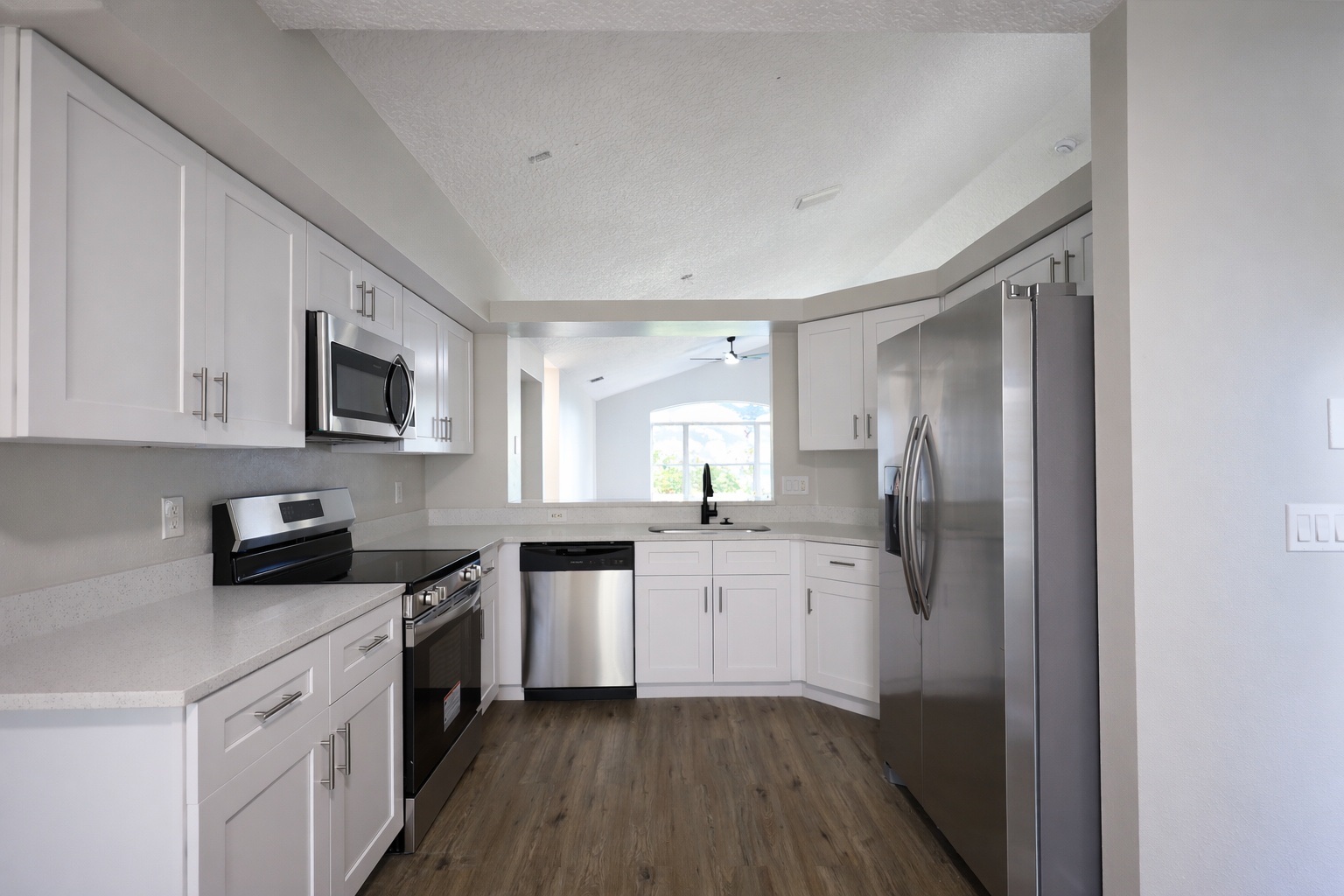
Declutter and cleanup
Clean up cluttered spaces so the room, layout, and property value are easier for buyers to judge online.
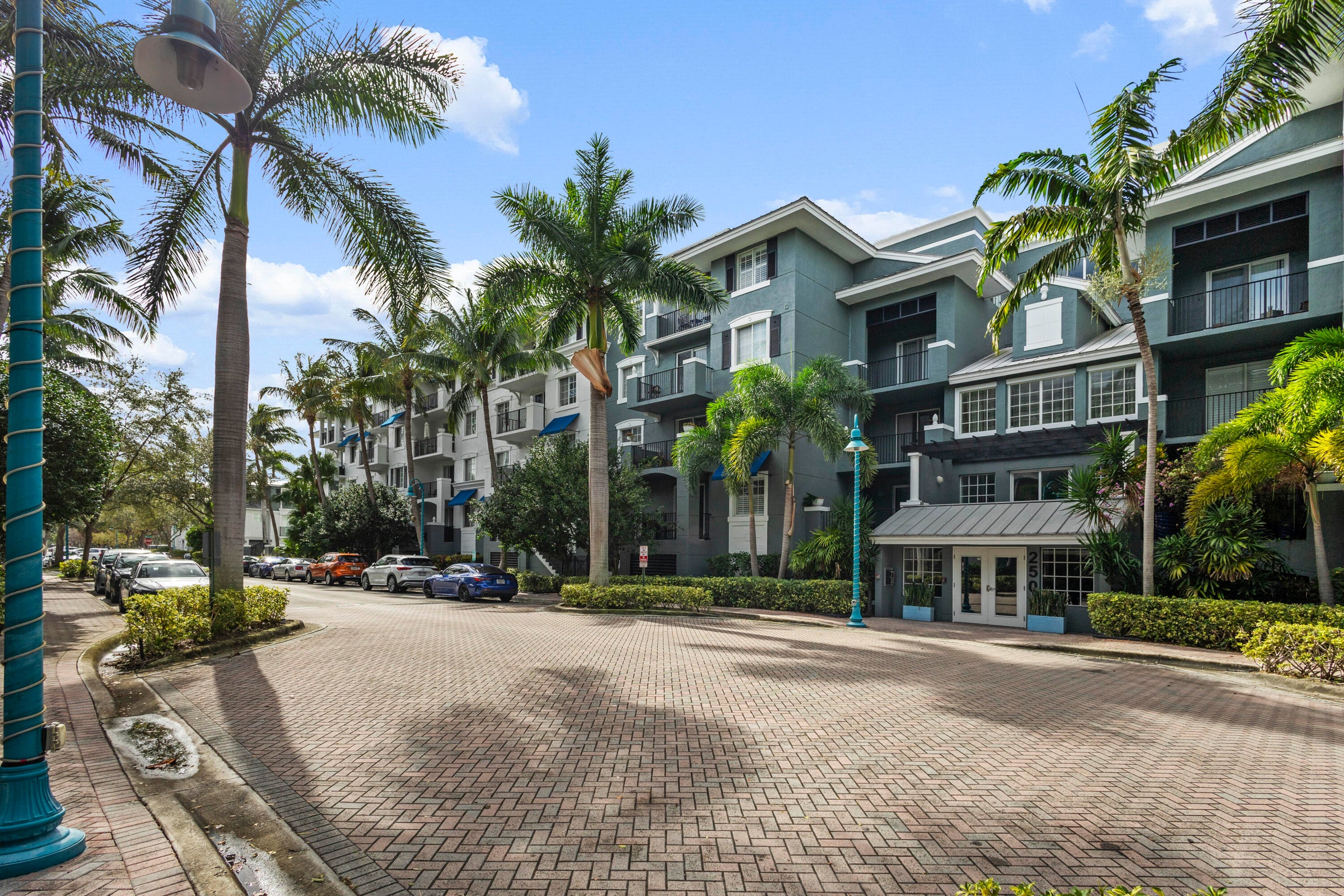
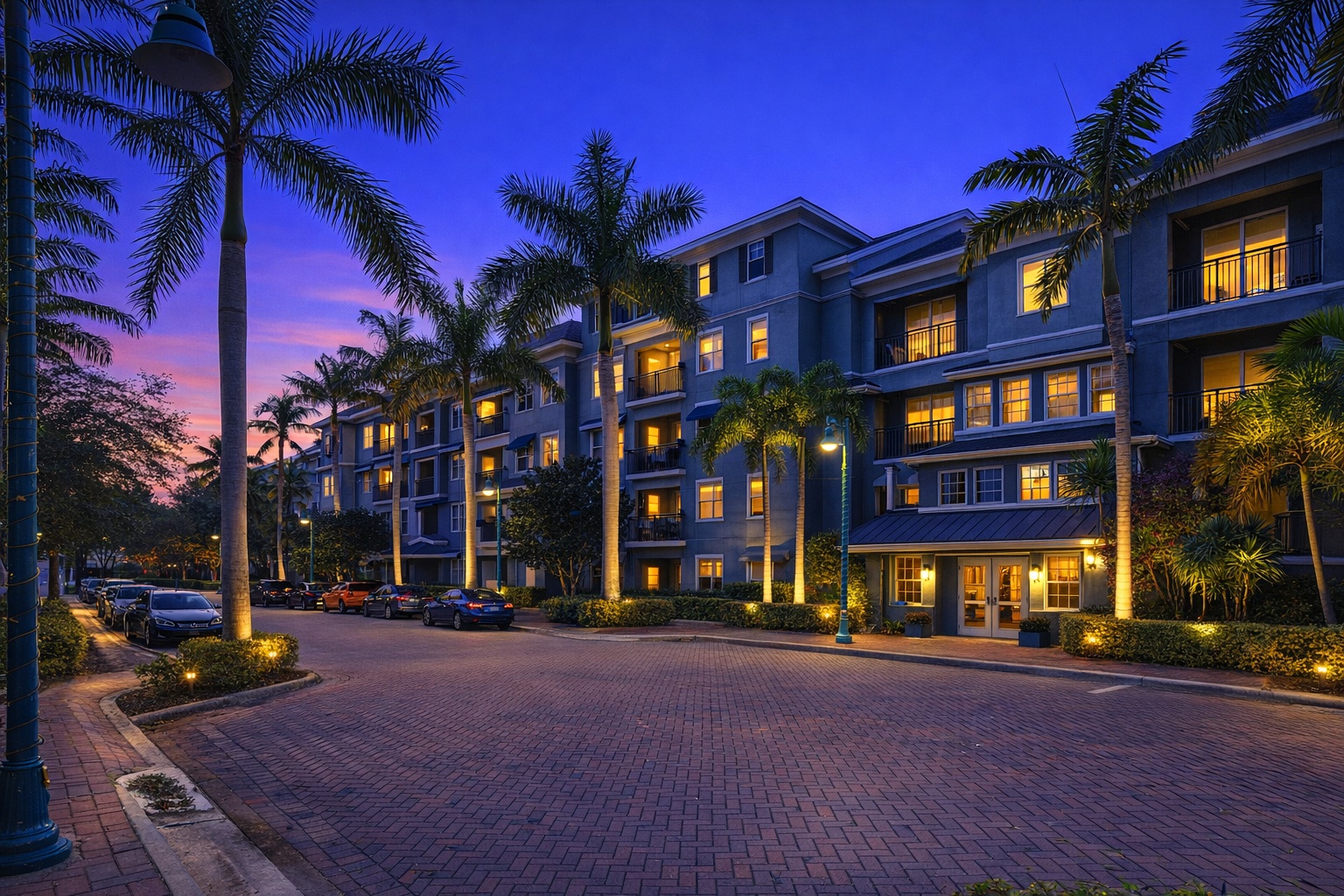
Twilight conversion
Use twilight visuals to make a listing feel warmer, more polished, and more memorable in feeds and property portals.
Generate listing-ready visuals in under a minute so you can publish and market faster.
Virtual staging, unfurnish, declutter, renovation, twilight, and enhancement in one workflow.
Designed for listing photos, client presentations, before/after communication, and social promotion.
Search coverage
ReelStaged keeps this page focused on practical property marketing intent instead of generic design inspiration.
Use the right AI edit for the problem in each photo: virtual staging for empty rooms, enhancement for lighting and color, decluttering for messy spaces, twilight for exteriors, and renovation previews for property upside.
Professional listing photos are clear, bright, purposeful, clean, consistent, and easy for buyers to understand in seconds.
Yes. ReelStaged is designed for pre-publishing workflows so agents, sellers, and photographers can improve visuals before they go live.
No. Upload a property photo, choose the AI mode that fits the issue, generate the result, and download the improved listing image.
Listing photo improvement use cases
Buyers form opinions in seconds. Professional-looking listing photos help the property feel cleaner, more valuable, easier to understand, and worth scheduling.
Fix weak listing visuals before the property goes live so buyers see polished marketing from day one.
Show sellers how better photos, staging, cleanup, and twilight visuals can change buyer perception.
Give real estate photographers simple upsells for staging, enhancement, decluttering, twilight, and renovation previews.
Create cleaner before/after visuals for Instagram, Facebook, email campaigns, listing ads, and brokerage posts.
Simple workflow
Start with a vacant room, cluttered room, dim interior, exterior, kitchen, bathroom, or renovation opportunity.
Use staging, photo enhancement, declutter, twilight, or renovation preview depending on what the listing photo needs.
Download improved images for MLS, Zillow, Realtor.com, social content, seller updates, or photographer client galleries.
What makes a listing photo look professional?
Every room should quickly communicate what it is and why it matters to the buyer.
Remove clutter, bad lighting, and visual distractions that make the listing feel amateur.
Use staging and remodel previews to show potential when the current photo undersells the property.
A listing feels more premium when the photo set looks intentional from hero image to final gallery.
Keep the search intent clean
ReelStaged has separate pages for staging, enhancement, decluttering, twilight, and renovation visuals. This page helps users understand which AI edit makes the full listing photo set feel more professional.
Enhancement is one part of making listing photos look professional. This page covers the full visual toolkit: staging, cleanup, twilight, enhancement, and renovation previews.
The editing page is the broader service category. This page targets the exact problem: making listing photos look professional before buyers judge them.
Room and mode pages target specific edits. This page helps users decide which edit improves the listing photo set overall.
Clean up the visuals first