AI photo enhancer result
Make a flat property photo feel brighter and more marketable
Use the enhancer when the photo is already usable, but needs cleaner exposure, better color, sharper clarity, and a more professional finish.
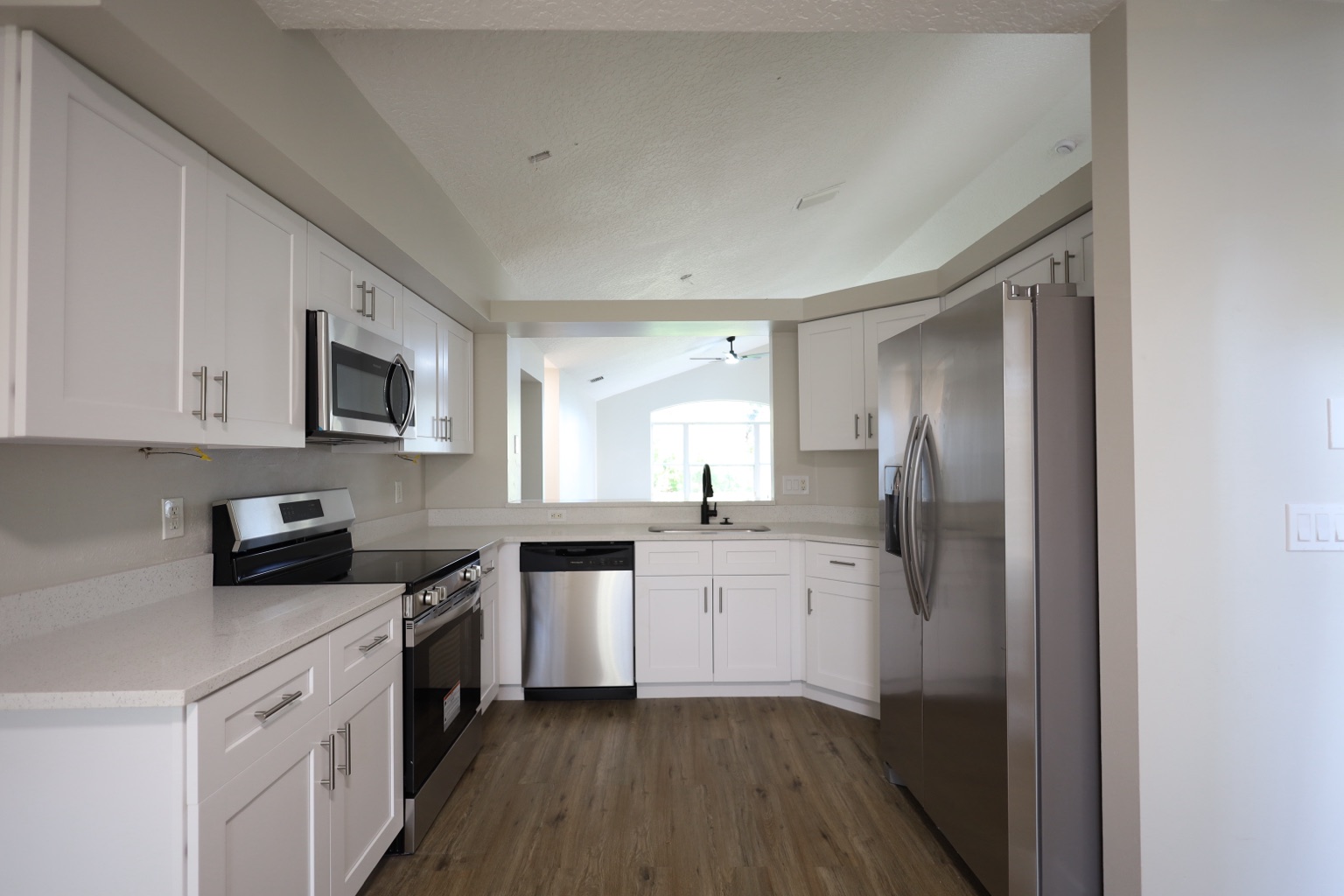
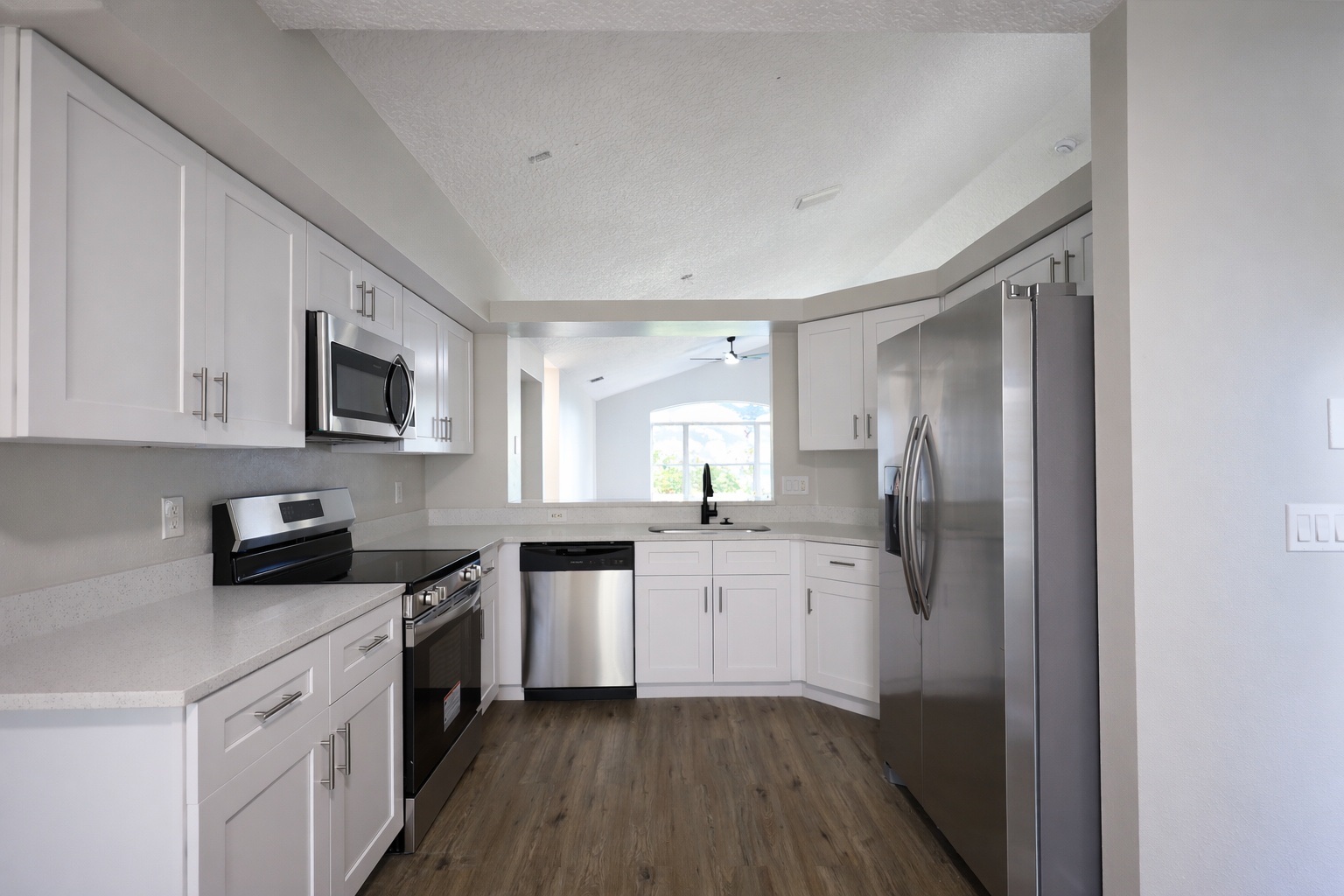
ReelStaged Studio for Agents and photographers
Turn flat property photos into cleaner listing visuals fast.
Real estate photo enhancer
A photo enhancer is for the quality gap: dim interiors, flat color, weak contrast, muddy clarity, and inconsistent listing sets. ReelStaged helps turn usable property photos into cleaner marketing assets before buyers see them.
AI photo enhancer result
Use the enhancer when the photo is already usable, but needs cleaner exposure, better color, sharper clarity, and a more professional finish.
Listing set polish
A real estate photo enhancer helps reduce the gap between raw/rushed photos and listing-ready visuals across MLS, portals, and social content.
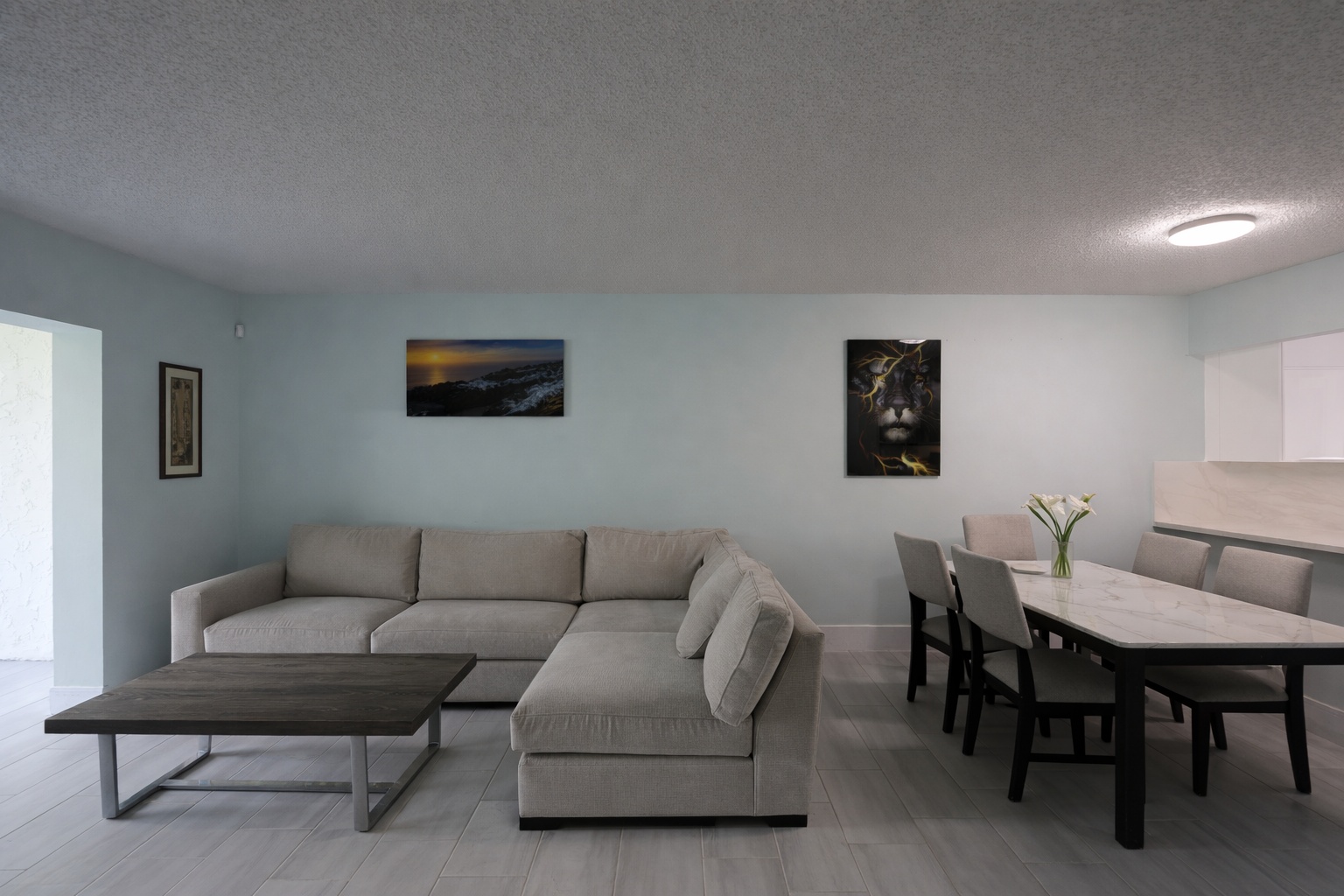
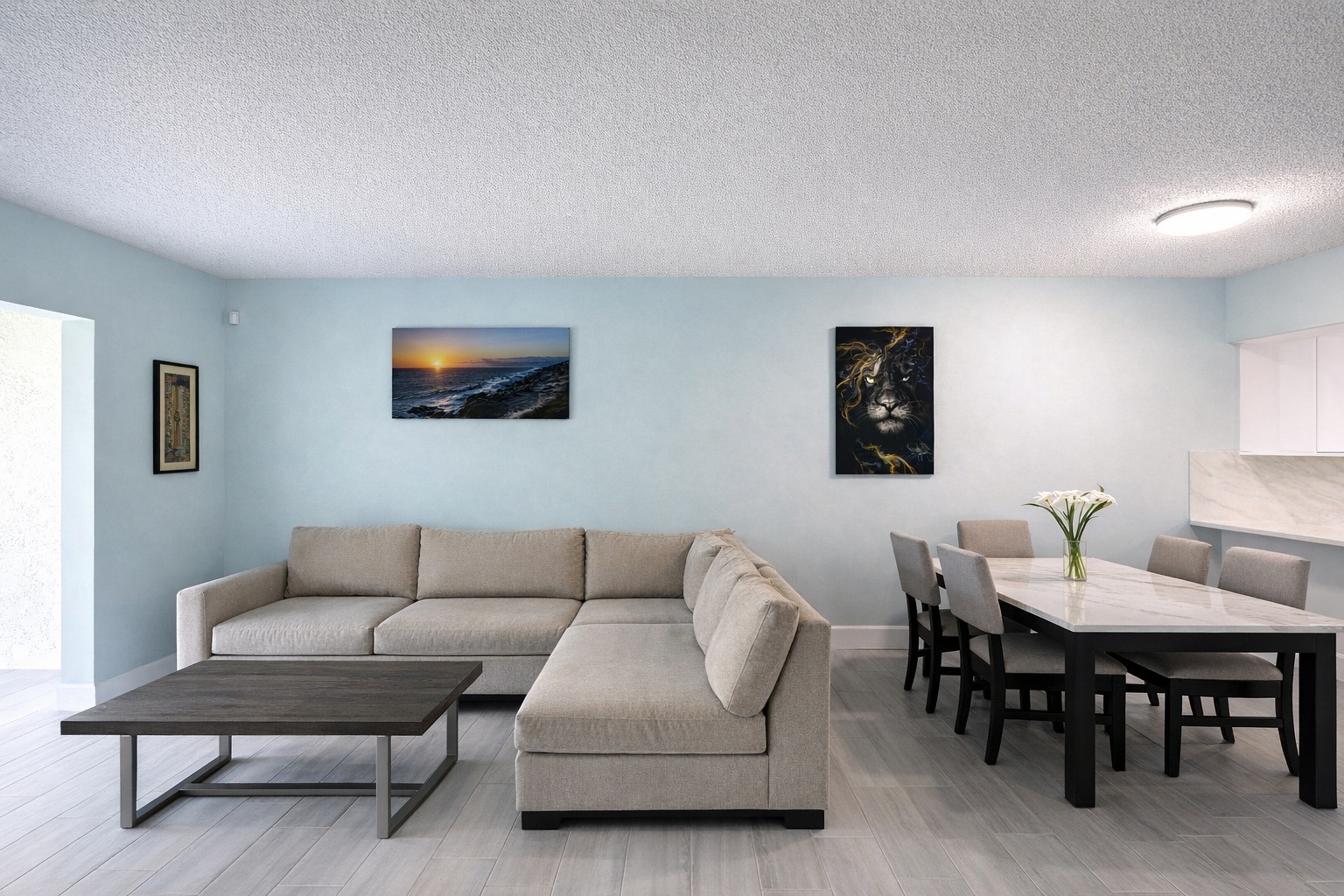
Generate listing-ready visuals in under a minute so you can publish and market faster.
Virtual staging, unfurnish, declutter, renovation, twilight, and enhancement in one workflow.
Designed for listing photos, client presentations, before/after communication, and social promotion.
Search coverage
ReelStaged keeps this page focused on practical property marketing intent instead of generic design inspiration.
It improves listing-photo quality signals like brightness, exposure balance, color, clarity, contrast, and overall polish without changing the structure of the property.
Use enhancement when the room is already acceptable but the image quality feels flat, dark, inconsistent, or unfinished. Use staging or declutter when the contents of the room need to change.
Yes. Enhancement works well as the final polish layer after virtual staging, unfurnishing, decluttering, renovation previews, or twilight edits.
Yes. Enhanced photos can be used for MLS, Zillow, Realtor.com, brokerage websites, social posts, email marketing, and seller updates.
What the enhancer improves
The goal is not to fake the property. The goal is to make an already-valid listing photo look cleaner, brighter, sharper, and more consistent with the standard buyers expect online.
Improve dark or flat spaces so the room feels more inviting without changing the actual layout.
Balance warm, cool, or inconsistent tones so the photo set feels more polished and professional.
Add clarity and definition that help photos feel less muddy when buyers scroll quickly online.
Use enhancement as a repeatable standard before uploading images to MLS, Zillow, Realtor.com, or social channels.
Best use cases
Run enhancement before the listing goes live so the first impression is clean, bright, and professional.
Use the enhancer as the final polish layer after more transformational edits like staging, unfurnish, or declutter.
Give clients a simple add-on for stronger image polish without turning every job into manual editing work.
Clean up the images you use for listing announcements, open houses, paid ads, and before/after content.
Simple enhancer workflow
Start with a photo that is mostly correct but needs brighter, cleaner, more consistent presentation.
Improve exposure, tone, color, clarity, and listing polish through a guided real estate photo workflow.
Download the enhanced image for MLS, portals, seller updates, websites, flyers, email, and social posts.
Keyword distinction
ReelStaged has adjacent pages for enhancing photos online, editing real estate photos online, and making listing photos look professional. This page stays focused on the enhancer itself: the tool that improves brightness, color, clarity, and image consistency.
The enhance page targets the action of enhancing photos online. This page positions the AI enhancer as the product/tool buyers are comparing.
The online editor page covers the whole editing workflow. This page is specifically about photo-quality improvement and polish.
Virtual staging changes how a vacant room is presented. Enhancement improves the existing photo’s brightness, color, clarity, and finish.
Polish before publishing