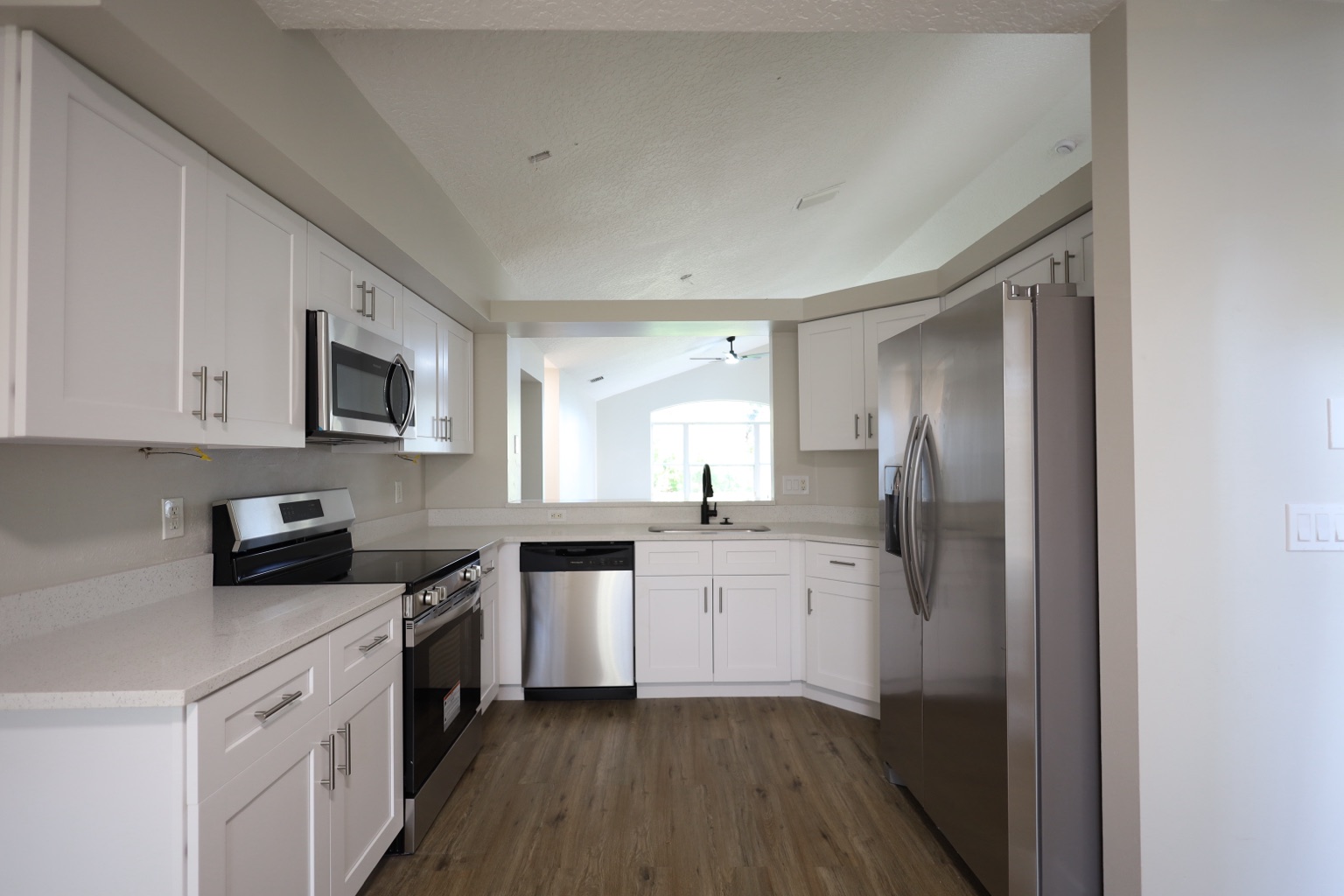
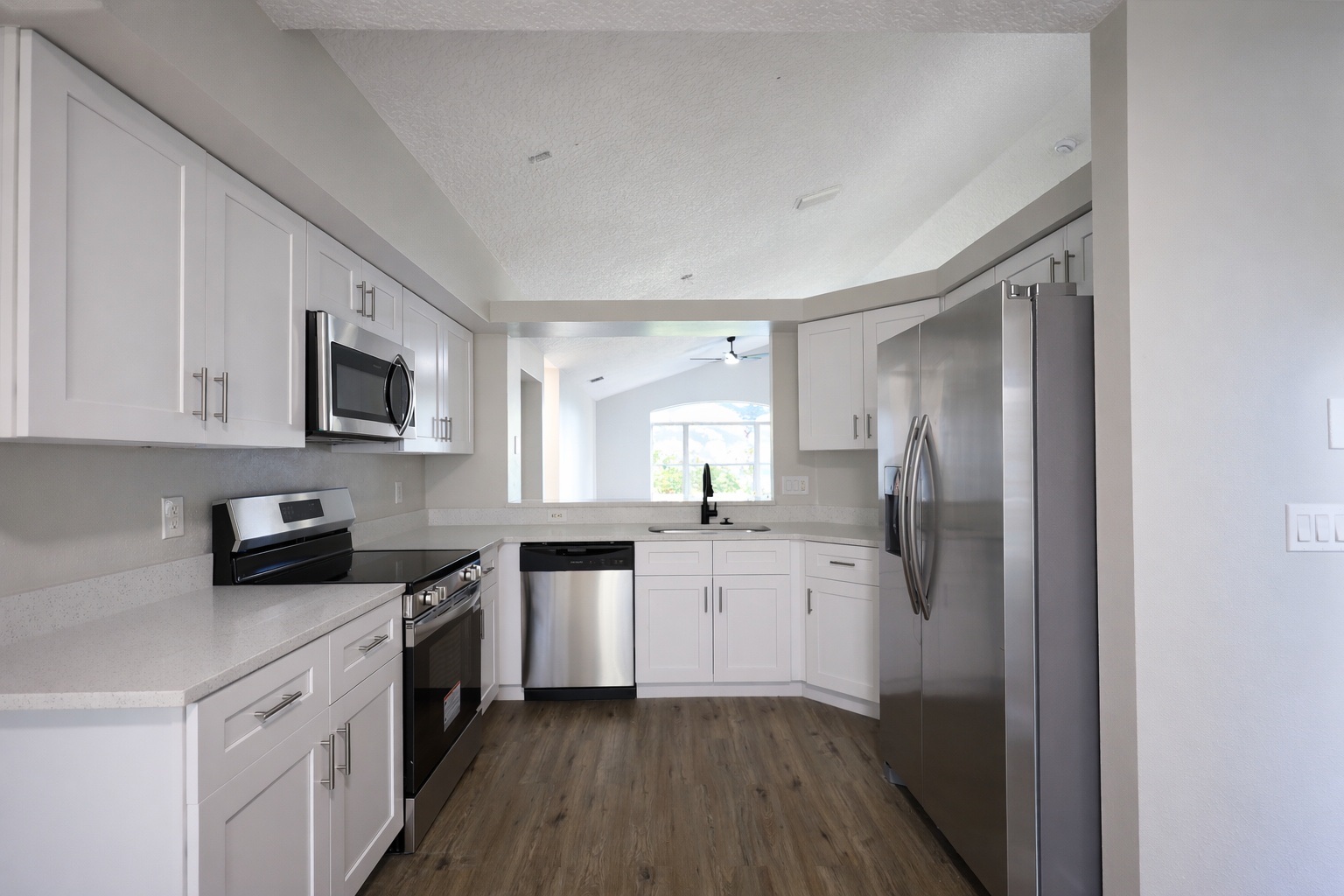
Photo enhancement proof
Photo enhancement proof
Relevant before-and-after proof for this search intent, using existing ReelStaged assets instead of mismatched samples.
ReelStaged Studio for Agents, sellers, landlords, and photographers
Make the photos buyers see on Zillow cleaner, brighter, and easier to understand.
Zillow listing photo editor
This page targets portal-specific buyer behavior without depending on Zillow integrations. ReelStaged improves the source photos before they are used on portals.
Photo enhancement proof
Relevant before-and-after proof for this search intent, using existing ReelStaged assets instead of mismatched samples.
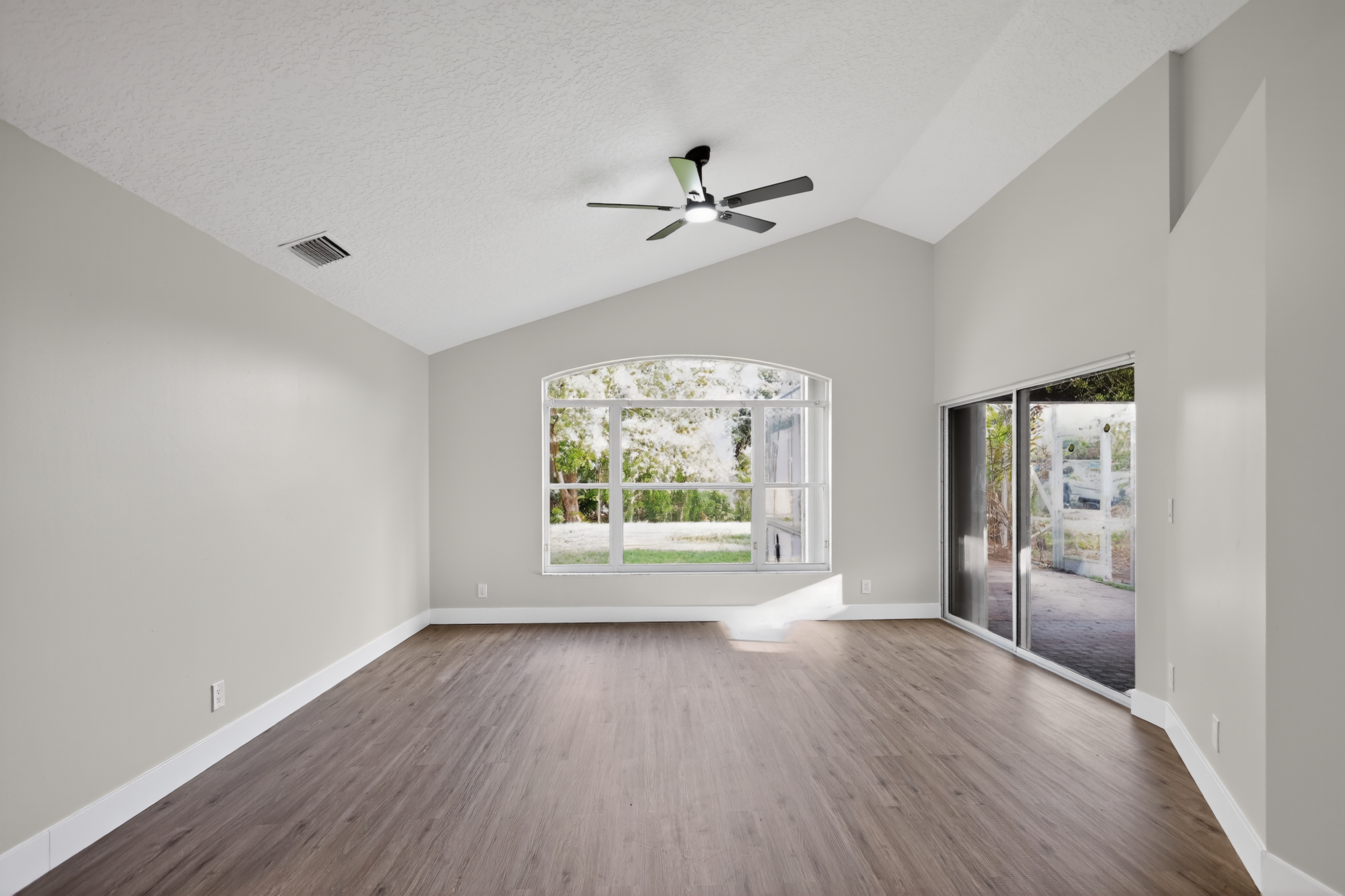
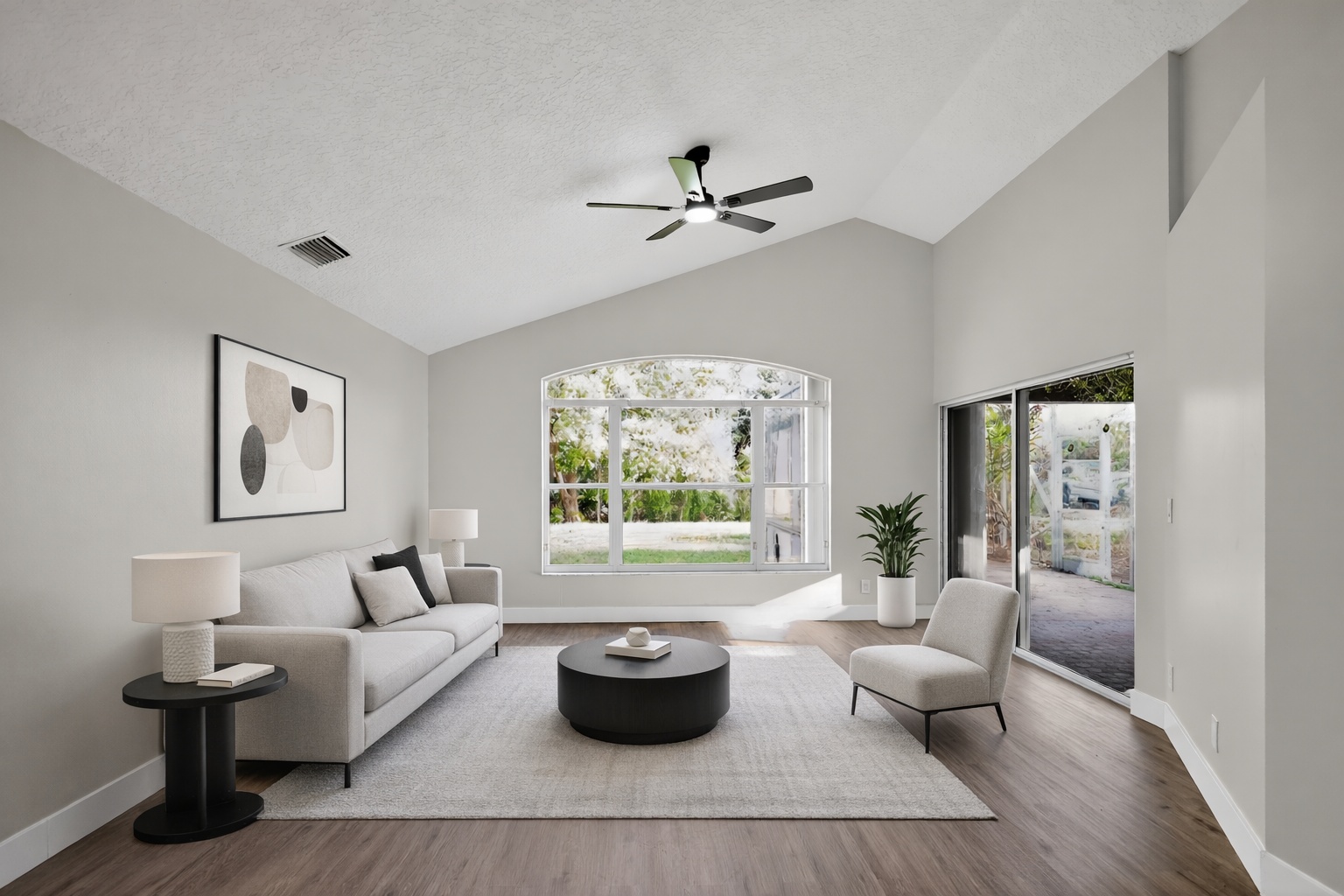
Virtual staging proof
Relevant before-and-after proof for this search intent, using existing ReelStaged assets instead of mismatched samples.
Declutter proof
Relevant before-and-after proof for this search intent, using existing ReelStaged assets instead of mismatched samples.
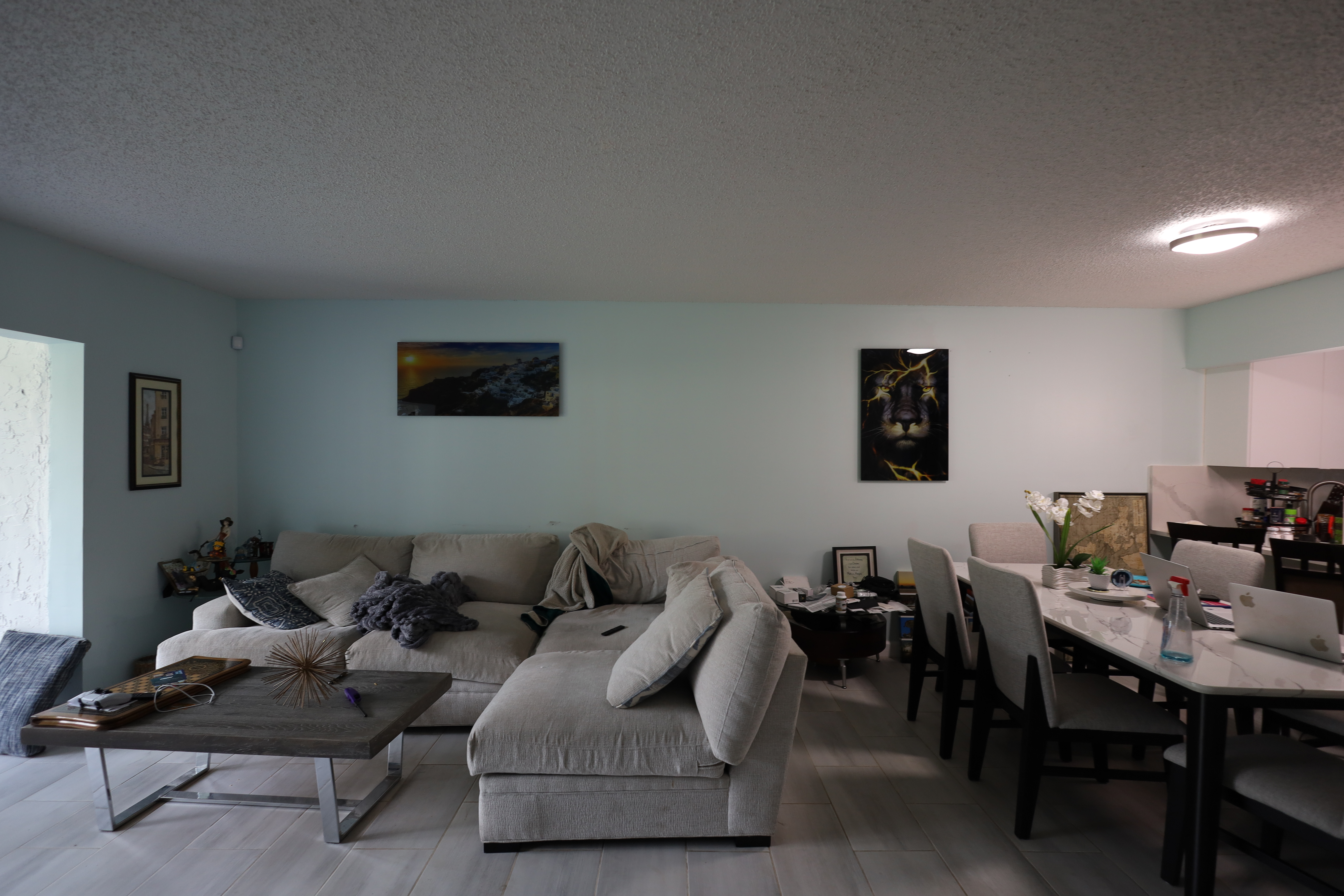
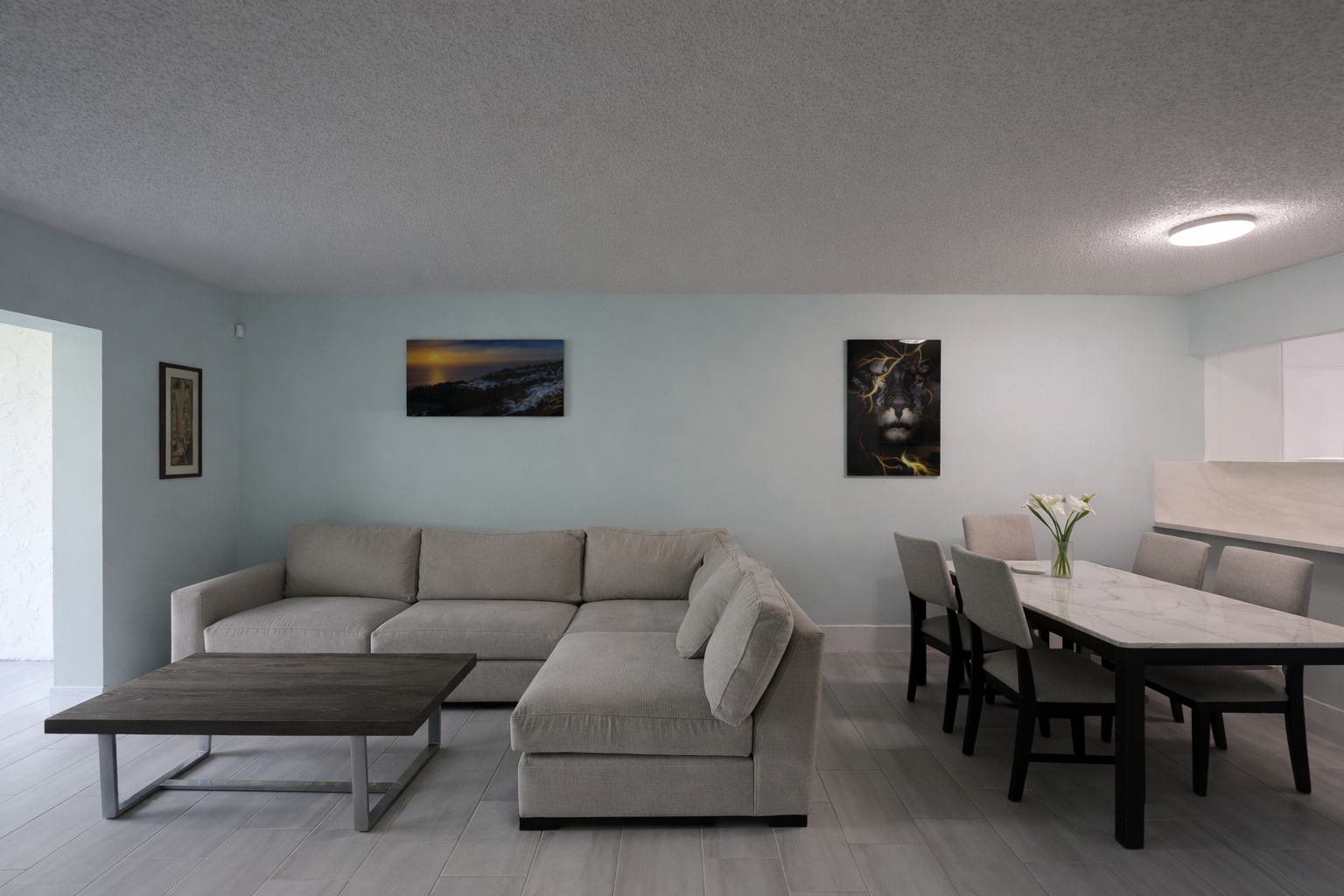
Generate listing-ready visuals in under a minute so you can publish and market faster.
Virtual staging, unfurnish, declutter, renovation, twilight, and enhancement in one workflow.
Designed for listing photos, client presentations, before/after communication, and social promotion.
Search coverage
ReelStaged keeps this page focused on practical property marketing intent instead of generic design inspiration.
ReelStaged improves the source property photos. You then upload or update photos through your normal listing workflow.
No. This page is about preparing better listing photos for portals like Zillow.
Enhancement, staging, declutter, twilight, and unfurnish can all improve buyer-facing visuals.
Yes. Sellers can use it for preparation, but should coordinate final listing usage with their agent.
Why this search matters
This page targets portal-specific buyer behavior without depending on Zillow integrations. ReelStaged improves the source photos before they are used on portals.
Polish dull or cluttered photos before they appear on listing portals.
Stage empty rooms so buyers understand layout faster.
Use improved visuals when a property needs stronger attention.
Show sellers how portal photos can be upgraded before launch.
Simple workflow
Start with the property image that needs staging, cleanup, polish, twilight, or renovation context.
Use the mode that matches the job: staging, enhancement, declutter, unfurnish, twilight, or renovation preview.
Review the output and use it for listing prep, seller conversations, marketing content, or client delivery.
New SEO opportunity
The goal is to capture useful search demand without duplicating existing ReelStaged pages. Review the page for positioning, proof fit, and whether this keyword deserves to stay in the public sitemap.
Zillow listing photo editor