Virtual staging proof
Virtual staging proof
Use this before-and-after proof to show how AI can improve a real property photo for this exact workflow.
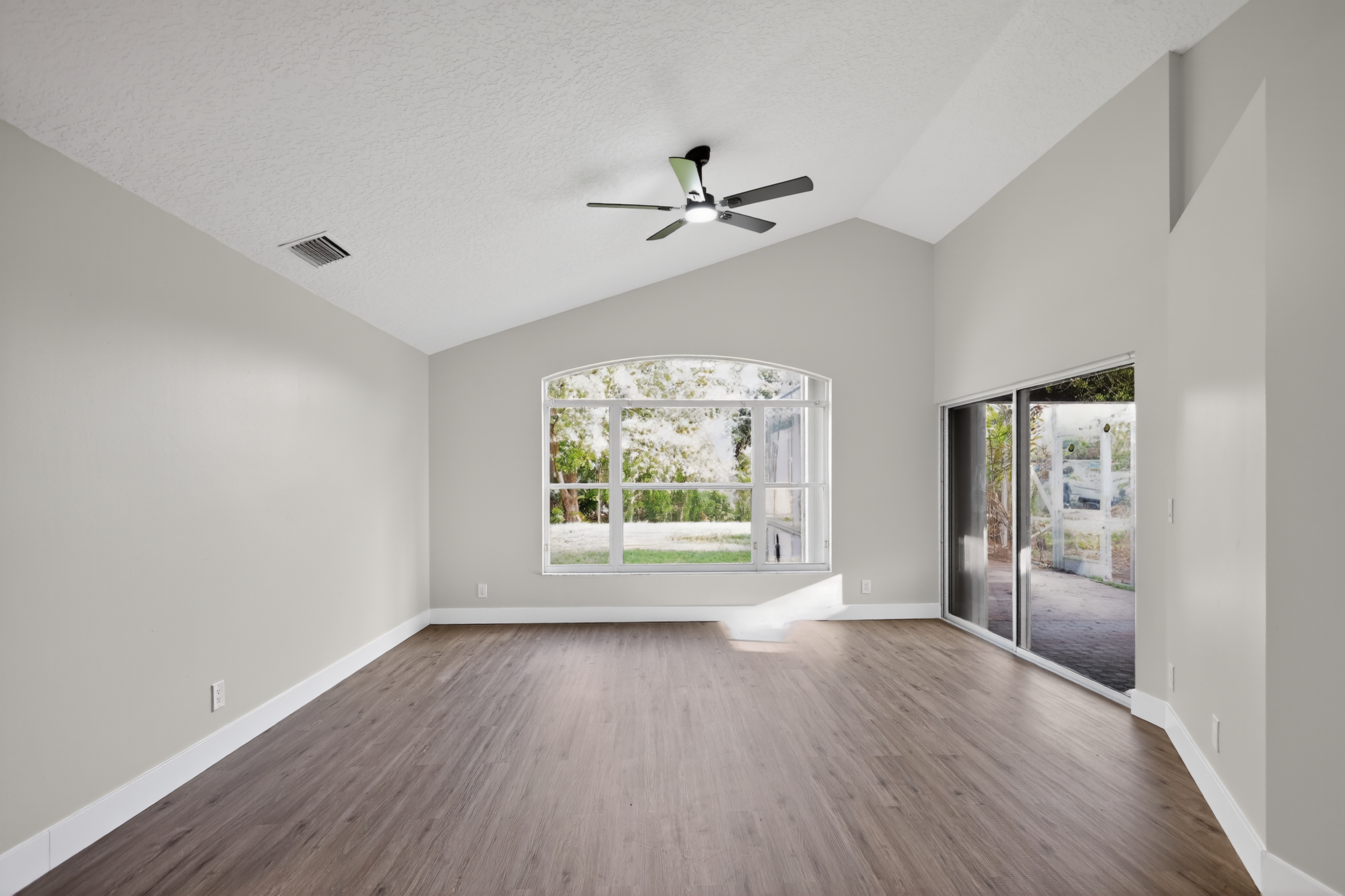
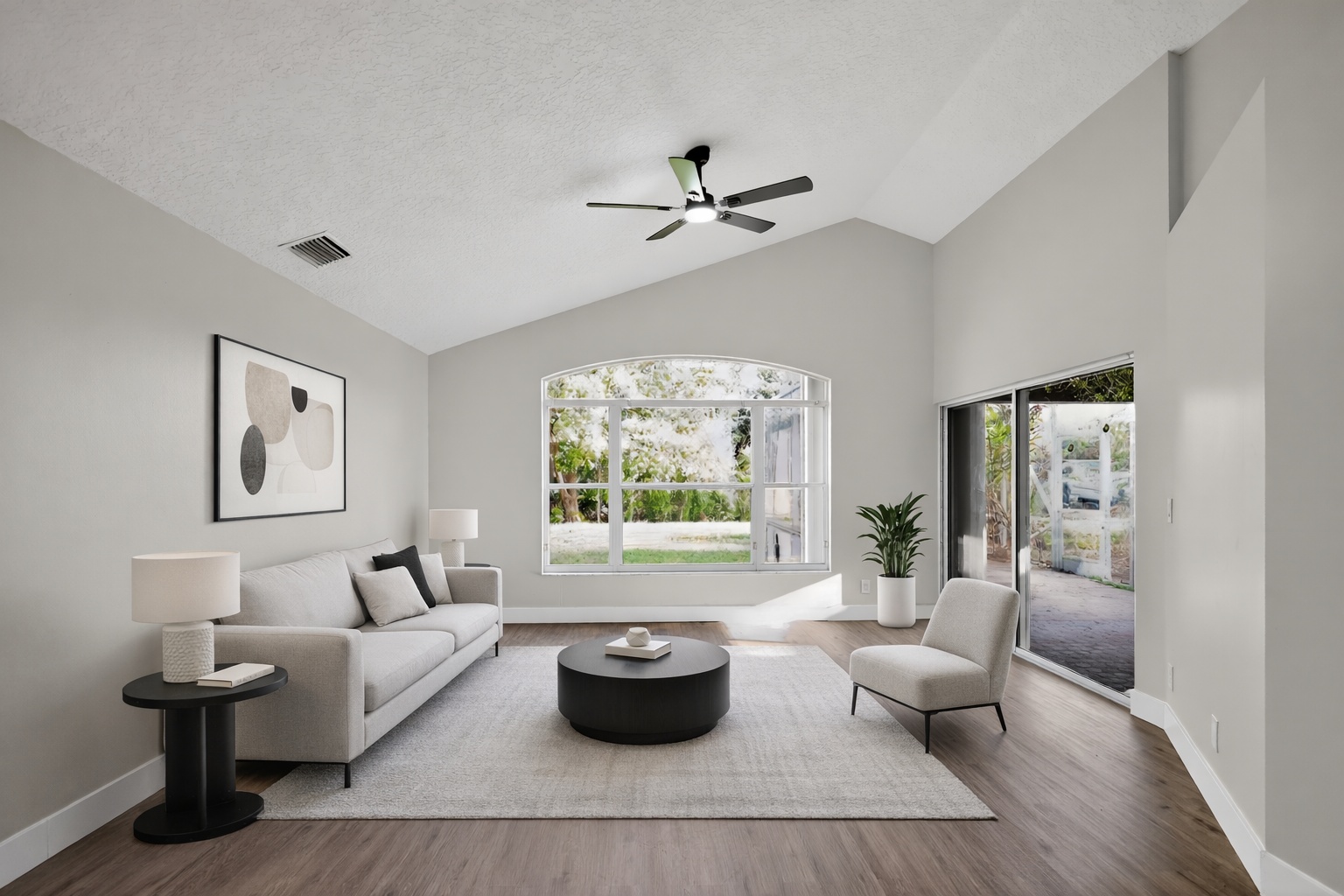
ReelStaged Studio for Home sellers and FSBO listings
Help buyers see your home at its best before they book a showing.
For home sellers
Home sellers do not always get a second chance online. ReelStaged helps improve the photos buyers judge first — from empty rooms to cluttered spaces and dull exteriors.
Virtual staging proof
Use this before-and-after proof to show how AI can improve a real property photo for this exact workflow.
Declutter proof
Use this before-and-after proof to show how AI can improve a real property photo for this exact workflow.
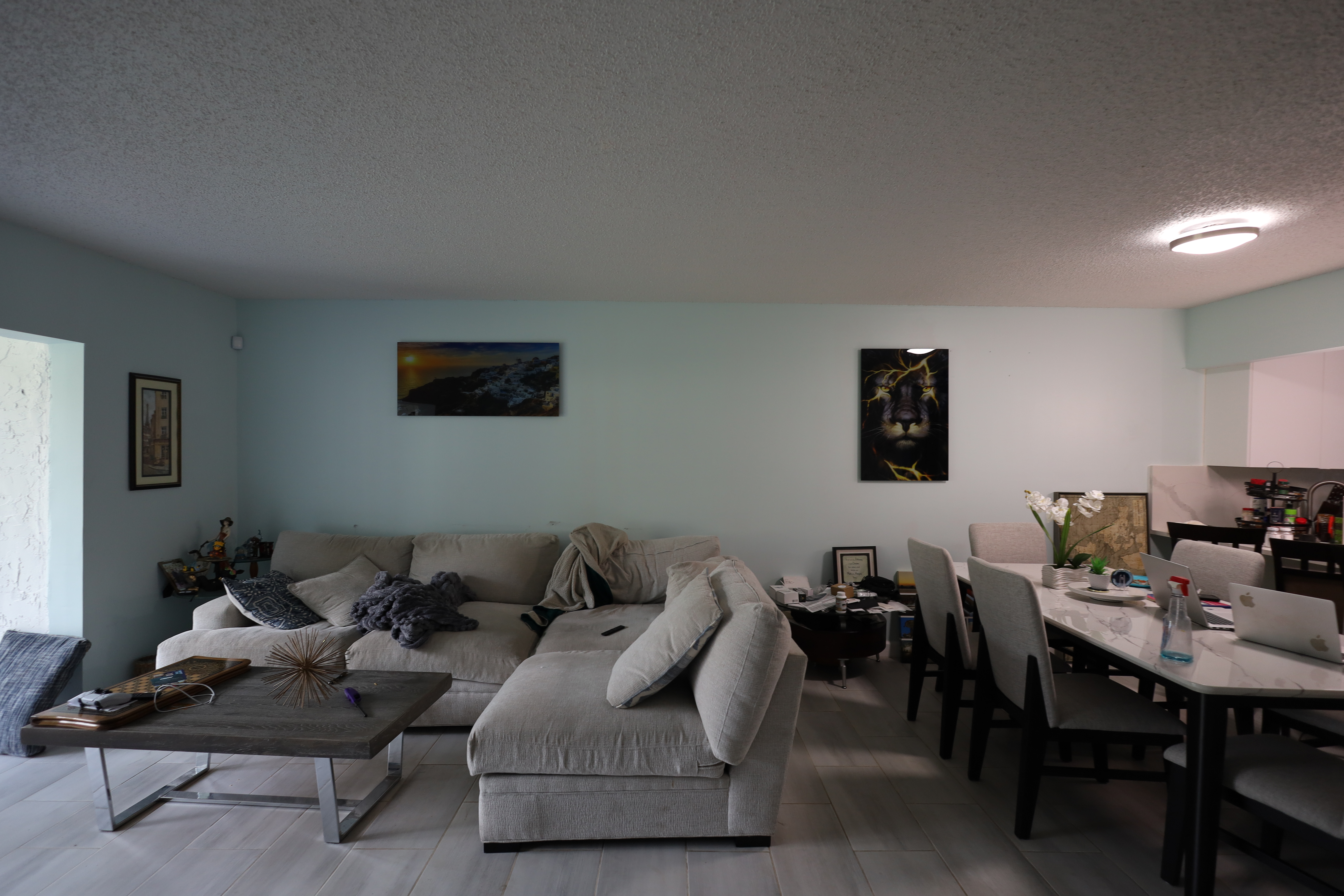
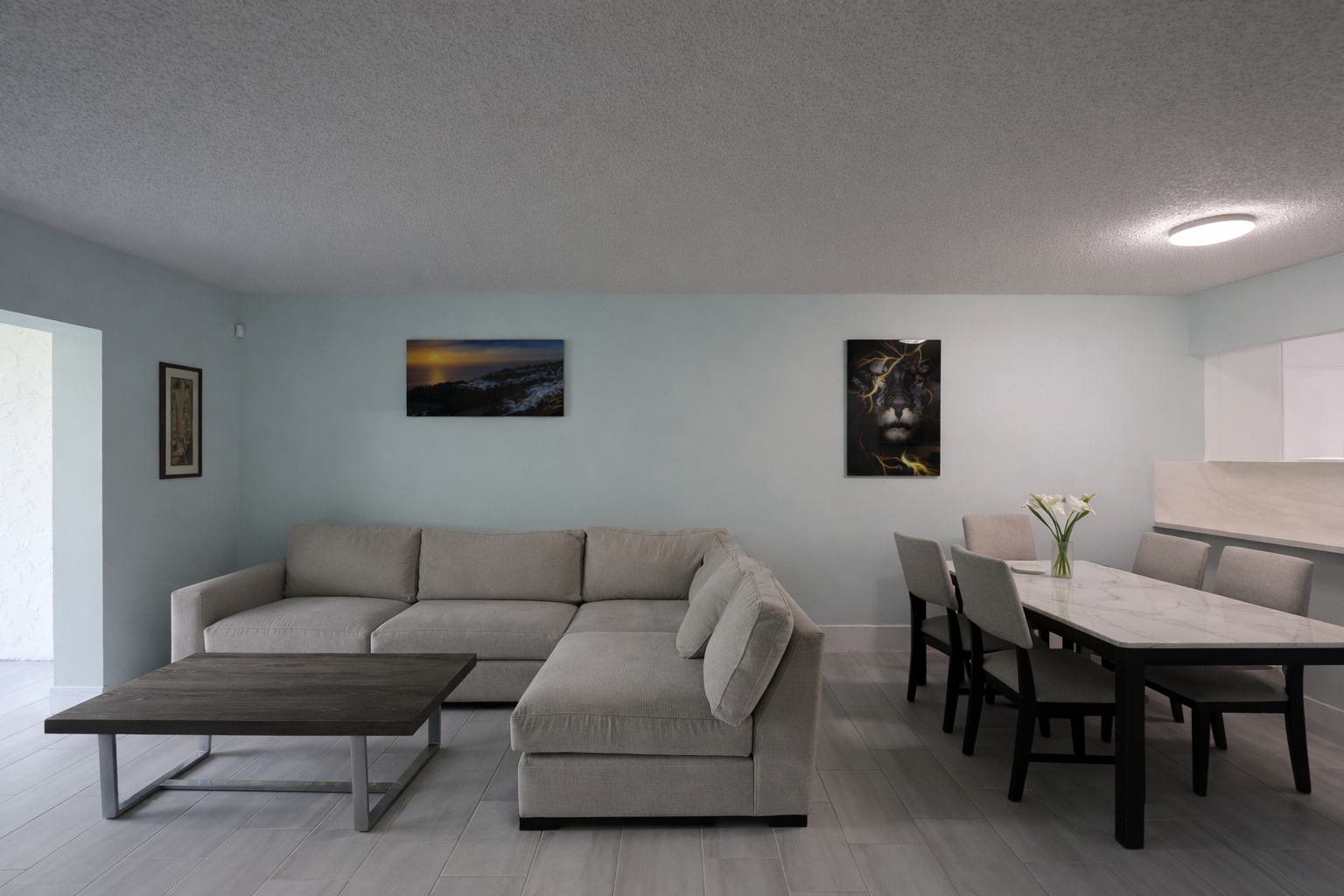
Twilight proof
Use this before-and-after proof to show how AI can improve a real property photo for this exact workflow.


Generate listing-ready visuals in under a minute so you can publish and market faster.
Virtual staging, unfurnish, declutter, renovation, twilight, and enhancement in one workflow.
Designed for listing photos, client presentations, before/after communication, and social promotion.
Search coverage
ReelStaged keeps this page focused on practical property marketing intent instead of generic design inspiration.
Yes. Sellers can use AI to stage empty rooms, clean up distractions, enhance photos, and create stronger pre-listing visuals.
It can help with preparation, but final listing decisions should be coordinated with your agent and MLS rules.
Yes. Virtual staging can make vacant rooms easier for buyers to understand.
Yes. Declutter, unfurnish, and enhancement workflows can improve occupied-home photos when used responsibly.
Seller use cases
Show buyers how vacant spaces can function.
Reduce clutter that pulls attention away from the property.
Use twilight-style visuals to make exterior marketing feel warmer.
Use stronger visuals in listing prep and seller presentations.
Workflow
Upload the room, exterior, or listing photo that needs help.
Choose staging, declutter, enhancement, twilight, or renovation preview.
Share the improved image with your agent or use it in marketing prep.
Distinct from agent pages
Agent pages focus on repeat listing workflows. This page explains how individual home sellers can use AI to make the photos buyers see first more compelling.
Unique keyword lane
This page stays intentionally focused so it does not cannibalize nearby ReelStaged pages for virtual staging, real estate photo editing, enhancement, declutter, renovation previews, or audience-specific workflows.
For home sellers