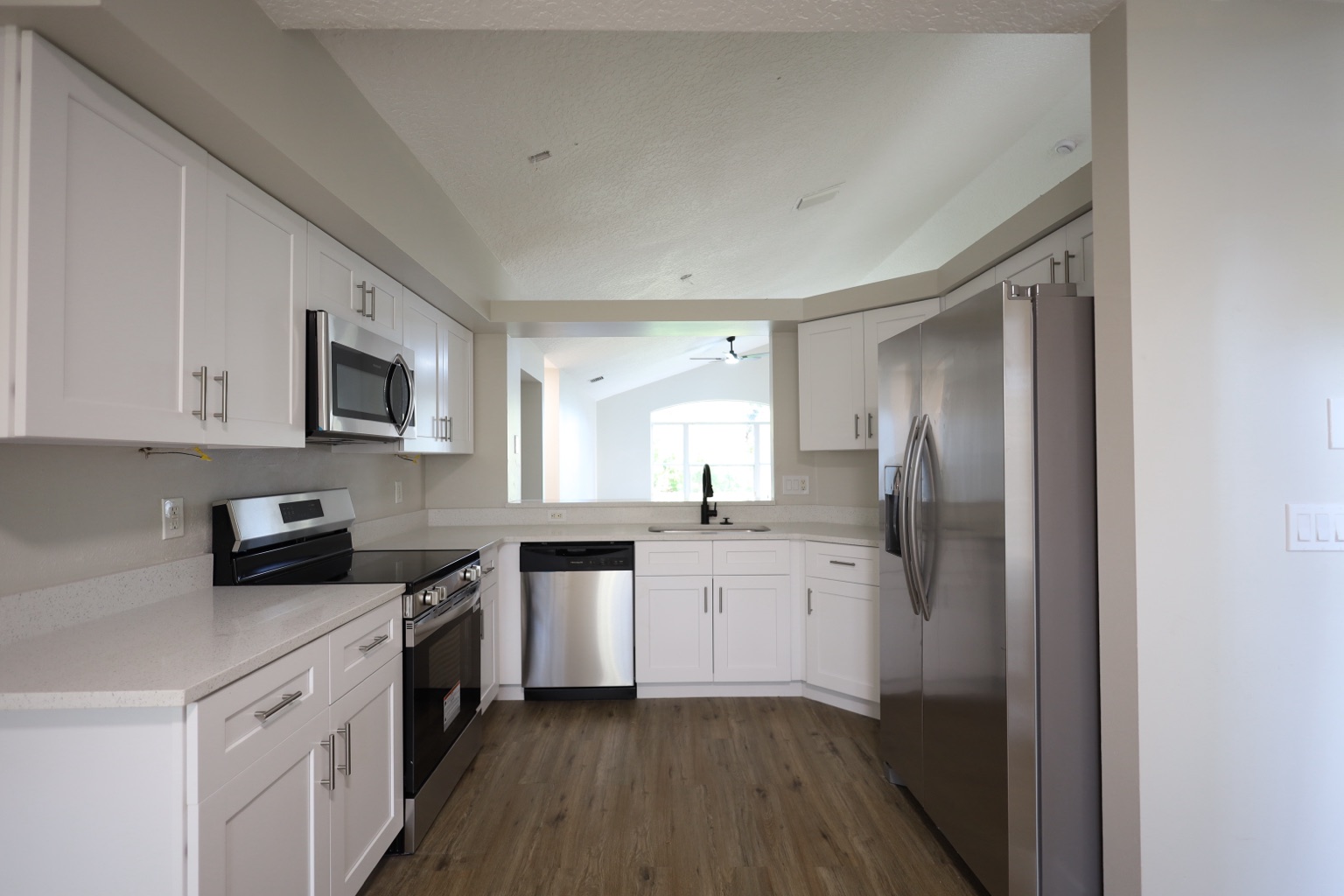
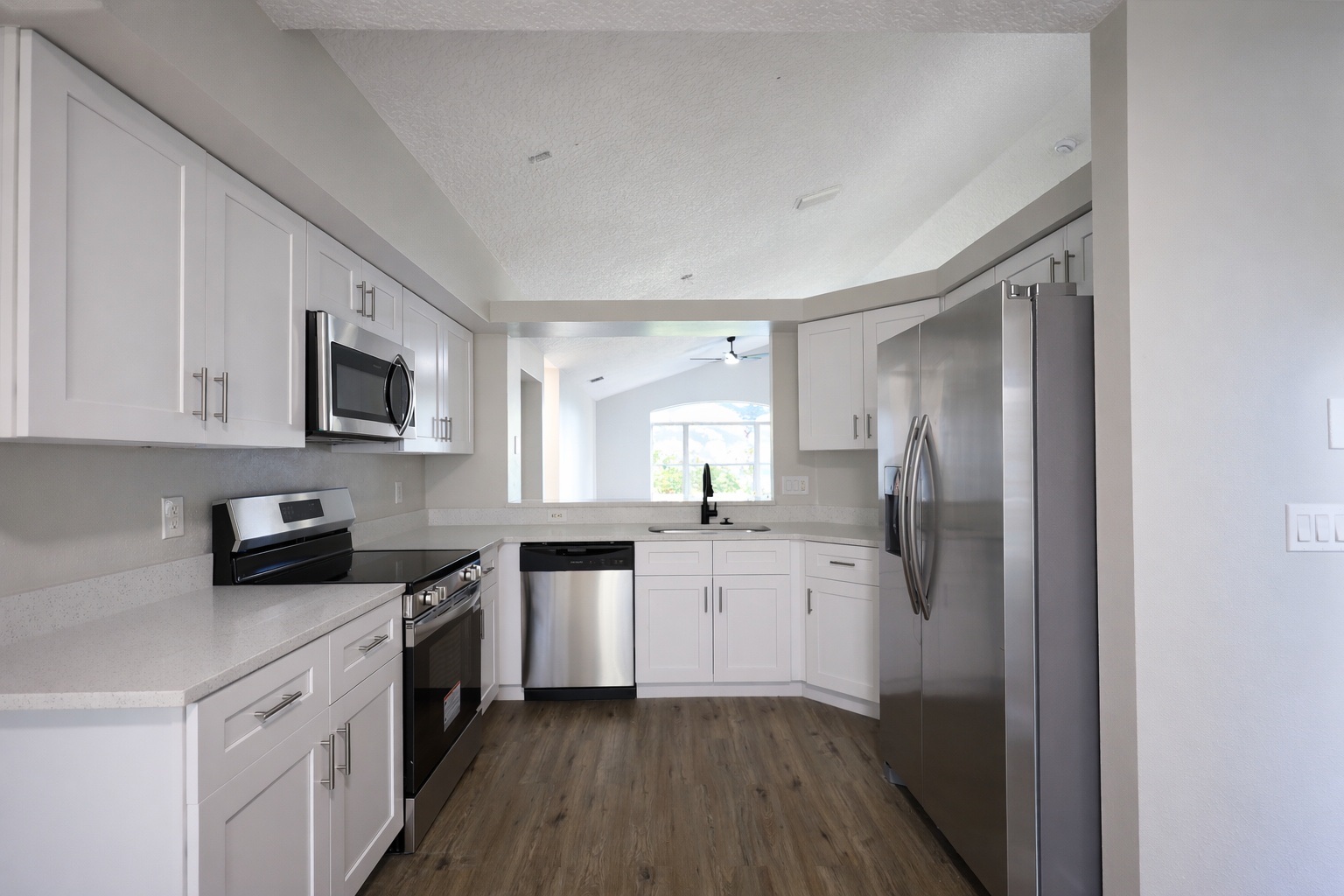
Photo enhancement proof
Photo enhancement proof
Relevant before-and-after proof for this search intent, using existing ReelStaged assets instead of mismatched samples.
ReelStaged Studio for Agents, photographers, and listing teams
Improve photos before they hit MLS, portals, and buyer inboxes.
MLS photo editor
This page targets MLS-prep intent: users who want to improve photos before publishing to MLS and downstream portals.
Photo enhancement proof
Relevant before-and-after proof for this search intent, using existing ReelStaged assets instead of mismatched samples.
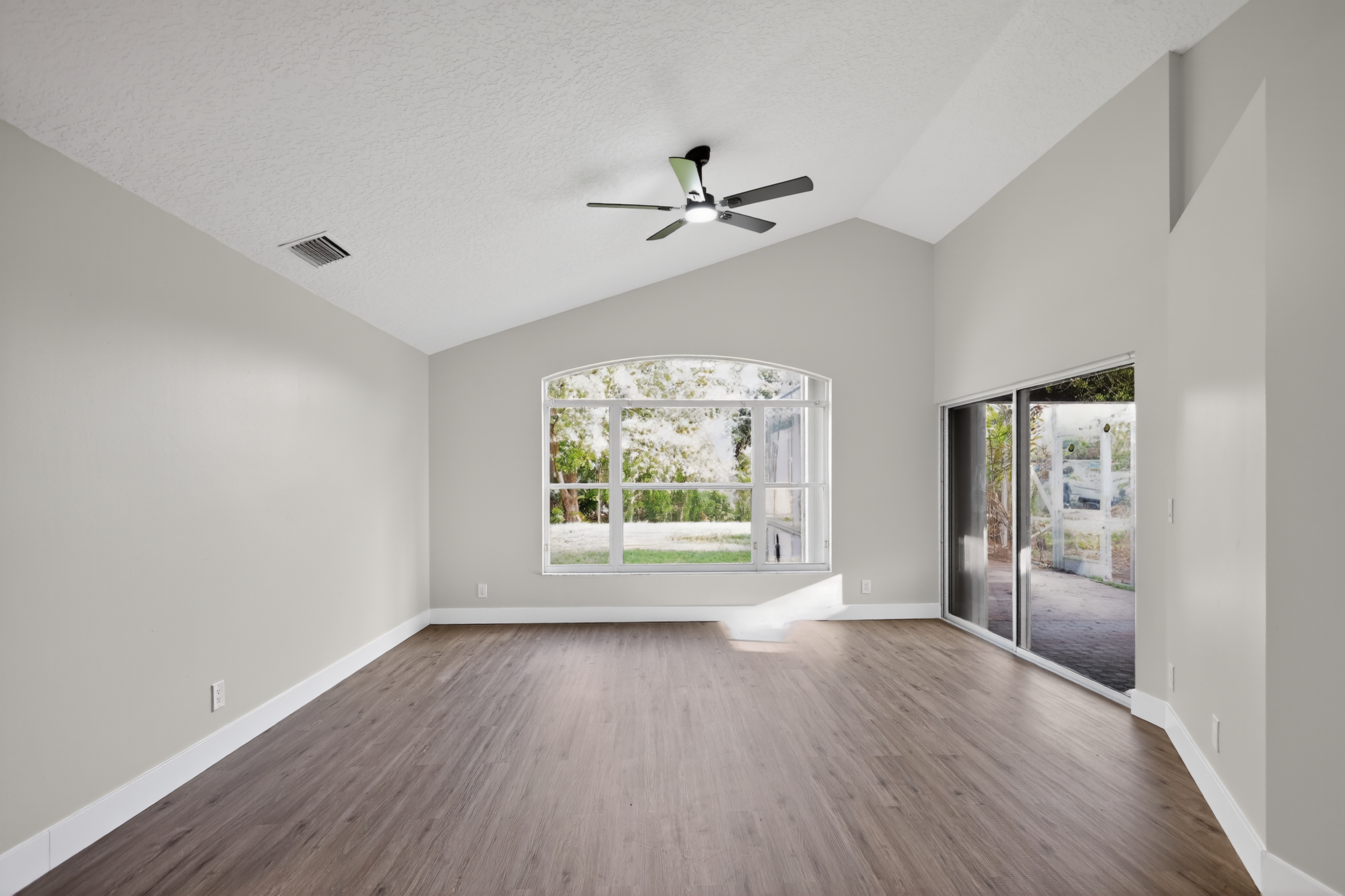
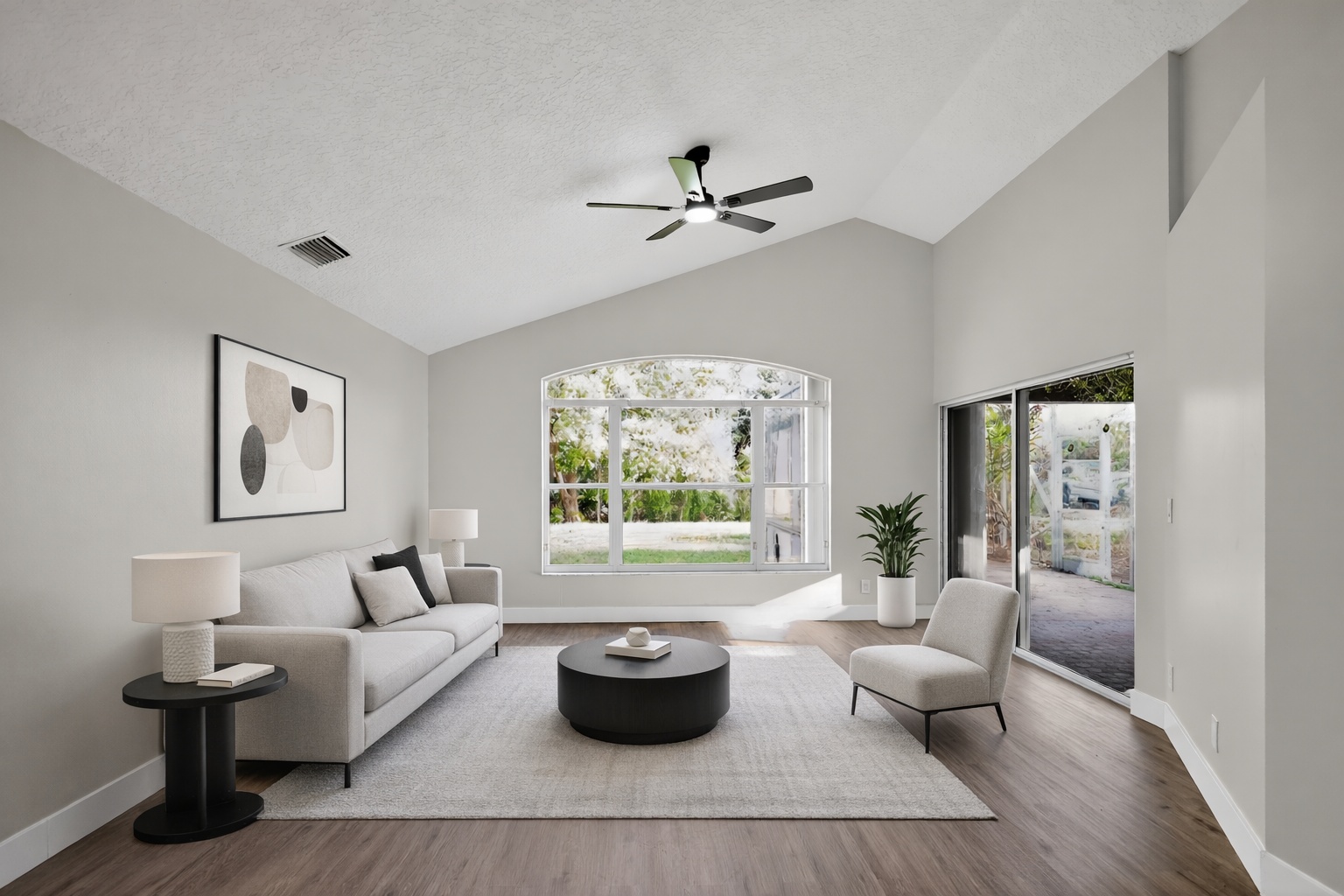
Virtual staging proof
Relevant before-and-after proof for this search intent, using existing ReelStaged assets instead of mismatched samples.
Day-to-dusk proof
Relevant before-and-after proof for this search intent, using existing ReelStaged assets instead of mismatched samples.
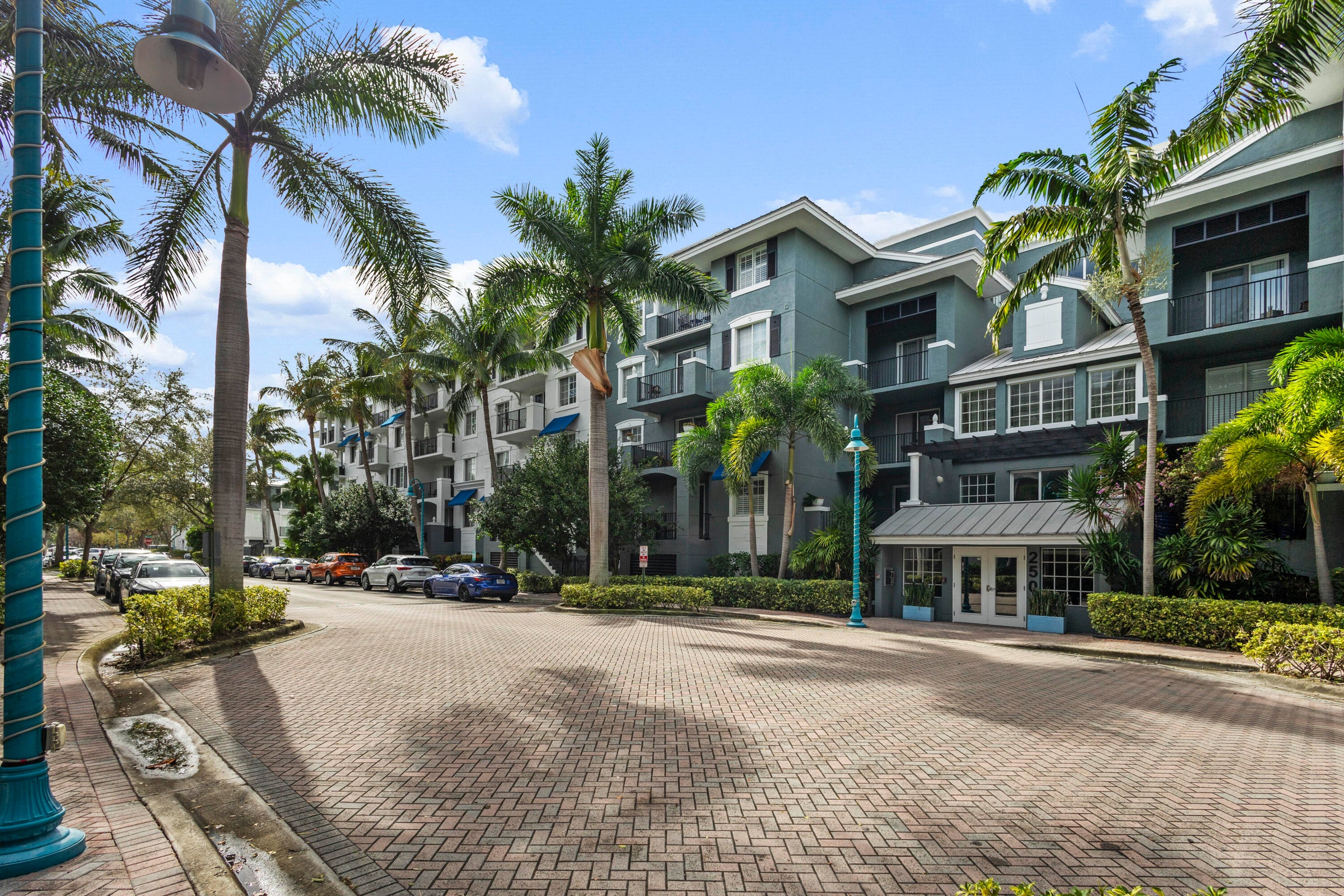

Generate listing-ready visuals in under a minute so you can publish and market faster.
Virtual staging, unfurnish, declutter, renovation, twilight, and enhancement in one workflow.
Designed for listing photos, client presentations, before/after communication, and social promotion.
Search coverage
ReelStaged keeps this page focused on practical property marketing intent instead of generic design inspiration.
Yes. ReelStaged helps improve listing photos before MLS upload with staging, enhancement, declutter, twilight, and more.
No. Always follow your MLS, brokerage, and local disclosure requirements.
Yes. It can support final photo polish and AI add-ons before client delivery.
Enhancement, virtual staging, declutter, twilight, and unfurnish are common pre-MLS workflows.
Why this search matters
This page targets MLS-prep intent: users who want to improve photos before publishing to MLS and downstream portals.
Enhance brightness, color, clarity, and consistency before publishing.
Stage empty rooms so MLS photos communicate use and scale.
Create twilight-style images for stronger curb appeal.
Give agents and assistants a repeatable photo-prep process.
Simple workflow
Start with the property image that needs staging, cleanup, polish, twilight, or renovation context.
Use the mode that matches the job: staging, enhancement, declutter, unfurnish, twilight, or renovation preview.
Review the output and use it for listing prep, seller conversations, marketing content, or client delivery.
New SEO opportunity
The goal is to capture useful search demand without duplicating existing ReelStaged pages. Review the page for positioning, proof fit, and whether this keyword deserves to stay in the public sitemap.
MLS photo editor