Vacant-room staging
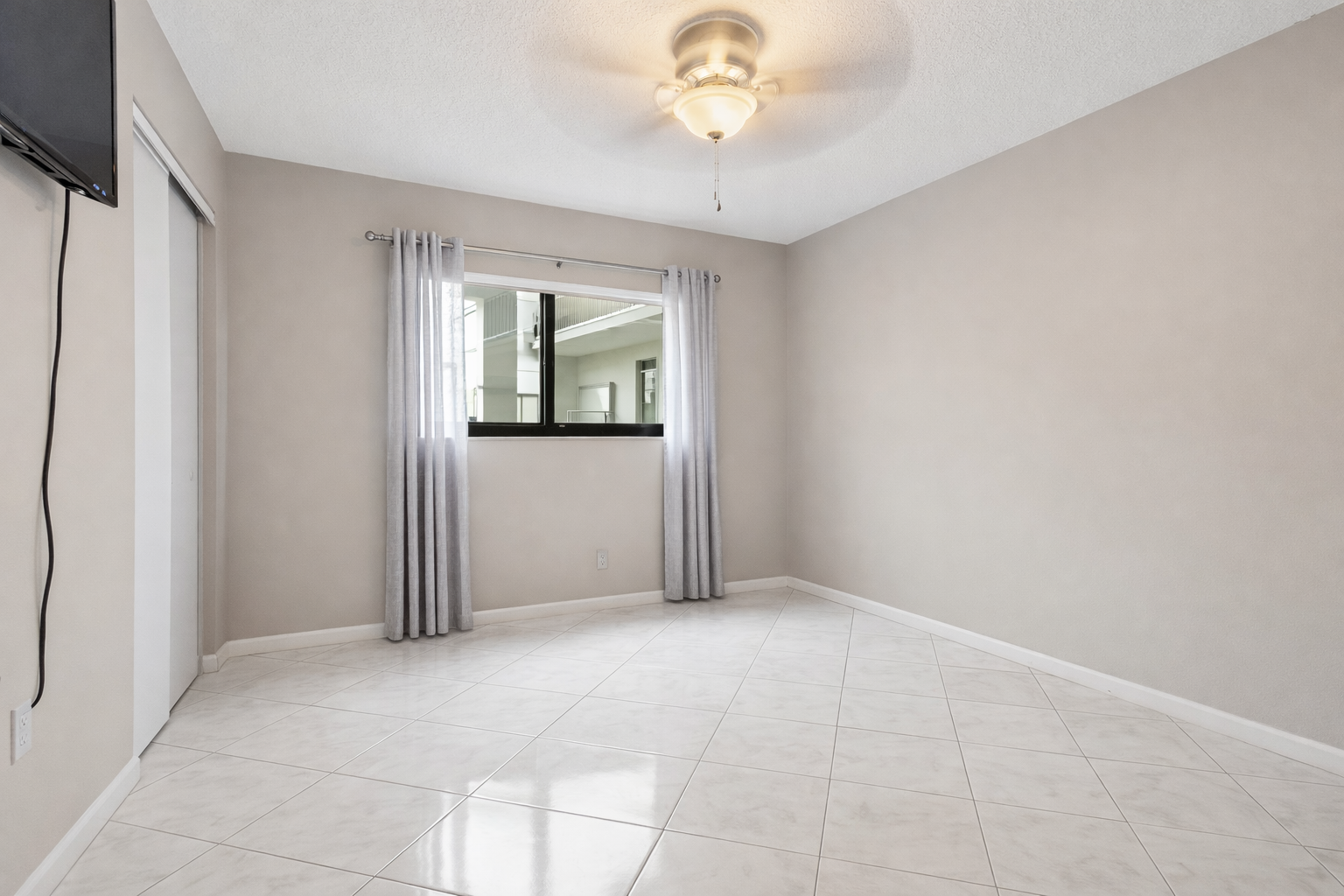
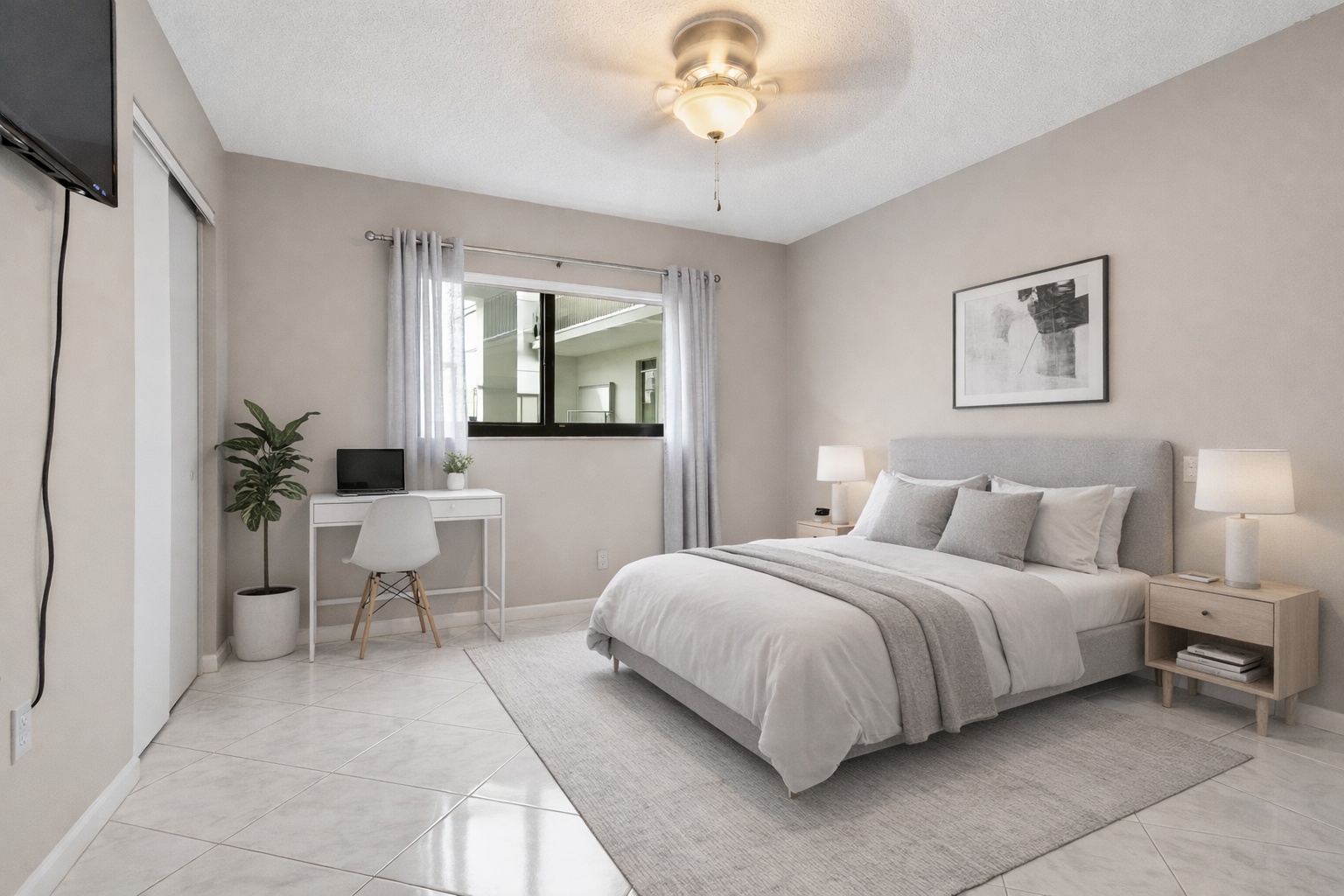
Turn empty rooms into furnished listing photos
Use ReelStaged when buyers need scale, warmth, and layout context before they book a showing.
ReelStaged Studio for Real estate marketing teams
Stage vacant rooms, clean up occupied photos, and polish listing visuals from one AI studio.
Alternative for real estate staging workflows
ReelStaged is not just about placing furniture into an empty room. It helps real estate teams clean up, unfurnish, stage, enhance, and build stronger visuals around the listing workflow.
Vacant-room staging
Use ReelStaged when buyers need scale, warmth, and layout context before they book a showing.
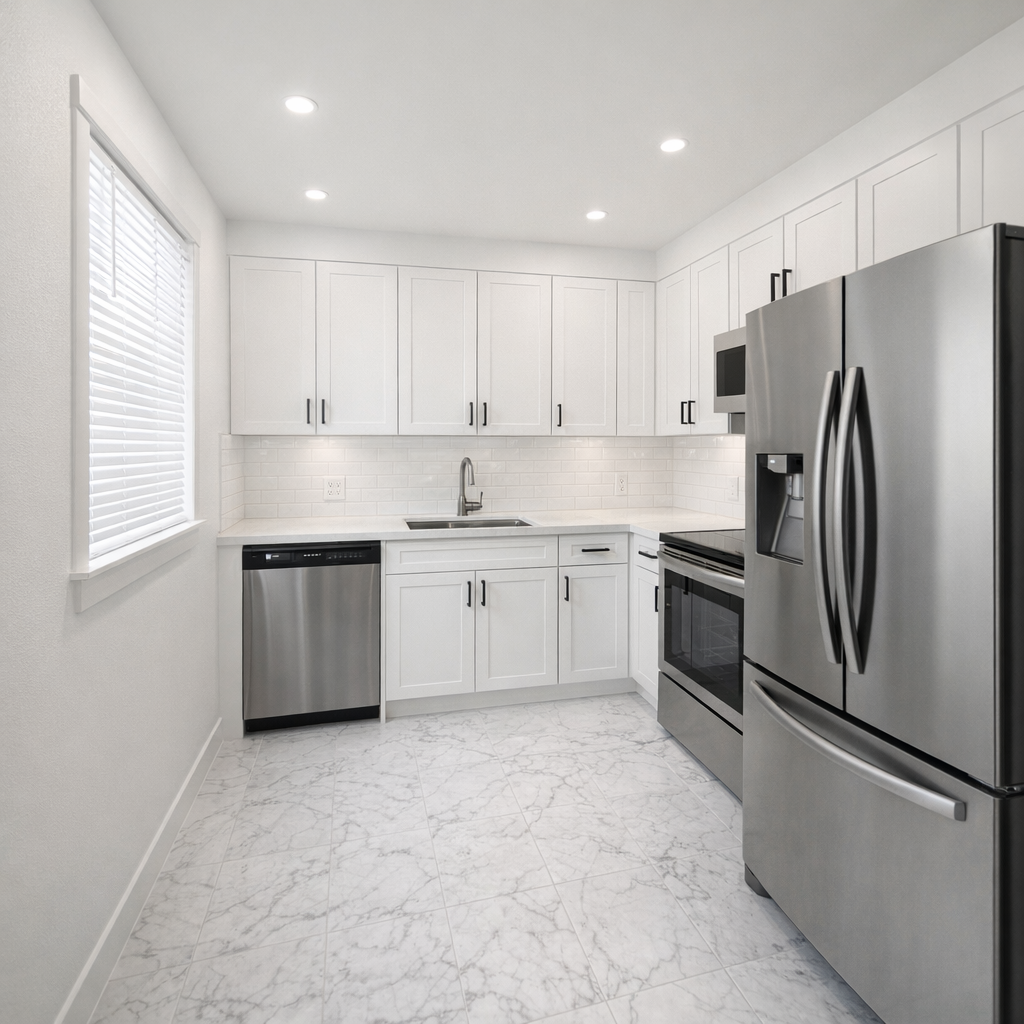
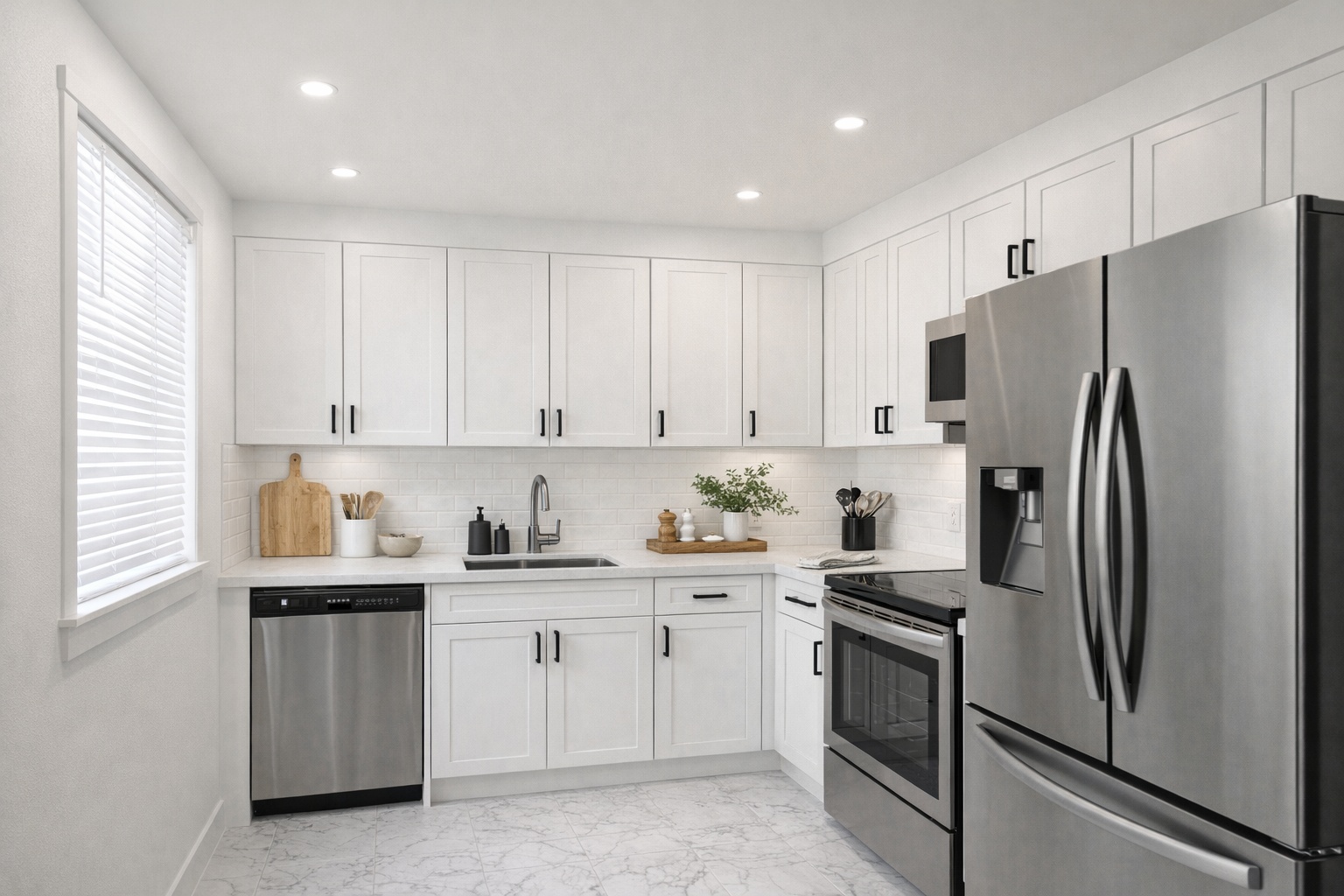
Kitchen staging concept
Create polished staging visuals for high-impact spaces like kitchens, living rooms, bedrooms, and rentals.
Unfurnish then stage workflow
Use Unfurnish for occupied rooms, then create a staging direction that fits the listing audience.
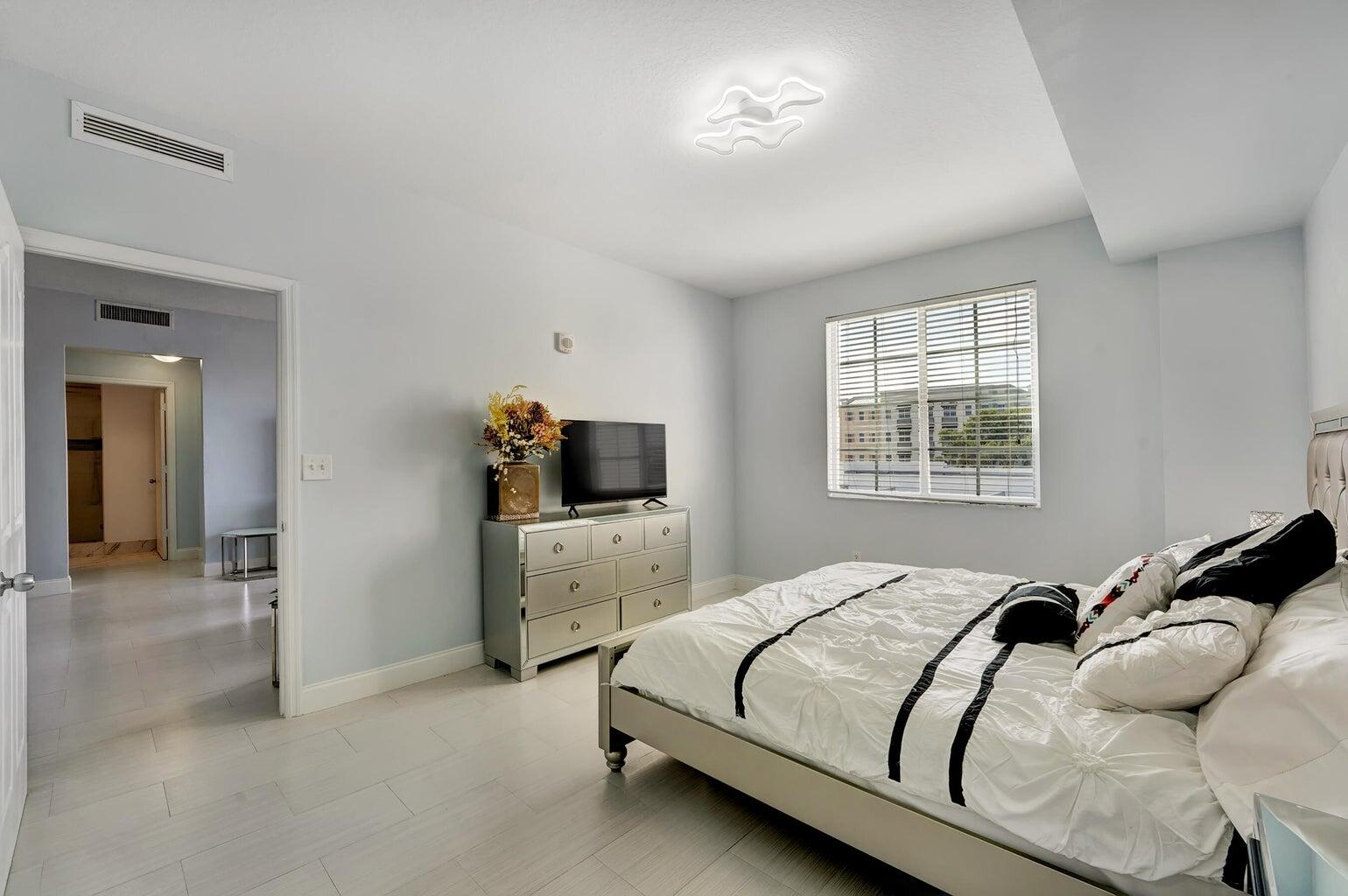
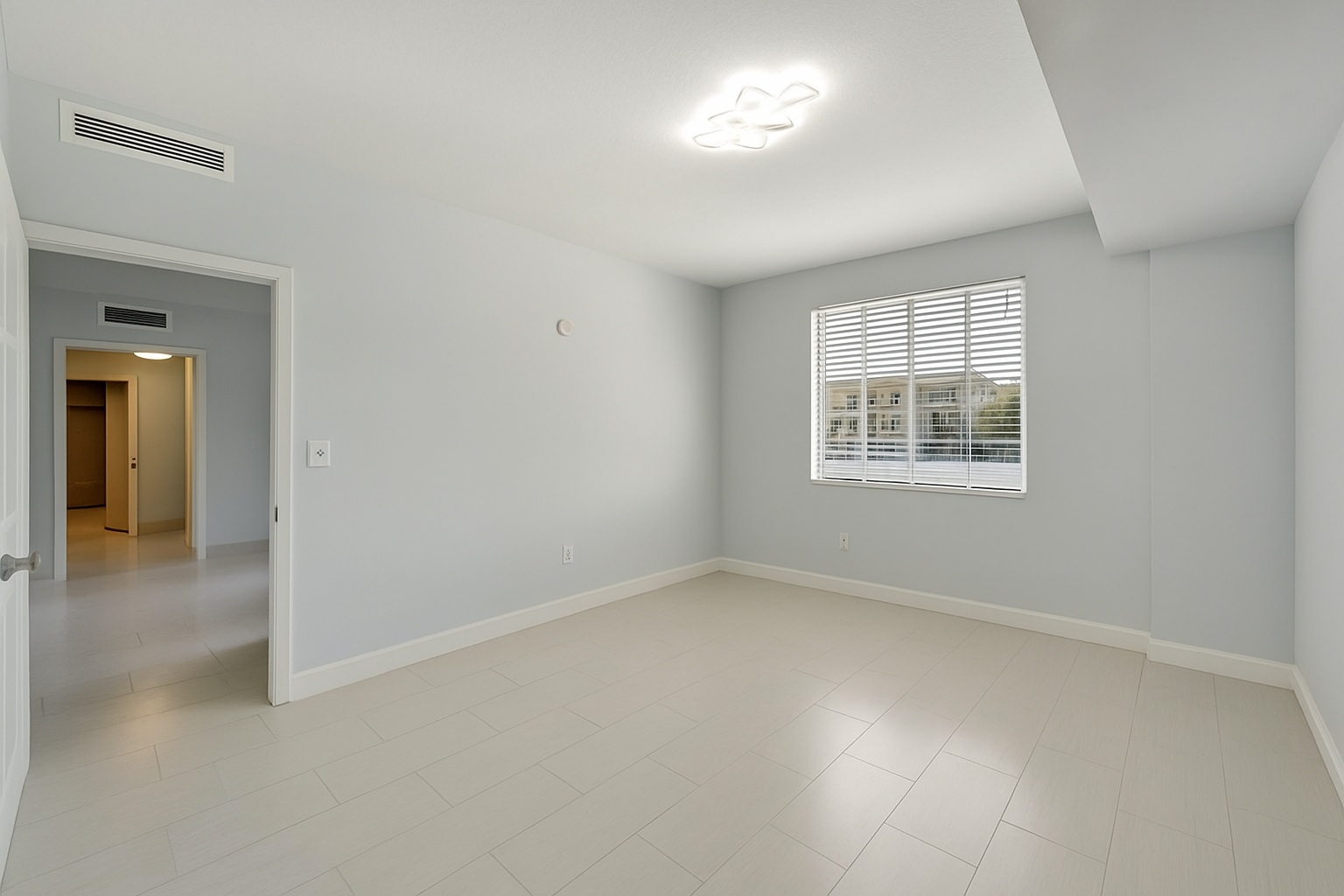
Generate listing-ready visuals in under a minute so you can publish and market faster.
Virtual staging, unfurnish, declutter, renovation, twilight, and enhancement in one workflow.
Designed for listing photos, client presentations, before/after communication, and social promotion.
Search coverage
ReelStaged keeps this page focused on practical property marketing intent instead of generic design inspiration.
Prioritize realistic listing outputs, fast iteration, and support for adjacent workflows like unfurnish, declutter, twilight, renovation, and enhancement.
Yes. ReelStaged includes six modes for staging, unfurnish, declutter, renovation, twilight, and enhancement.
No. You can stage vacant rooms, unfurnish occupied rooms, declutter distractions, and enhance or renovate listing photos.
Absolutely. Photographers use ReelStaged to offer fast-turn AI upsells without outsourcing.
What to look for
Staging is the headline feature, but real listing work is messier. Some rooms are vacant, some are occupied, some need cleanup, some need twilight curb appeal, and some need renovation potential. ReelStaged keeps those workflows together.
A virtual staging tool should preserve room structure, camera angle, flooring, windows, and believable proportions.
Agents and photographers also need unfurnish, declutter, twilight, enhancement, and renovation previews in the same workflow.
A good AI staging workflow should let you test looks, compare options, and move quickly when the listing is time-sensitive.
The goal is not fantasy design art. The goal is credible property marketing that helps buyers understand the space.
Unique keyword lane
The main AI virtual staging page targets core product terms. The competitor pages target specific brands. This page targets people comparing the broader virtual staging AI category and looking for a listing-focused alternative.
Simple workflow
Start with a vacant room, occupied room, dated room, or listing image that needs stronger presentation.
Stage, unfurnish, declutter, renovate, enhance, or turn an exterior into twilight depending on the photo problem.
Download visuals for listing launches, relaunches, seller presentations, social posts, and photography add-ons.
Built for listing visuals