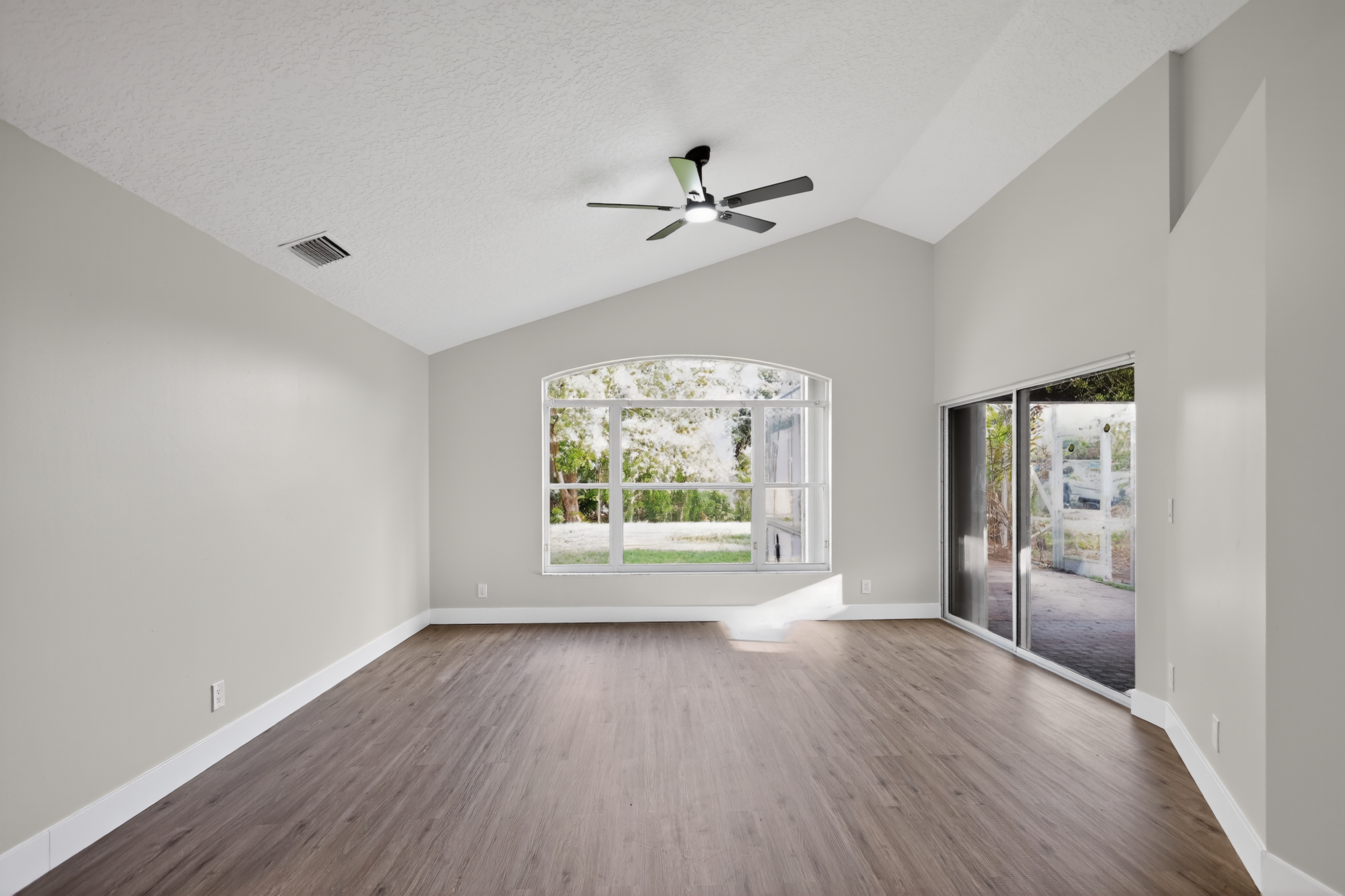
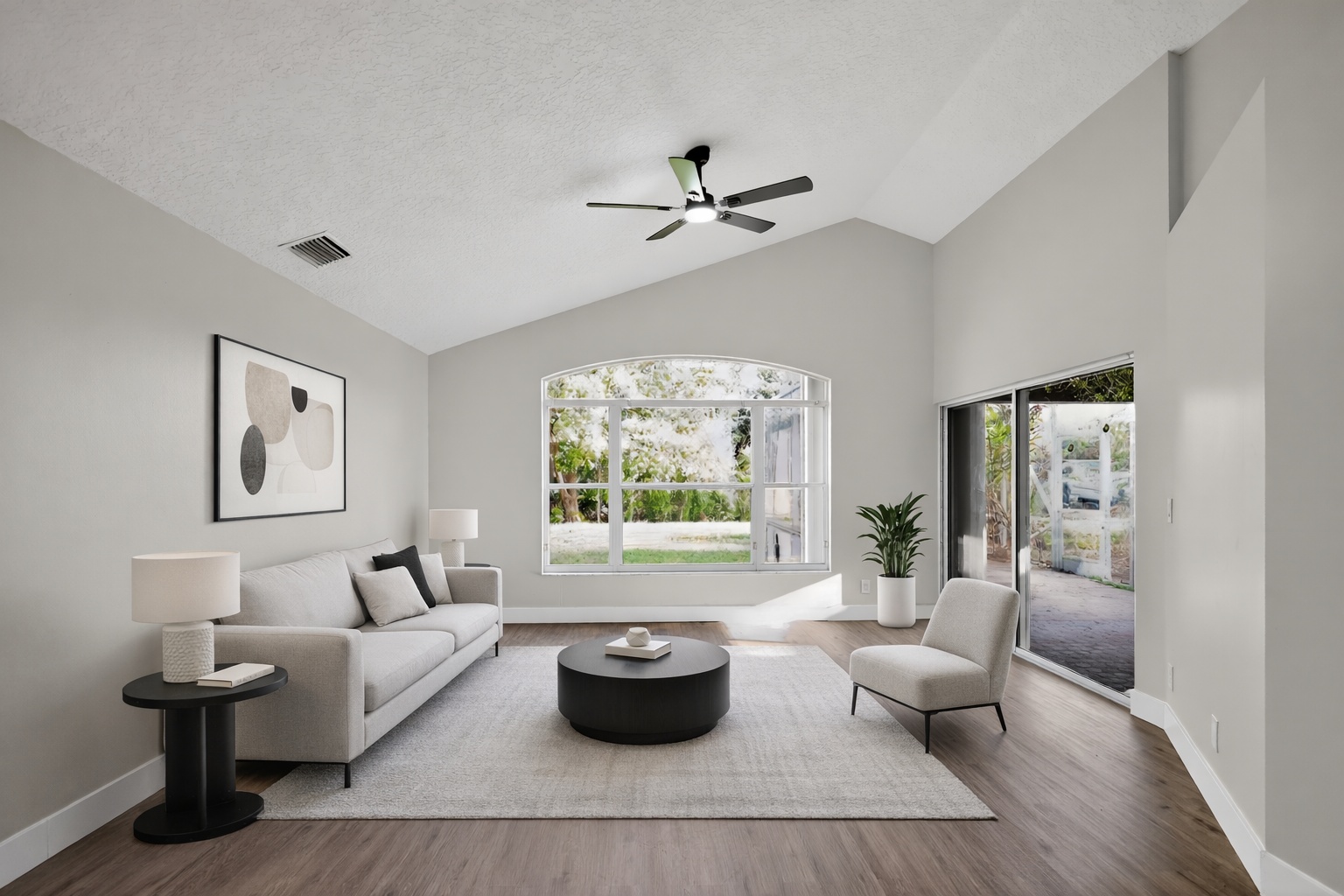
Virtual staging proof
Virtual staging proof
Use this before-and-after proof to show how AI can improve a real property photo for this exact workflow.
ReelStaged Studio for Agents and real estate photographers
If you need more than furniture in an empty room, compare the full AI Studio workflow.
Virtual Staging AI vs ReelStaged
Virtual staging is valuable, but listing photos often need more than furniture. ReelStaged combines staging with enhancement, declutter, unfurnish, twilight, and renovation previews.
Virtual staging proof
Use this before-and-after proof to show how AI can improve a real property photo for this exact workflow.
Declutter proof
Use this before-and-after proof to show how AI can improve a real property photo for this exact workflow.
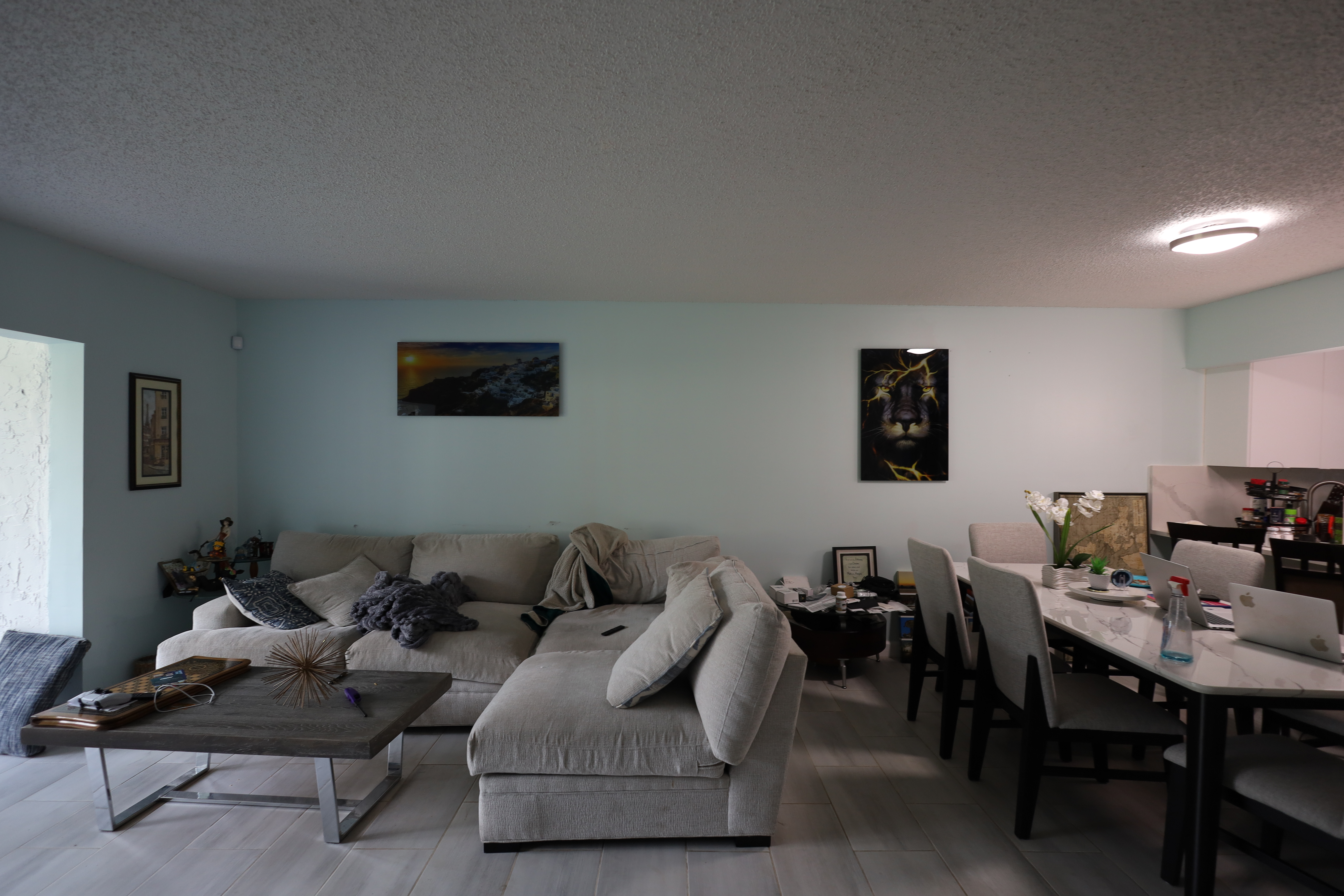
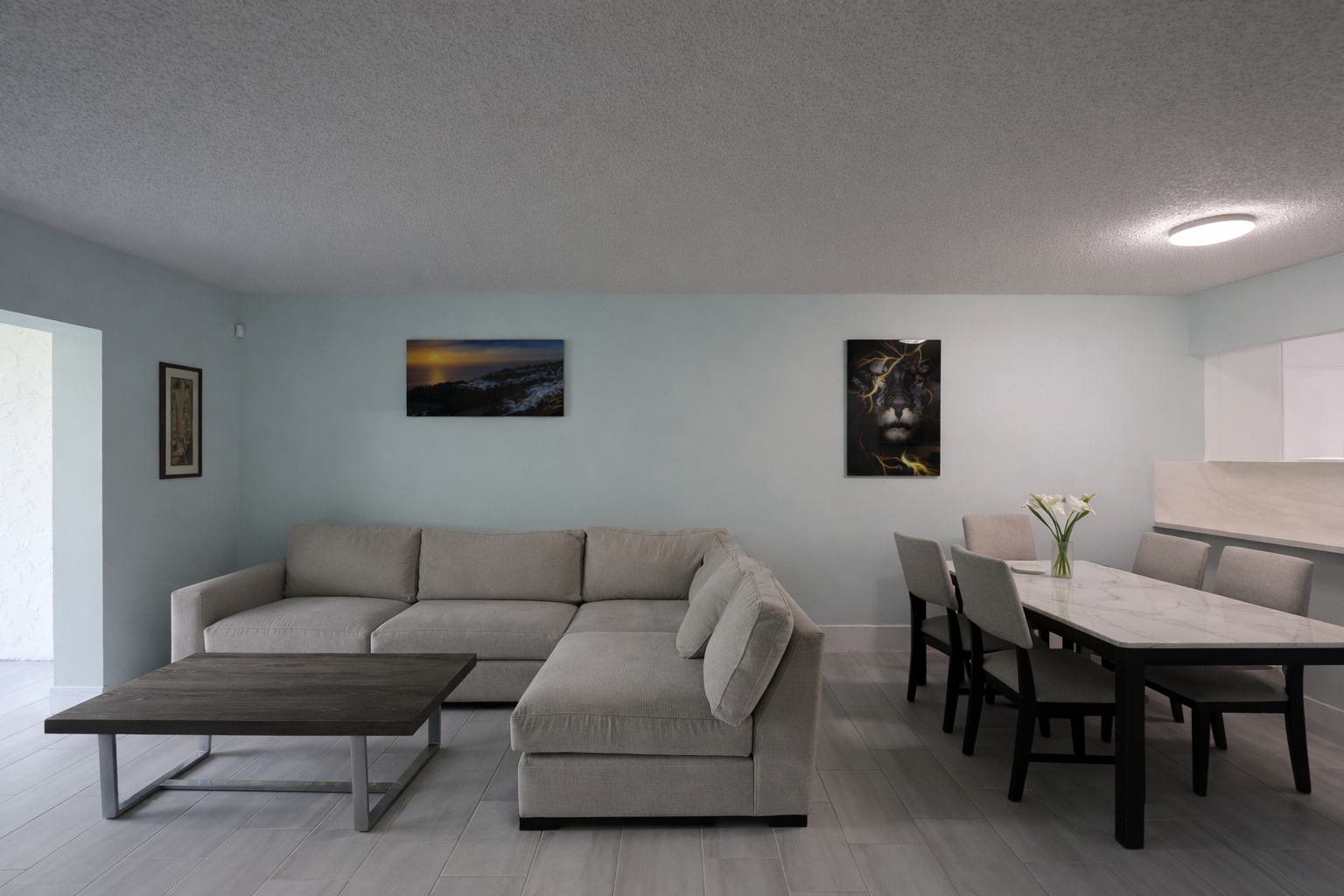
Enhancement proof
Use this before-and-after proof to show how AI can improve a real property photo for this exact workflow.
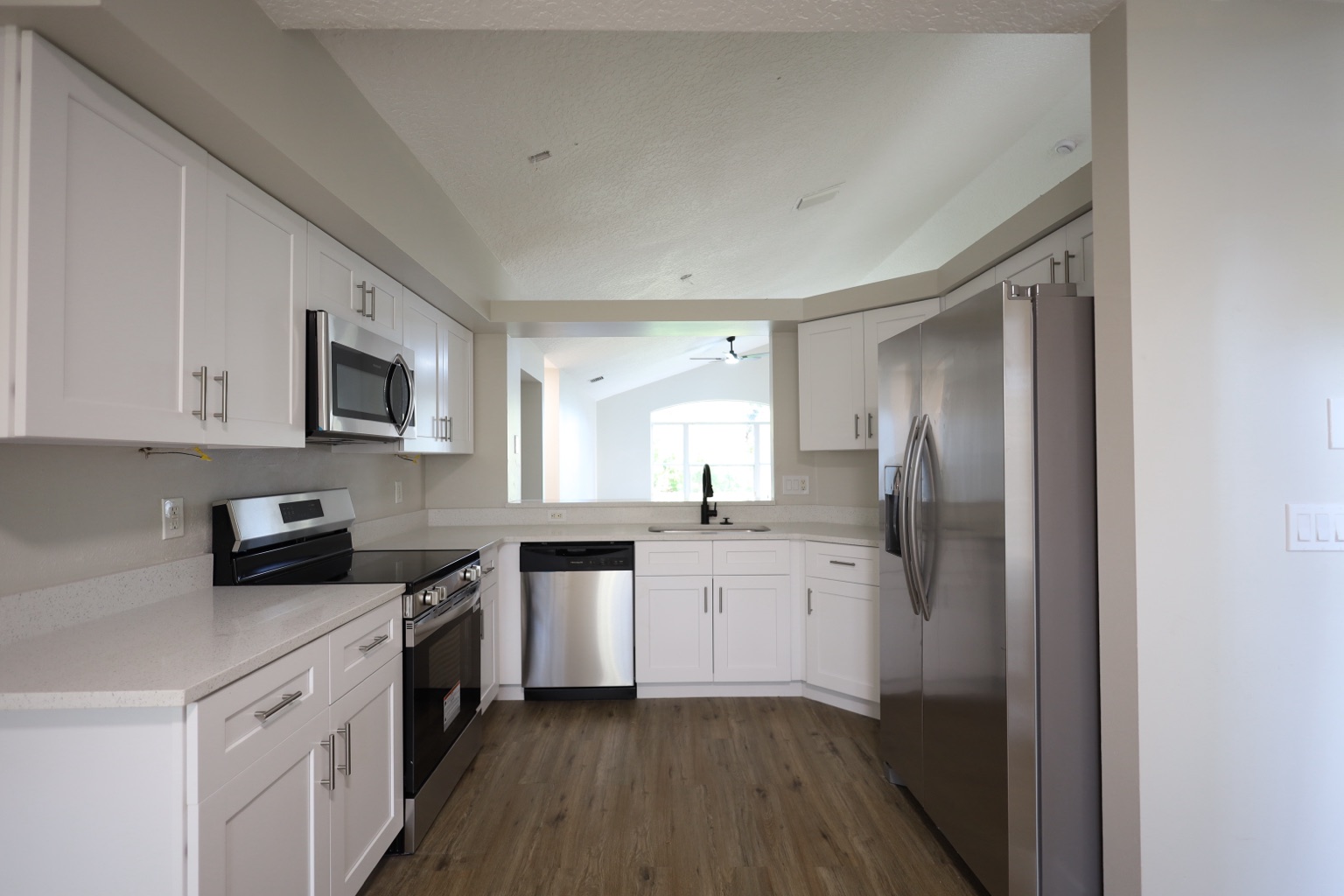
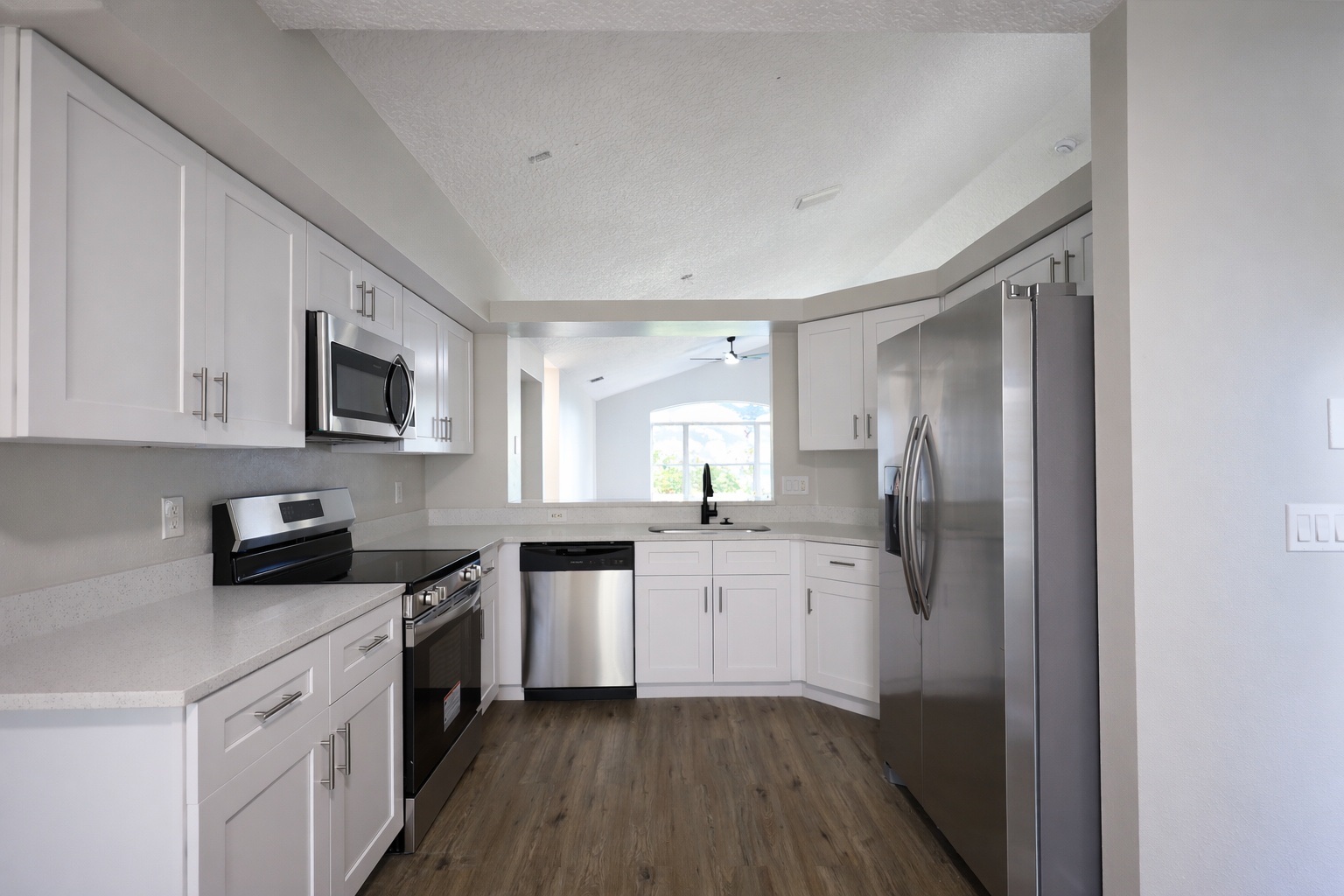
Generate listing-ready visuals in under a minute so you can publish and market faster.
Virtual staging, unfurnish, declutter, renovation, twilight, and enhancement in one workflow.
Designed for listing photos, client presentations, before/after communication, and social promotion.
Search coverage
ReelStaged keeps this page focused on practical property marketing intent instead of generic design inspiration.
ReelStaged includes virtual staging plus enhancement, declutter, unfurnish, twilight, and renovation preview workflows.
Often, yes. Listings may also need photo polish, cleanup, exterior twilight, or renovation concepts.
Yes. Photographers can use it to add staging and editing upsells to client deliveries.
Yes. Start free and test results before upgrading.
Comparison points
Use enhancement, declutter, unfurnish, twilight, and renovation previews when staging is not the right edit.
ReelStaged is built around agents, photographers, contractors, sellers, and property marketing.
Use before/after assets to sell the value of edits to clients or sellers.
Choose the right mode based on the room, not a one-size-fits-all staging workflow.
Best fit
Stage vacant rooms.
Clean up or enhance occupied photos.
Create twilight or renovation visuals for stronger marketing.
Fair comparison
If all you need is basic virtual staging, a staging-only app may work. ReelStaged is built for the broader set of visual problems that come up in real estate marketing.
Unique keyword lane
This page stays intentionally focused so it does not cannibalize nearby ReelStaged pages for virtual staging, real estate photo editing, enhancement, declutter, renovation previews, or audience-specific workflows.
Virtual Staging AI vs ReelStaged